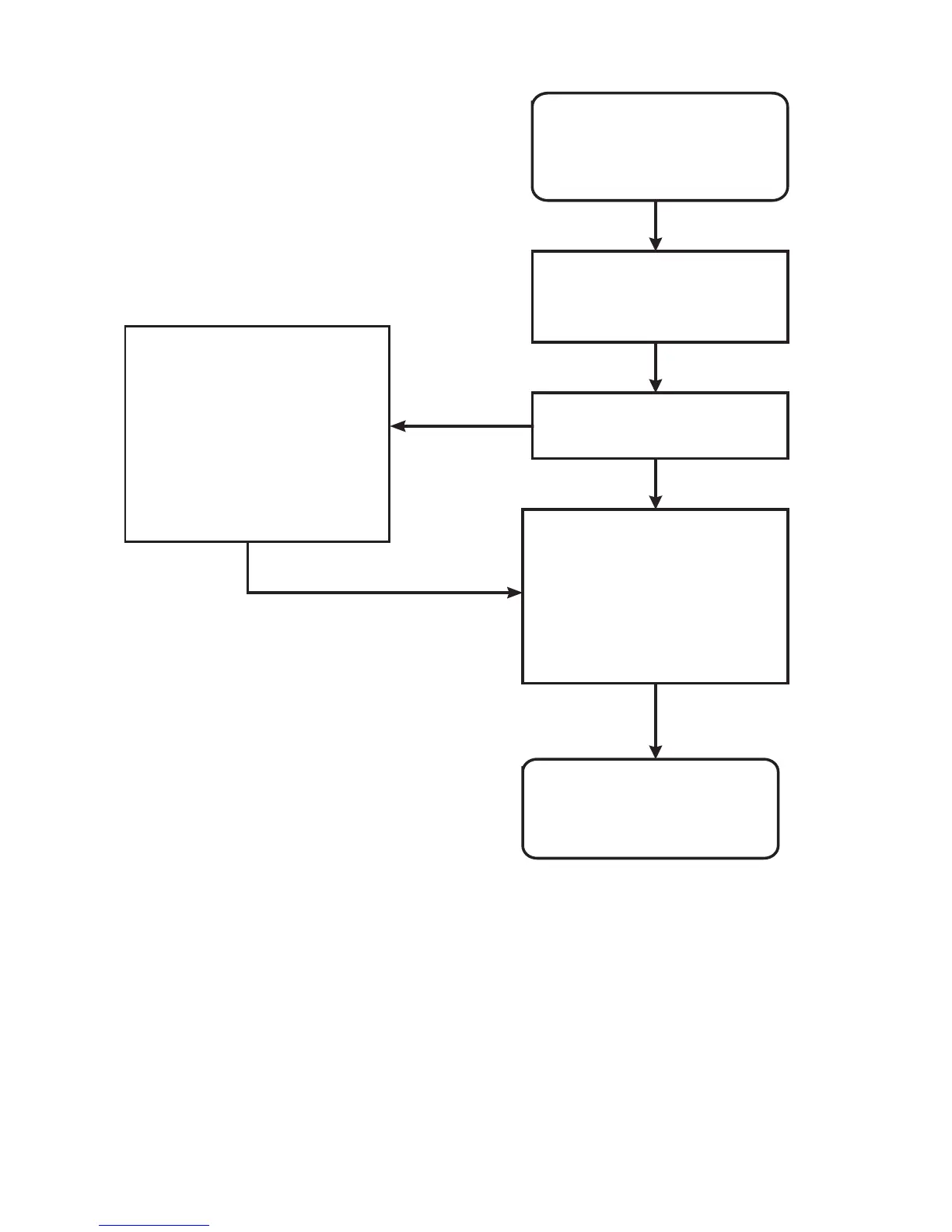
POINT 1
Make a visual inspection
for changes in ENCs
Added objects are marked
with orange circle symbols
Deleted objects are marked
with orange slash symbols
Modified objects are marked
with both orange circle and
slash symbols
During SENC conversion
the system sets Display
Until date for the current
system date
Do you want to see changes
before approving them?
Loaded ENCs are ready
for use
Yes
No
Approve loaded changes by
setting Approve Until to
current date
Open Date Dependent
Select All
Set Approve Until to current
date
How to load S57 charts into ECDIS (continued)



 To Next Page