8. Vector Chart Material
8-30
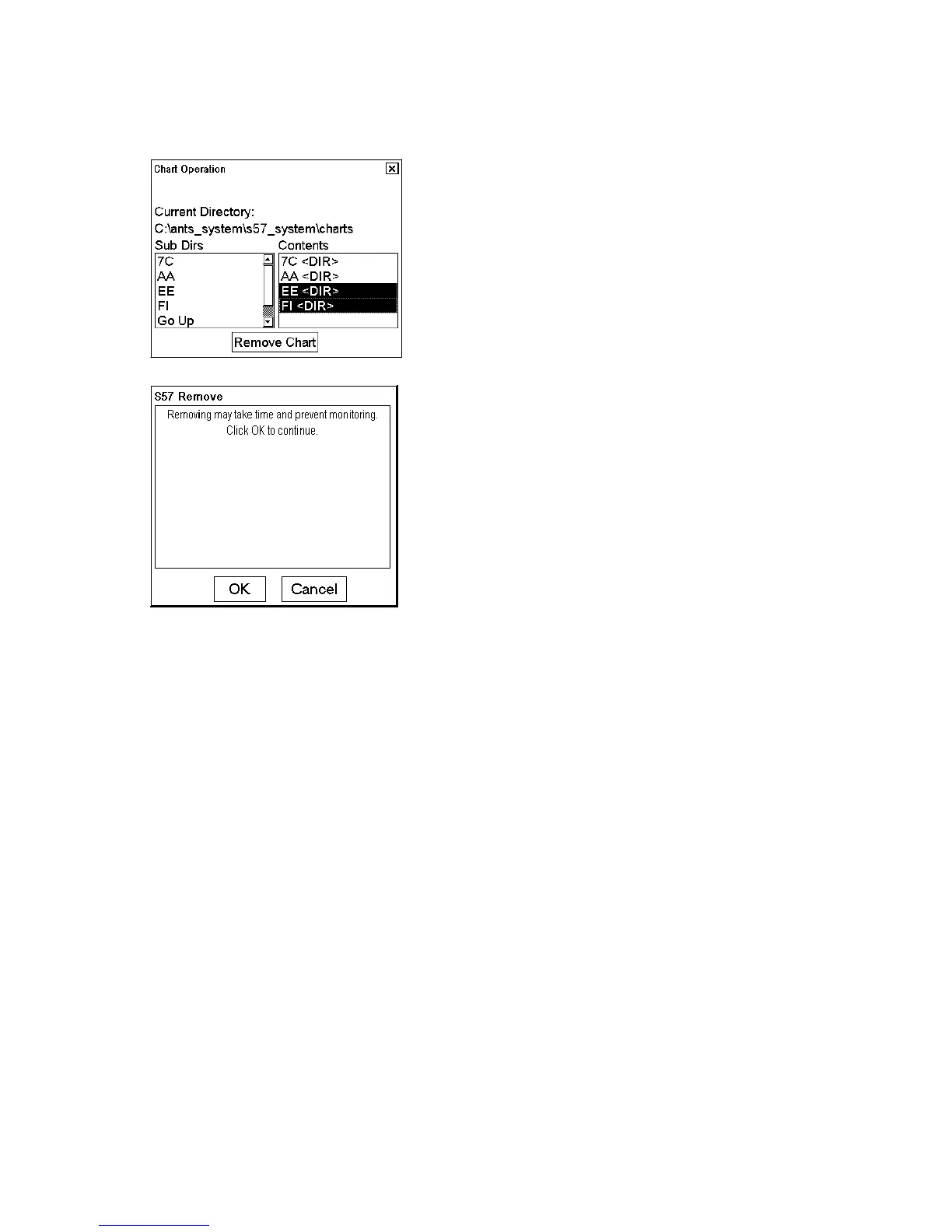
How to remove all chart cells from the system
1. Select Remove Charts from the Chart menu.
2. Select all directories in Contents list, except 7C<DIR> (background charts of system) and AA<DIR> ( ECDIS 1
charts).
3. Press the Remove Chart button. The following window appears.
4. Confirm removal by clicking the OK button. The system then removes file(s) from the hard disk.



 To Next Page