EasyManua.ls Logo

HP 262SA - Log Bottom Mode; Top Logging; Bottom Logging

HP 262SA
390 pages
Print Icon
To Next Page IconTo Next Page
To Previous Page IconTo Previous Page
Loading...
Peripheral Devices
Printer
Top Logging
~
First Line In
Workspace
Computer
Last
Line
In
/
Workspace
Figure
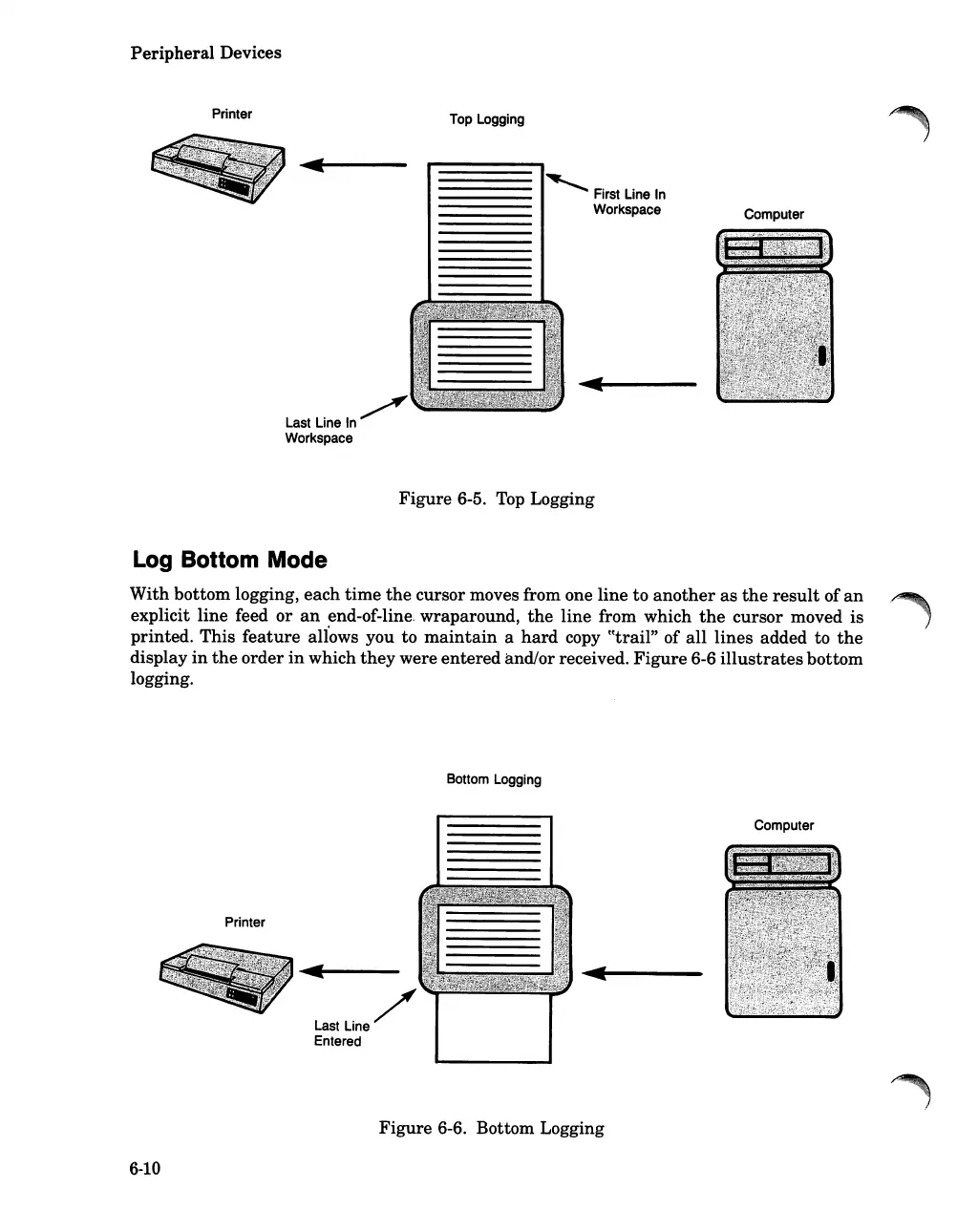
6-5. Top Logging
Log
Bottom Mode
With bottom logging, each
time
the
cursor moves from one line to
another
as
the
result
of
an
explicit line feed or
an
end-of-line. wraparound,
the
line from which
the
cursor moved is
printed. This
feature
aliows you to
maintain
a
hard
copy
~~trail"
of
all
lines added to
the
display
in
the
order
in
which
they
were entered and/or received.
Figure
6-6
illustrates
bottom
logging.
Bottom Logging
Printer
Last
Line/
Entered
Computer
Figure
6-6. Bottom Logging
6-10

Table of Contents

Related product manuals