Introduction
TERMINAL MODES
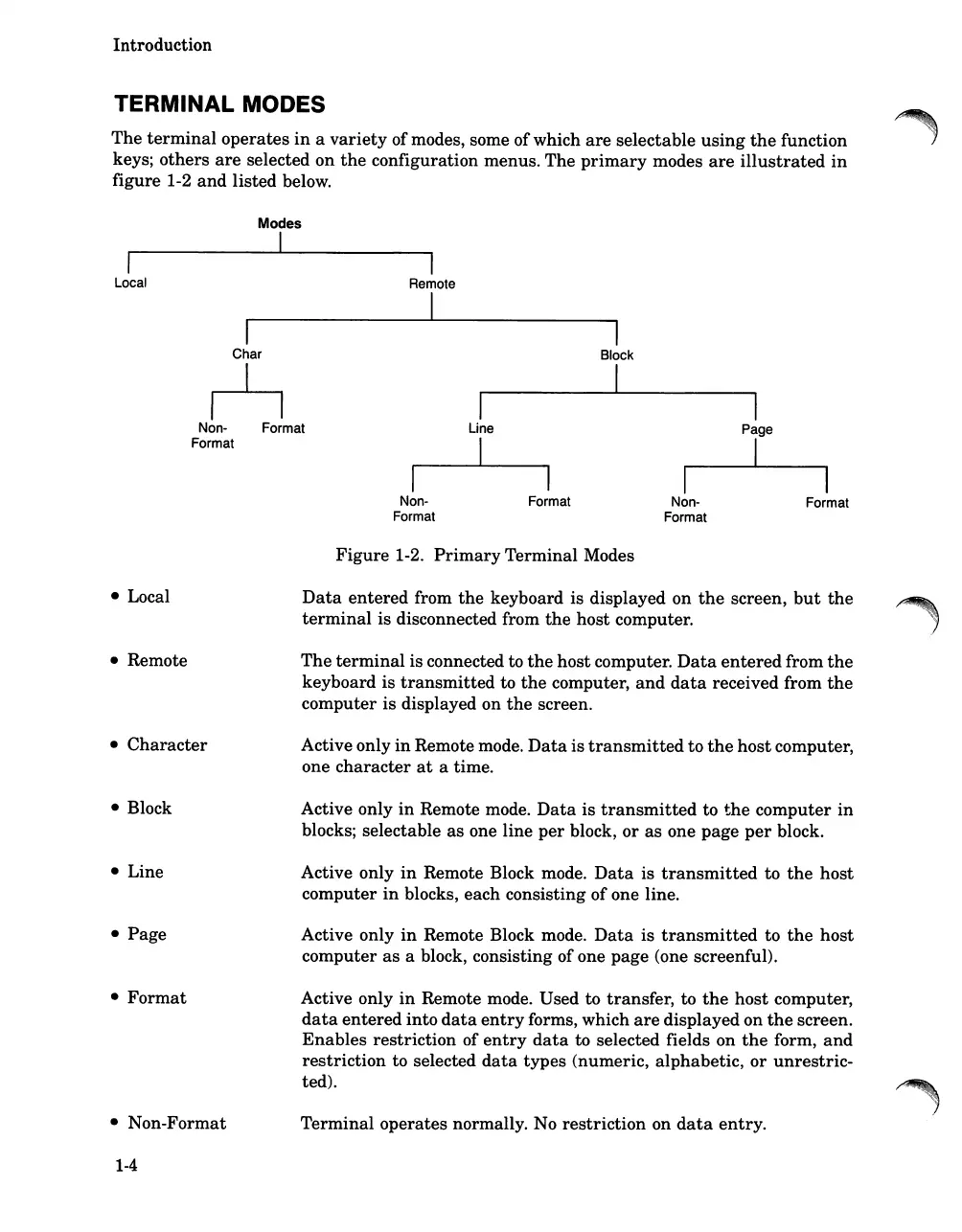
The
terminal
operates
in
a
variety
of modes, some of which
are
selectable
using
the
function
keys;
others
are
selected
on
the
configuration menus.
The
primary
modes
are
illustrated
in
figure 1-2
and
listed below.
I
Local
Modes
I
I
Char
h
Non- Format
Format
I
Remote
I
I
Non-
Format
I
Line
I
Format
I
Block
I
I
Non-
Format
I
Page
I
Format
• Local
• Remote
•
Character
• Block
• Line
•
Page
•
Format
• Non-Format
1-4
Figure
1-2.
Primary
Terminal Modes
Data
entered
from
the
keyboard is displayed on
the
screen,
but
the
terminal
is disconnected from
the
host computer.
The
terminal
is connected to
the
host computer.
Data
entered
from
the
keyboard is
transmitted
to
the
computer,
and
data
received from
the
computer is displayed on
the
screen.
Active only
in
Remote mode.
Data
is
transmitted
to
the
host
computer,
one
character
at
a time.
Active only
in
Remote mode.
Data
is
transmitted
to
the
computer
in
blocks; selectable
as
one line
per
block,
or
as
one page
per
block.
Active only
in
Remote Block mode.
Data
is
transmitted
to
the
host
computer
in
blocks, each consisting ofone line.
Active only
in
Remote Block mode.
Data
is
transmitted
to
the
host
computer
as
a block, consisting of one
page
(one screenful).
Active only
in
Remote mode. Used to transfer, to
the
host
computer,
data
entered
into
data
entry
forms, which
are
displayed on
the
screen.
Enables
restriction of
entry
data
to selected fields on
the
form,
and
restriction
to selected
data
types (numeric, alphabetic,
or
unrestric-
ted).
Terminal
operates normally. No
restriction
on
data
entry.













 To Next Page