Graphics
ASCII Formats
In
the
ASCII formats, coordinates
are
specified
with
ASCII
characters
°
through
9.
This
means
that
numeric
characters
generated
by a simple
print
statement
can
be used to specify X,Y
pairs.
The
first
value
is
used
as
the
X coordinate,
and
the
second
as
the
Y coordinate.
Spaces or commas
must
be used to delimit
the
X
and
Y values. Excess
delimiters
are
ignored.
Digits following a decimal
point
are
ignored
(Le.
123.456 is
read
as
123).
Exponential
notation
cannot
be used. Consequently,
the
values
must
be
in
integer
form.
The
number
ofbytes
necessaryto specify a single
end
pointdependson
the
magnitude
of
the
values.
ASCII ABSOLUTE FORMAT. The values used
in
the
ASCII absolute
format
can
range
between -16384
and
16383. Note
that
only points where X
is
the
range
°to 511
and
Y
is
the
range
°to 389 will be visible on
the
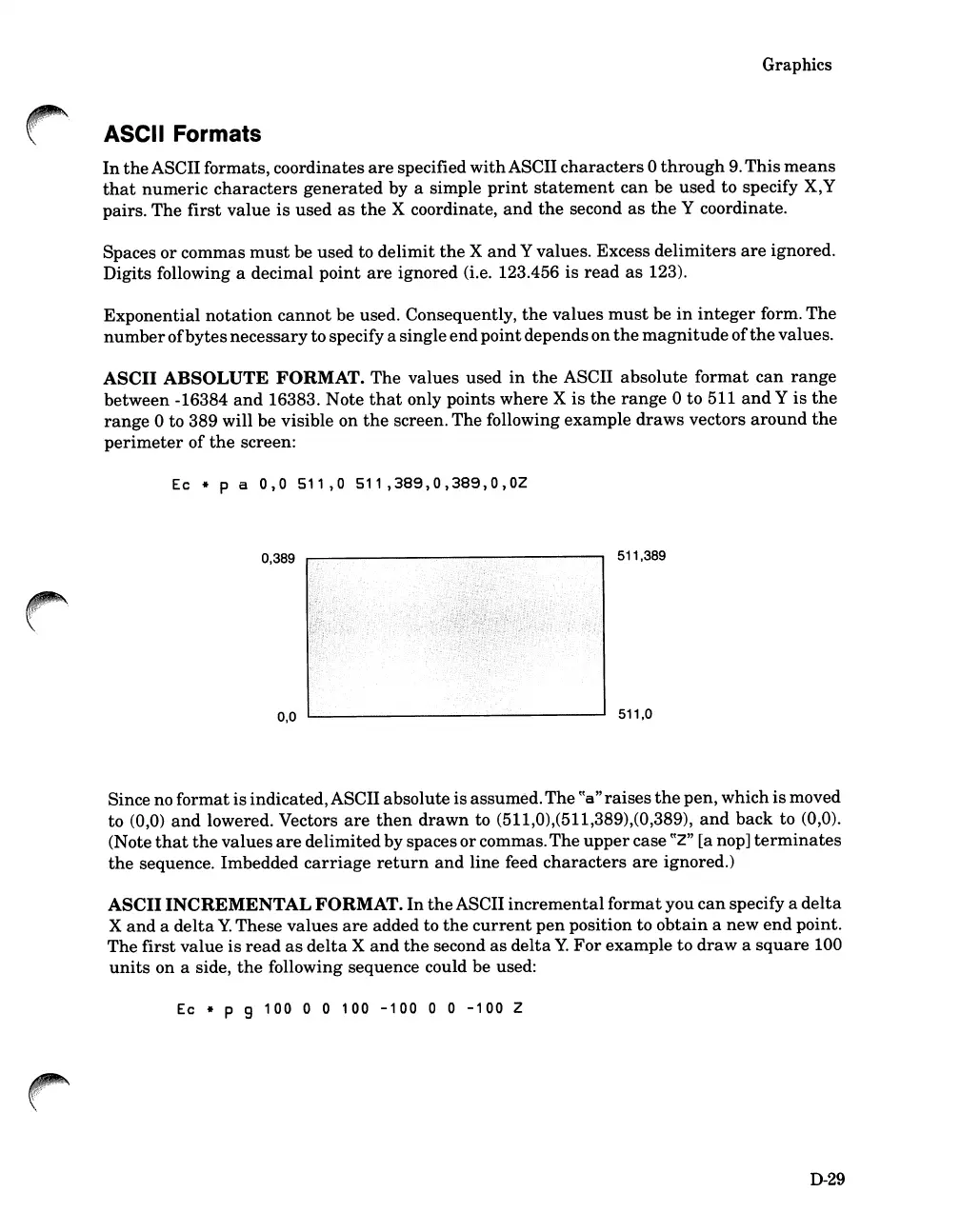
screen. The following example
draws
vectors
around
the
perimeter
of
the
screen:
Ec * p a
0,
0
51
1
,0
51
1
,389,
0 ,
389
, 0 ,
OZ
0,389
0,0
511,389
511,0
Since no format is indicated,ASCII absolute is assumed.The
~~a"raises
the
pen, which
is
moved
to (0,0)
and
lowered. Vectors
are
then
drawn
to (511,0),(511,389),(0,389),
and
back
to (0,0).
(Note
that
the
values
are
delimitedby spaces orcommas.
The
upper
case
~~Z"
[a nop]
terminates
the
sequence. Imbedded
carriage
return
and
line feed
characters
are
ignored.)
ASCII INCREMENTAL FORMAT.
In
the
ASCII
incremental
format
you
can
specify a
delta
X
and
a
delta
Y.
These values
are
added to
the
current
pen
position to
obtain
a new
end
point.
The
first
value
is
read
as
delta
X
and
the
second
as
delta
Y.
For
example to
draw
a
square
100
units
on a side,
the
following sequence could be used:
Ec * P 9
100
0 0
100
-100
0 0
-100
Z
D-29













 To Next Page