EasyManua.ls Logo

HP 262SA - Parameters

HP 262SA
390 pages
Print Icon
To Next Page IconTo Next Page
To Previous Page IconTo Previous Page
Loading...
Graphics
Parameters
Parameters
come from columns 2
and
3 of
the
ASCII
table
(SPACE
through
?). Most
parame-
ters
are
simply
the
ASCII
numeric
characters used to
represent
data
coordinates
or
to select
one ofseveral settings.
Binary
formatted
data
isgeneratedby appending
the
bits
0 1to five
bits
of
binary
data.
Note
that
in
binary
formats, spaces
are
treated
as
data
and
are
not
ignored or
used
as
delimiters. Both ASCII
and
binary
data
formats
are
described
later
in
this
section.
Parameters
precede
their
associated commands (postfix notation). The most frequently used
parameters
are
vector
data.
Refer to
the
discussion ofVectors for additional information on
parameters
used to define vector operations.
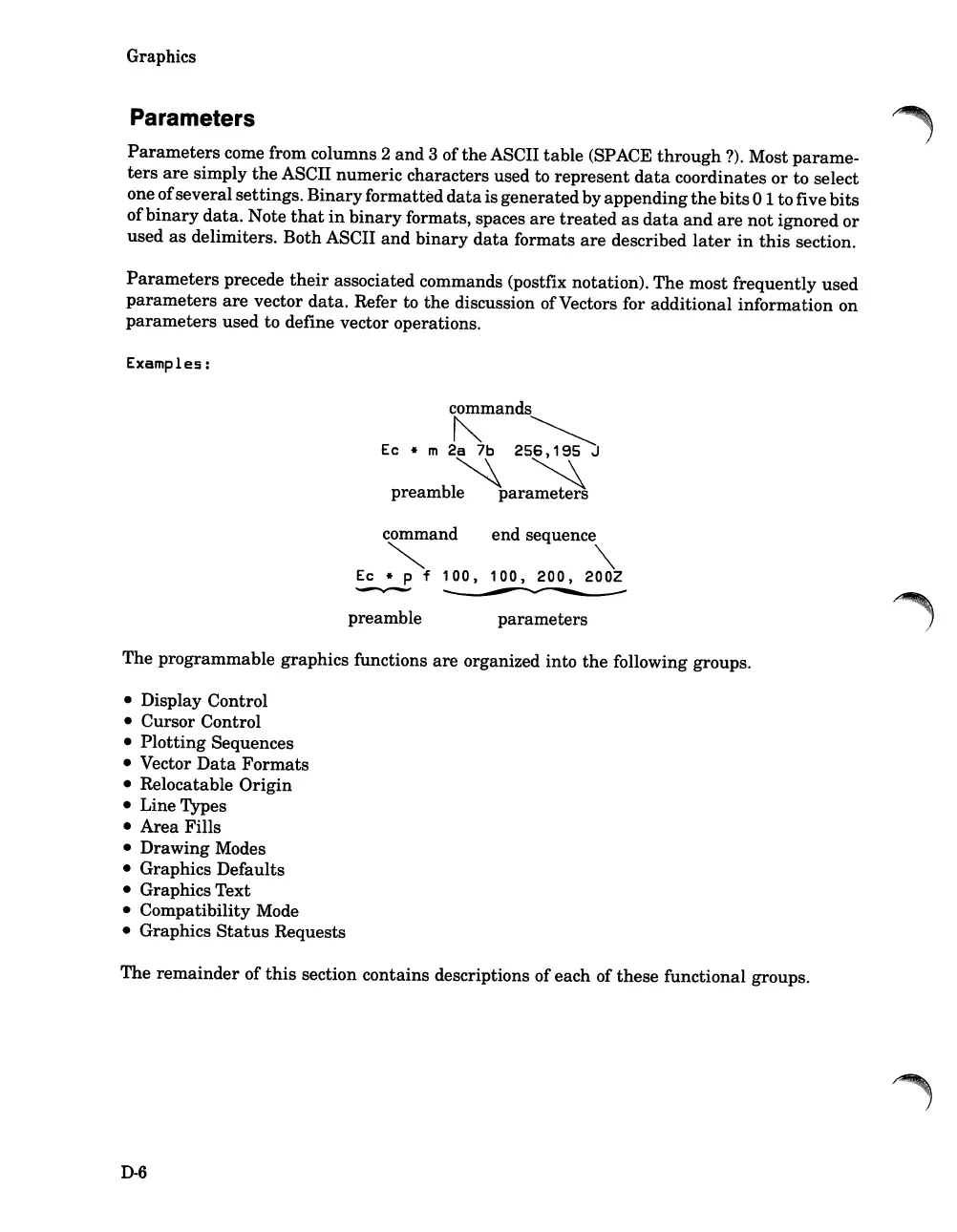
Examples:
commands
""
~
Ec * m
2a
7b
256,195
J
~~
preamble
parameters
command end sequence
~
""
Ec * P f
100,
100,
200,
200Z
~~
preamble
parameters
The programmable graphics functions
are
organized into
the
following groups.
Display Control
Cursor Control
Plotting
Sequences
Vector
Data
Formats
Relocatable
Origin
Line Types
Area
Fills
Drawing Modes
Graphics Defaults
Graphics Text
Compatibility Mode
Graphics
Status
Requests
The
remainder
of
this
section contains descriptions ofeach of
these
functional groups.
D-6

Table of Contents

Related product manuals