Graphics
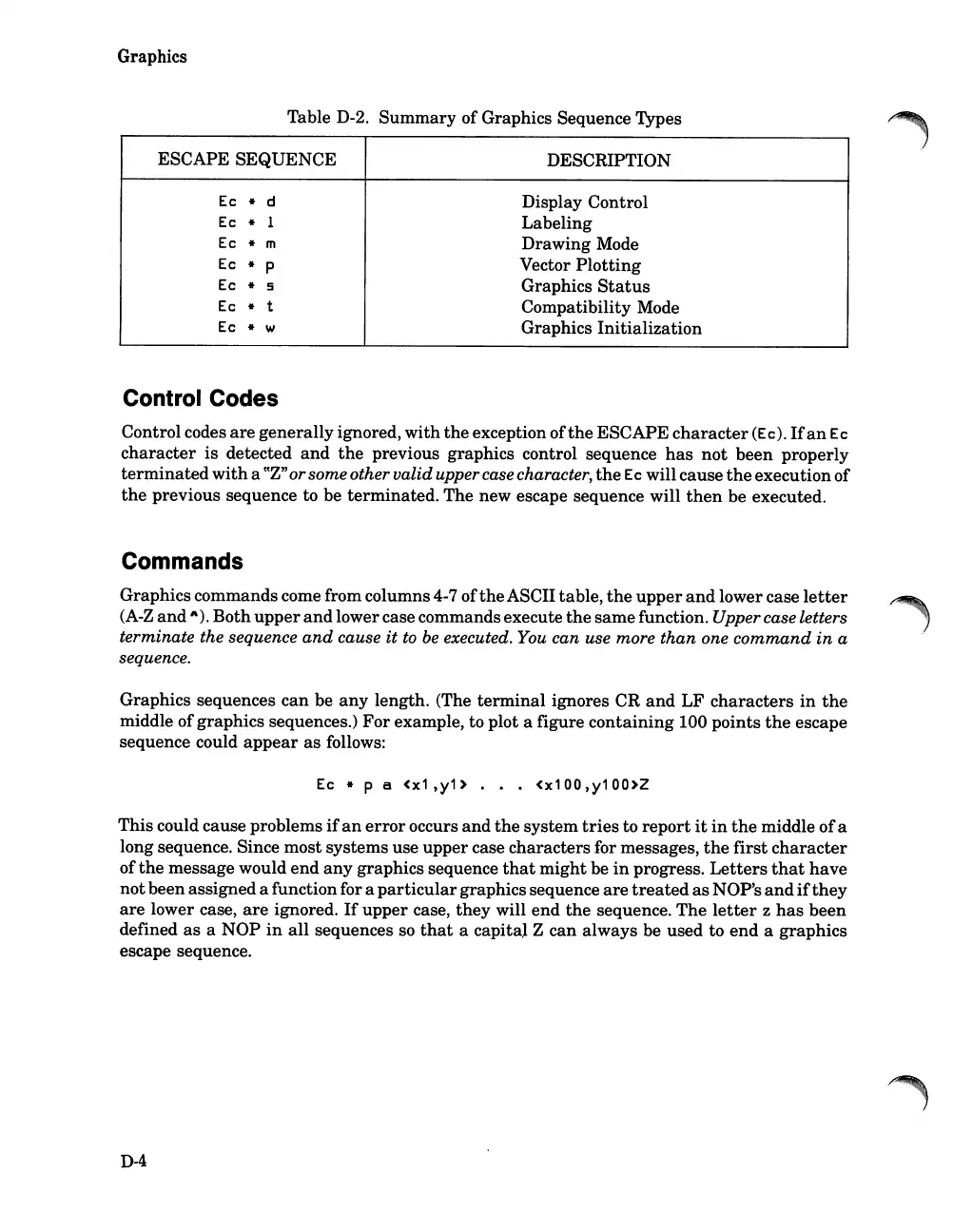
Table D-2.
Summary
of Graphics Sequence Types
ESCAPE SEQUENCE
DESCRIPTION
Ec
* d
Display Control
Ec
*
1
Labeling
Ec
* m
Drawing Mode
Ec
* p
Vector
Plotting
Ec
* 5
Graphics
Status
Ec
*
t
Compatibility Mode
Ec
*
'II
Graphics Initialization
Control Codes
Control codes
are
generally ignored,
with
the
exception of
the
ESCAPE
character
(Ec).
Ifan
Ec
character
is
detected
and
the
previous graphics control sequence
has
not
been properly
terminated
with
a
CCZ"
orsomeother validuppercase character,
the
Ec
will cause
the
executionof
the
previous sequence to be terminated. The new escape sequence will
then
be executed.
Commands
Graphics commands come from columns 4-7 of
the
ASCII table,
the
upper
and
lower case
letter
(A-Z
and
A).
Both
upper
and
lowercase commandsexecute
the
samefunction. Upper case letters
terminate the sequence
and
cause
it
to
be
executed. You can use more than one
command
in
a
sequence.
Graphics sequences can be
any
length. (The
terminal
ignores CR
and
LF
characters
in
the
middle ofgraphics sequences.)
For
example, to plot a figure containing 100 points
the
escape
sequence could
appear
as
follows:
Ec
* p a
(x1,y1>
...
(x100,y100>Z
This could cause problems
if
an
error
occurs
and
the
system
tries
to
report
it
in
the
middle ofa
long sequence. Since most systems use upper case characters for messages,
the
first
character
of
the
message would
end
any
graphics sequence
that
might
be
in
progress.
Letters
that
have
notbeen assigneda functionfor a
particular
graphics sequence
are
treated
as
NOP's
and
if
they
are
lower case,
are
ignored.
If
upper case, they will
end
the
sequence.
The
letter
z
has
been
defined
as
a NOP
in
all
sequences
so
that
a capital Z can always be used to
end
a graphics
escape sequence.
D-4













 To Next Page