EasyManua.ls Logo

HP 262SA - Terminal Maintenance; Introduction; Malfunction at Power on; Initial HP Screen Display

HP 262SA
390 pages
Print Icon
To Next Page IconTo Next Page
To Previous Page IconTo Previous Page
Loading...
Terminal
Maintenance
INTRODUCTION
This
section provides
terminal
maintenance
information,
including
the
following:
What
to do
if
the
terminal
malfunctions
at
power-on time.
Troubleshooting procedures
when
the
terminal
malfunctions
during
operation
.
Adjustments
for optimizing
the
display.
Preventive
maintenance
procedures.
MALFUNCTION
AT
POWER ON
11
When you power
the
terminal
on,
the
terminal
performs a power-on
test.
The
test
can
last
as
long
as
55 seconds.
After
successful completion of
the
test,
the
terminal
((beeps"
and
displays
the
initial
screen image.
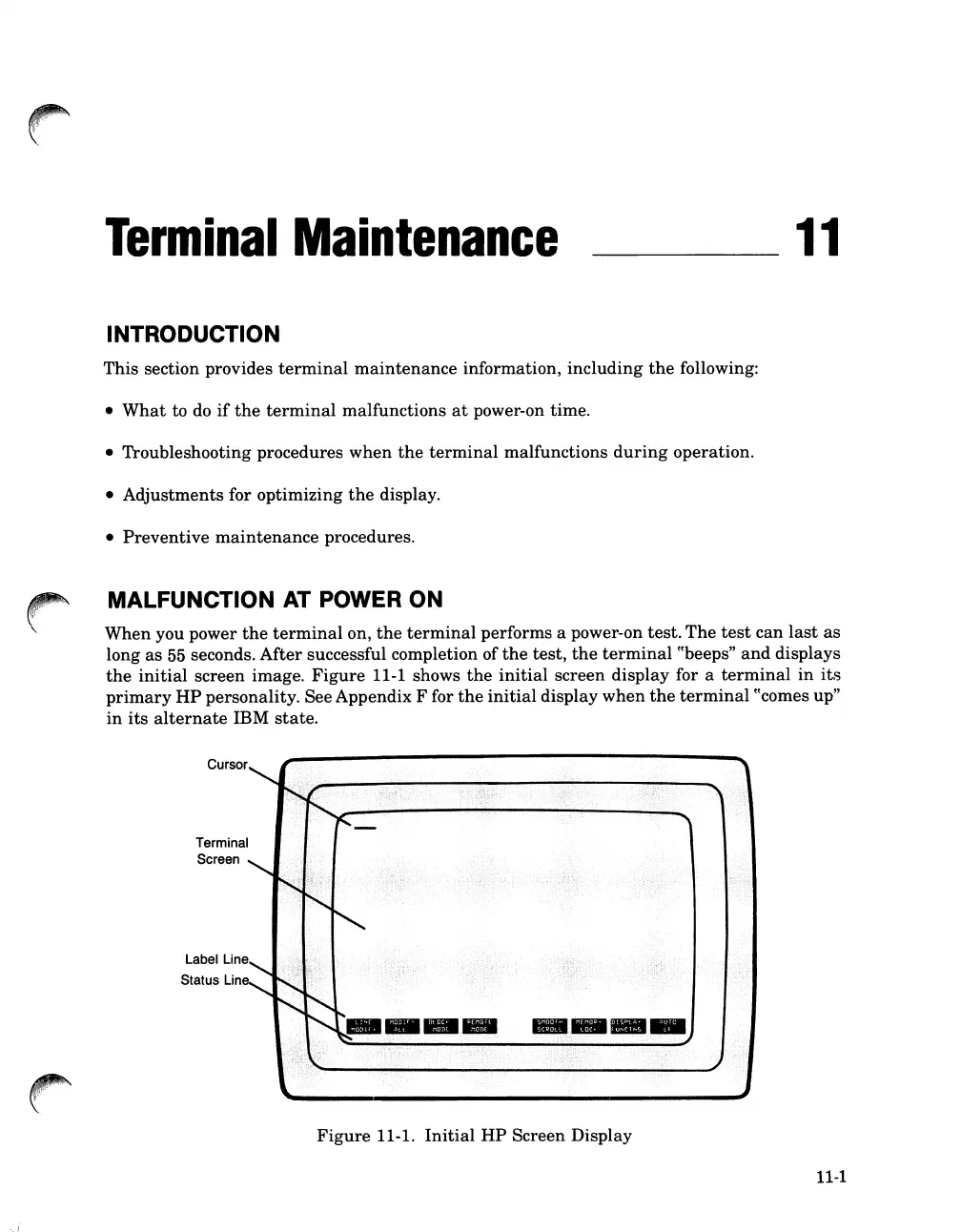
Figure
11-1 shows
the
initial
screen
display
for a
terminal
in
its
primary
HP
personality. See Appendix F for
the
initial
display
when
the
terminal
((comes up"
in
its
alternate
IBM
state.
Cursor
Terminal
Screen
Label Line
Status Line
·.i
Figure
11-1.
Initial
HP
Screen Display
11-1

Table of Contents

Related product manuals