EasyManua.ls Logo

HP 262SA - Copy the Entire Active Workspace; Computer to Printer Data Transfers; Binary Data Transfer

HP 262SA
390 pages
Print Icon
To Next Page IconTo Next Page
To Previous Page IconTo Previous Page
Loading...
Peripheral
Devices
Copy The Entire Active Workspace
When
the
printer
is
selected
as
a
destination
device, you
can
copy
the
entire
content
of
the
active workspace to
the
printer
by ((homing up"
the
cursor
and
selecting
the
COpy
ALL
key.
Block
terminators
are
ignored.
From
a
program
executing
in
a
host
computer, you
copy,-
the
entire
workspace
using
the
following escape sequence:
EcO
The
entire
workspace,
not
just
that
portion
which
appears
on
the
screen,
is
copied from
the
display to
the
printer.
Block
terminators
are
ignored.
COMPUTER TO PRINTER
DATA
TRANSFERS
With
the
printer
selected
as
a
destination
device, you
can
copy
up
to
256
characters
of
a
data
string
from
the
computer
to
the
printer.
The
data
can
be
sent
in
either
binary
or
ASCII form,
depending
on
the
escape
sequence
used.
Binary Data Transfer
If
data
is
to
be
transmitted
to a
printer
(or
other
external
device)
in
binary
form,
the
device
f"i'
must
be
of
a
type
which
accepts
binary
data.
Also,
the
ENQIACK form
of
handshaking
must
be
used.
This
means
that
the
computer
program
which
initiates
the
data
transfer
must
transmit
an
ENQ
((5"
in
ASCII
decimal
code)
immediately
before
transmitting
the
data.
The
following escape
sequence
is
used
to
initiate
transfer
of a
string
of
binary
data:
Ec
&p
<x>W
This
sequence
transfers
the
first
((x"
bytes
of
the
data
string,
in
binary
form,
to
the
printer.
The
maximum
value
for
((x"
is
256.
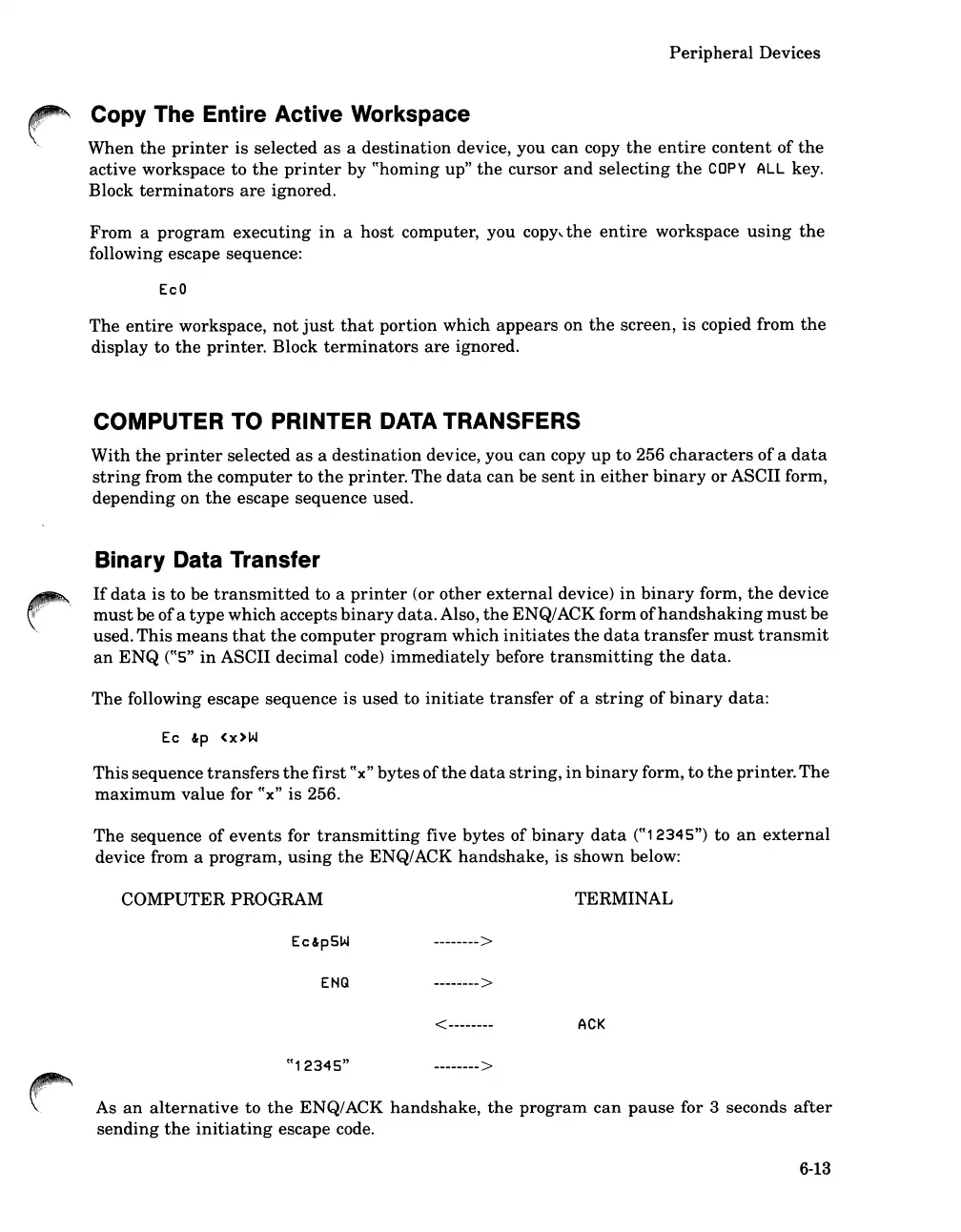
The
sequence
of
events
for
transmitting
five
bytes
of
binary
data
((12345")
to
an
external
device from a
program,
using
the
ENQ/ACK
handshake,
is
shown
below:
COMPUTER
PROGRAM
Ec&p5W
ENG
-------->
-------->
<--------
-------->
TERMINAL
ACK
As
an
alternative
to
the
ENQ/ACK
handshake,
the
program
can
pause
for 3 seconds
after
sending
the
initiating
escape code.
6-13

Table of Contents

Related product manuals