EasyManua.ls Logo

HP 262SA - Keyboard Data Entry; Keyboard Controls; Enable;Disable Keyboard

HP 262SA
390 pages
Print Icon
To Next Page IconTo Next Page
To Previous Page IconTo Previous Page
Loading...
Terminal Control
Locate
the
cursor
under
the
type field for _
and
press
the
NEXT
CHO
ICE
function key
until
an
ttL"
appears
in
the
field. This indicates
the
character
string
is
for use
at
the
terminal
only.
Move
the
cursor to
the
label line
and
type
in
your choice of
label
for
the
function key.
Move
the
cursor to
the
left
margin
of
the
character
string
field.
Press
the
DISPLAY
FUNCTNS
function key to produce
an
asterisk
in
the
DI
SPLAY
FUNCTNS
label.
Type
t~CME
Co. a 1000
Star
Rt.a
New York, NY
a".
Press
the
DISPLAY
FUNCTNS
function key to remove
the
asterisk
from
the
label. (This
turns
off Display Functions mode.)
Press
the.
key,
then
press
the
AUTO
LF function key to add
an
asterisk
to
the
label. (This
turns
on Auto LF mode.)
Press
the
&II key, note
that
your label
has
replaced
the
un"
label.
Press
the
function key
with
your label on it.
The
data
you typed into
the
function line
on
the
User
Keys
menu
should
appear
on
the
screen. Note
that
because
AUTO
LF is selected, a line feed is added following
each
a
when
the
func-
tion
key is pressed
in
Use mode.
LEAVING
USER
KEY MODE.
To
leave
User
Key mode
and
display
the
User
Keys
set
of
labels, simply press
the
&II key.
KEYBOARD
DATA
ENTRY
Data
can
be
sent
to
the
computer from
the
keyboard
with
the.
key
or
by
typing
in
the
escape sequence Ec d. Refer to Section 9 for
further
information.
KEYBOARD CONTROLS
Enable/Disable Keyboard
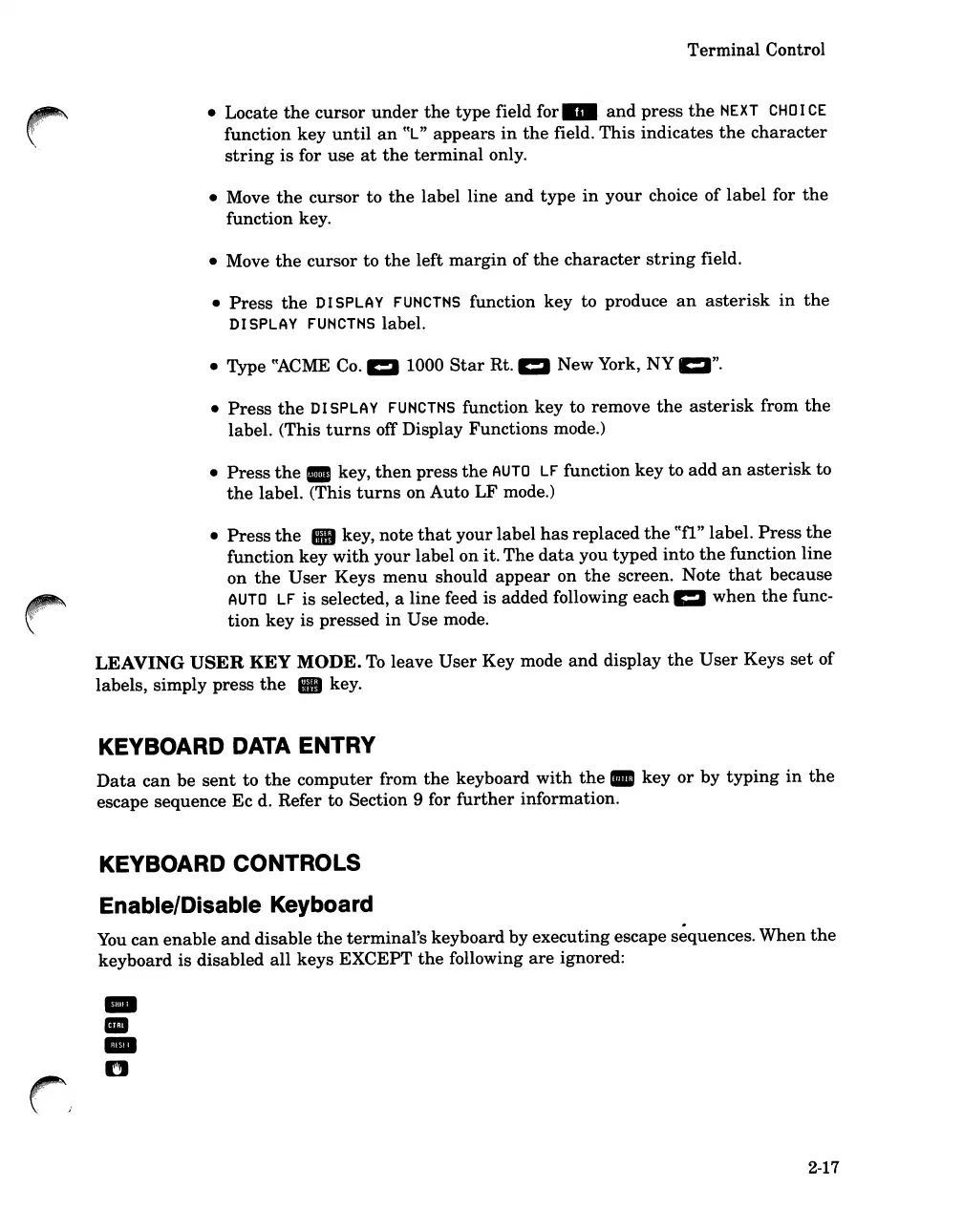
You
can
enable
and
disable
the
terminal's keyboard by executing escape
s~quences.
When
the
keyboard is disabled
all
keys EXCEPT
the
following
are
ignored:
-
III
-
n
2-17

Table of Contents

Related product manuals