EasyManua.ls Logo

HP 262SA - Display Adjustments; Battery Replacement

HP 262SA
390 pages
Print Icon
To Next Page IconTo Next Page
To Previous Page IconTo Previous Page
Loading...
Terminal
Maintenance
l",,~_
..
__
._~
..
"'_r<:C
"*-,u
CHI
r""
Hu""""'l0
1tNl--.a1O._MldTV
,_OO-_lll'1Jlof~
.......
~_,,1ohiyfO
_~
..
Ietf"Cf'O:'et(l
-~~,.
"'_IO'~_""'_
~te:.U.'V
10
~9'"''
,.,.
---
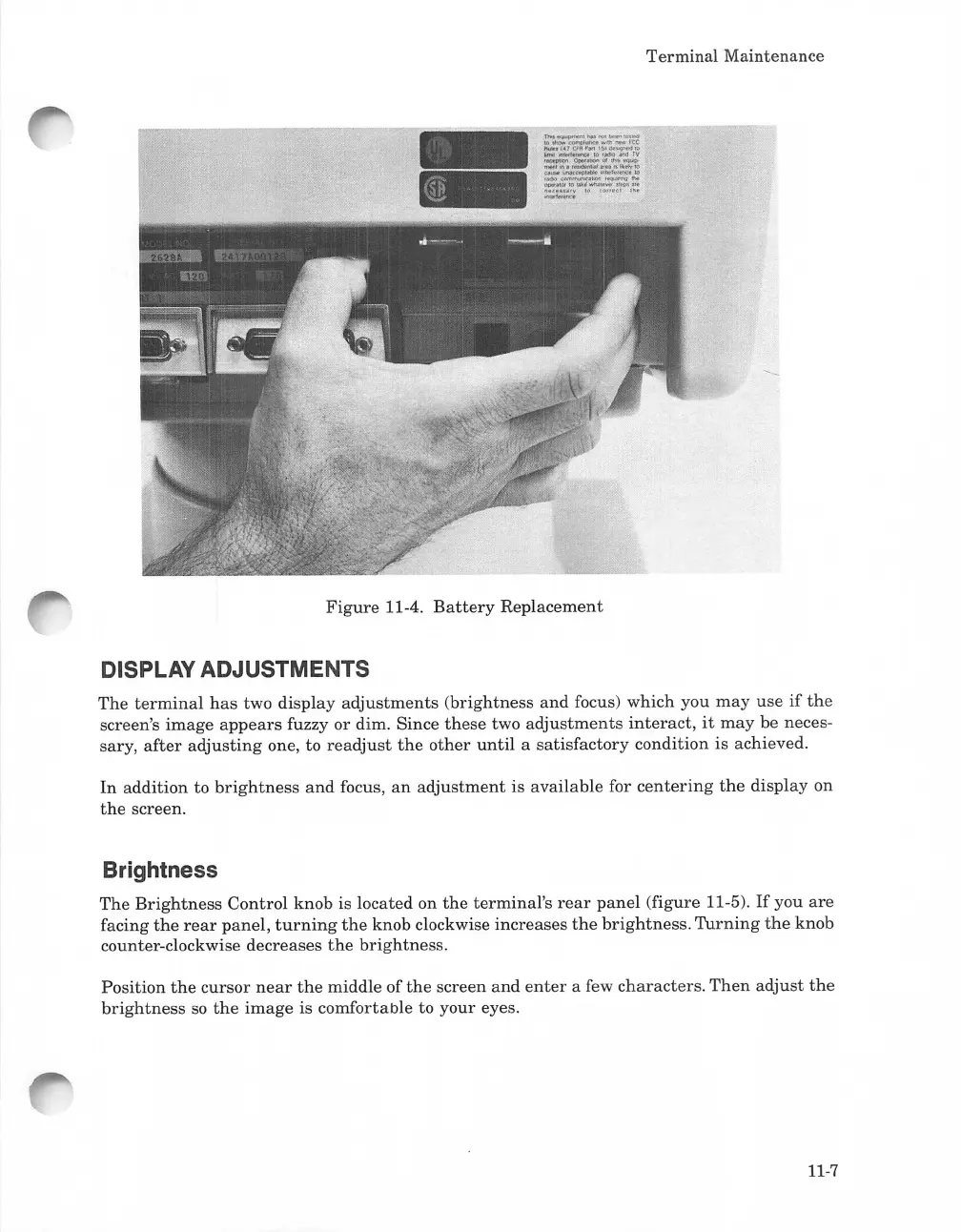
Figure
11-4.
Battery
Replacement
DISPLAY ADJUSTMENTS
The
terminal
has
two display
adjustments
(brightness
and
focus) which you
may
use
if
the
screen's
image
appears
fuzzy
or
dim. Since
these
two
adjustments
interact,
it
may
be neces-
sary,
after
adjusting
one,
to
readjust
the
other
until
a
satisfactory
condition is achieved.
In
addition to
brightness
and
focus,
an
adjustment
is
available
for
centering
the
display
on
the
screen.
Brightness
The
Brightness
Control knob is located on
the
terminal's
rear
panel
(figure 11-5).
If
you
are
facing
the
rear
panel,
turning
the
knob clockwise
increases
the
brightness.
Turning
the
knob
counter-clockwise decreases
the
brightness.
Position
the
cursor
near
the
middle of
the
screen
and
enter
a few
characters.
Then
adjust
the
brightness
so
the
image
is comfortable to
your
eyes.
11-7

Table of Contents

Related product manuals