Display Control
This key
is
disabled
when
a configuration
menu
or
the
User
Key
menu
is displayed.
If
the
• key is pressed
in
Memory Lock mode, any
text
preceding
the
locked
text
will be scrolled
down, a line
at
a time,
and
inserted between
the
locked
text
and
the
first
line following
the
locked text.
To
perform
this
function programmatically, use
the
following escape sequence:
Ec T
Next Page/Previous Page
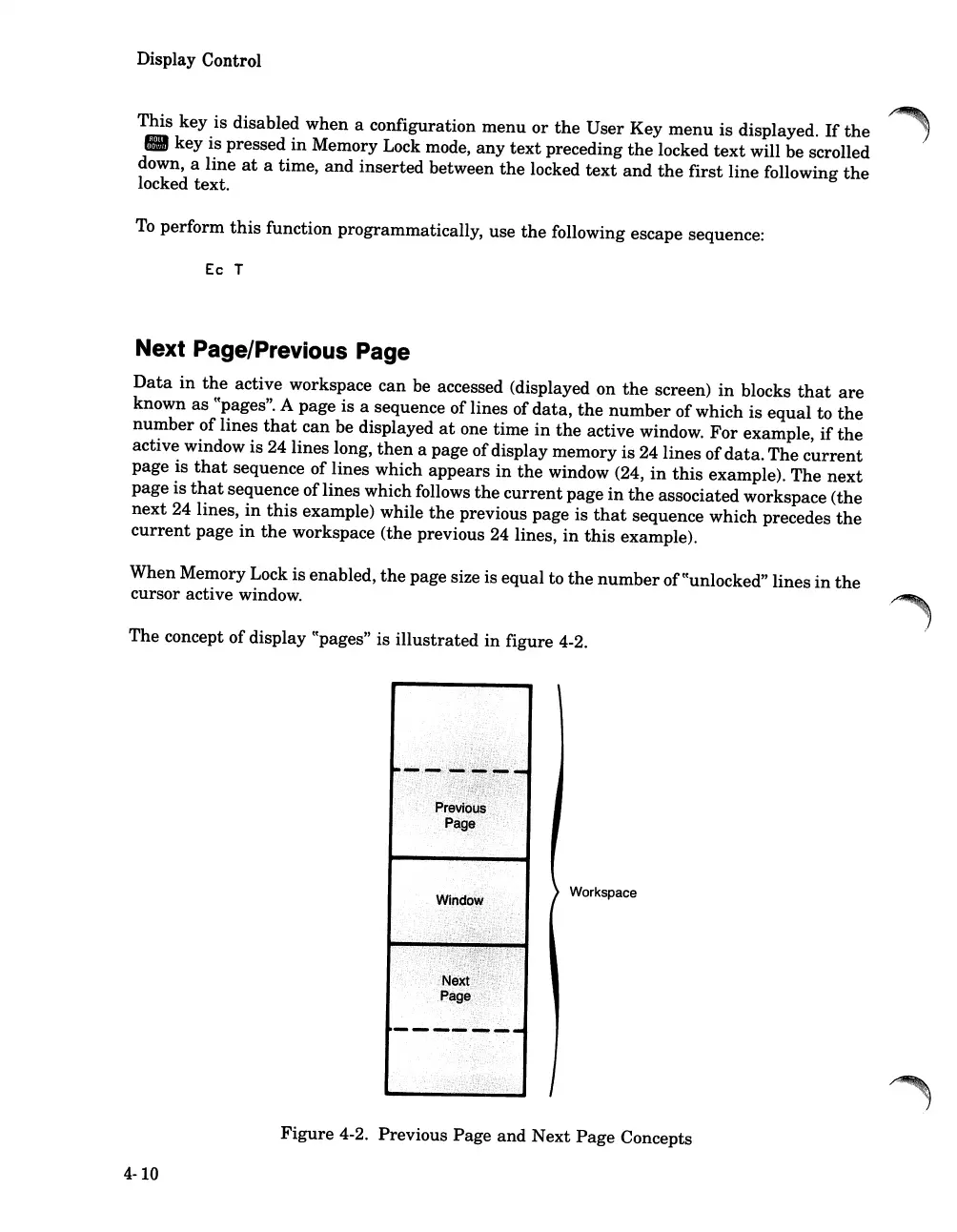
Data
in
the
active workspace can be accessed (displayed on
the
screen)
in
blocks
that
are
known
as
CCpages".
A page is a sequence of lines of
data,
the
number
ofwhich is
equal
to
the
number
of lines
that
can be displayed
at
one time
in
the
active window.
For
example,
if
the
active window is 24 lines long,
then
a page ofdisplay memory is 24 lines of
data.
The
current
page is
that
sequence of lines which appears
in
the
window (24,
in
this
example). The
next
page is
that
sequence oflines which follows
the
current
page
in
the
associated workspace (the
next
24 lines,
in
this
example) while
the
previous page is
that
sequence which precedes
the
current
page
in
the
workspace (the previous 24 lines,
in
this
example).
When Memory Lock is enabled,
the
page size is equal to
the
number
ofccunlocked" lines
in
the
cursor active window.
The concept of display
CCpages"
is
illustrated
in
figure 4-2.
Workspace
Figure
4-2. Previous Page and Next
Page
Concepts
4-10













 To Next Page