Graphics
GRAPHICS DISPLAY CONTROL
Graphics display control
is
made
up
of
the
functions used to control
the
graphics cursor,
the
portion
of
the
graphics memory
that
is
currently
being displayed,
or
the
state
of
the
graphics
memory. These functions
are
as
follows:
• Graphics
Cursor
Control
• Graphics Memory Control
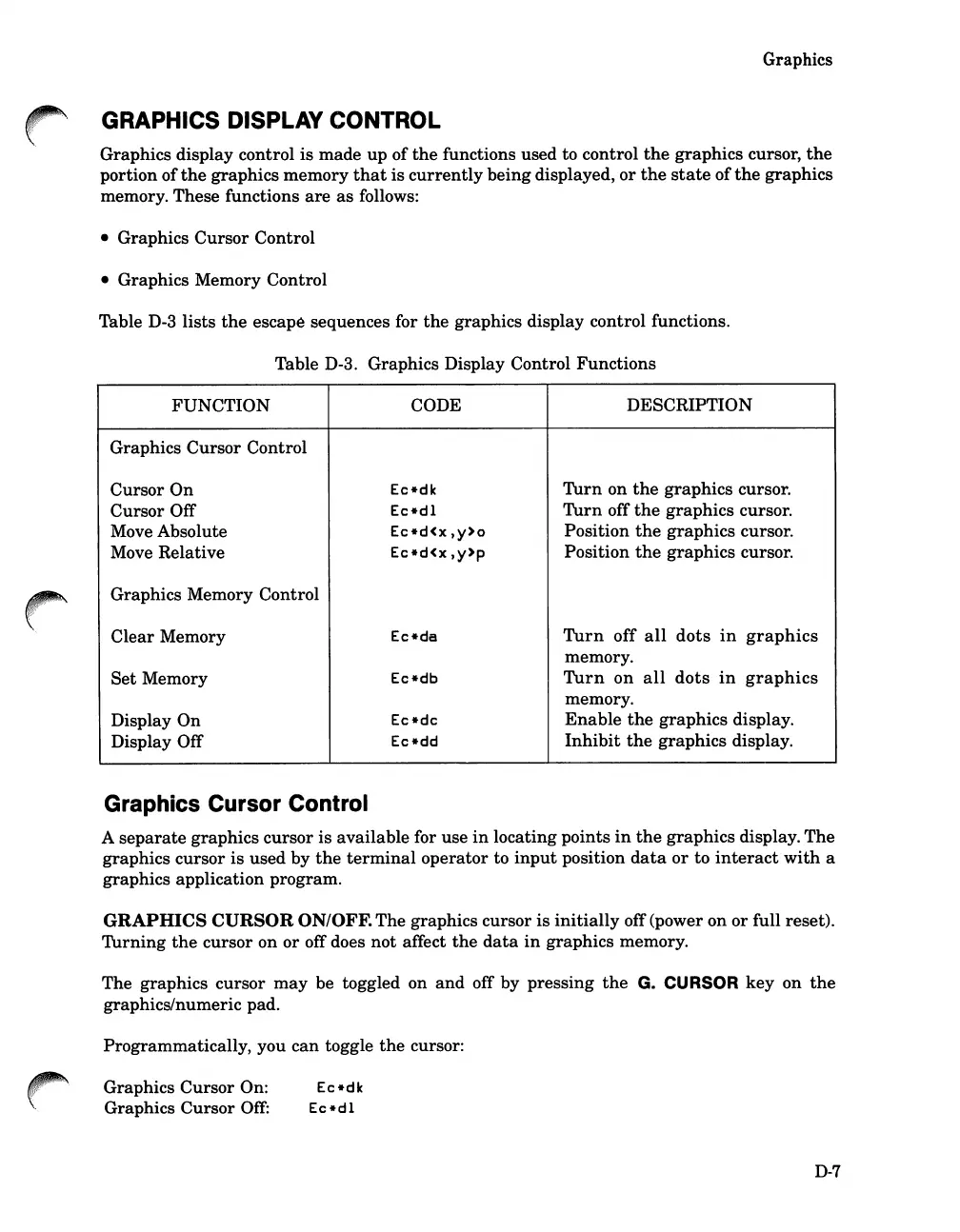
Table D-3
lists
the
escape sequences for
the
graphics display control functions.
Table D-3. Graphics Display Control
Functions
FUNCTION
CODE DESCRIPTION
Graphics
Cursor
Control
Cursor
On
Ec*dk
Turn
on
the
graphics
cursor.
Cursor
Off
Ec*dl
Turn
off
the
graphics cursor.
Move Absolute
Ec*d<x,y>Q
Position
the
graphics cursor.
Move Relative
Ec*d<x,y>p
Position
the
graphics cursor.
Graphics Memory Control
Clear
Memory Ec*da
Turn
off
all
dots
in
graphics
memory.
Set
Memory Ec*db
Turn
on
all
dots
in
graphics
memory.
Display
On
Ec*dc
Enable
the
graphics
display.
Display Off
Ec*dd
Inhibit
the
graphics display.
Graphics Cursor Control
A
separate
graphics cursor is available for use
in
locating points
in
the
graphics display.
The
graphics cursor is used by
the
terminal
operator
to
input
position
data
or
to
interact
with
a
graphics application program.
GRAPHICS
CURSOR
ON/OFF. The graphics cursor
is
initially
off (power on
or
full reset).
Turning
the
cursor on or off does
not
affect
the
data
in
graphics memory.
The graphics cursor
may
be toggled on
and
off by pressing
the
G.
CURSOR
key
on
the
graphics/numeric pad.
Programmatically, you
can
toggle
the
cursor:
Graphics
Cursor
On:
Graphics
Cursor
Off:
D-7













 To Next Page