EasyManua.ls Logo

HP 262SA - Graphics Display D-L

HP 262SA
390 pages
Print Icon
To Next Page IconTo Next Page
To Previous Page IconTo Previous Page
Loading...
Graphics
_
INTRODUCTION
Appendix
D
This
section
contains
a description
of
the
terminal's
graphics
functions
and
how
they
are
used.
The
information
and
the
examples
are
intended
for use
in
developing
programs
to control
the
graphics
functions.
Additional
information
on how to
use
the
graphics
features
from
the
keyboard
is
contained
in
the
User's
Manual.
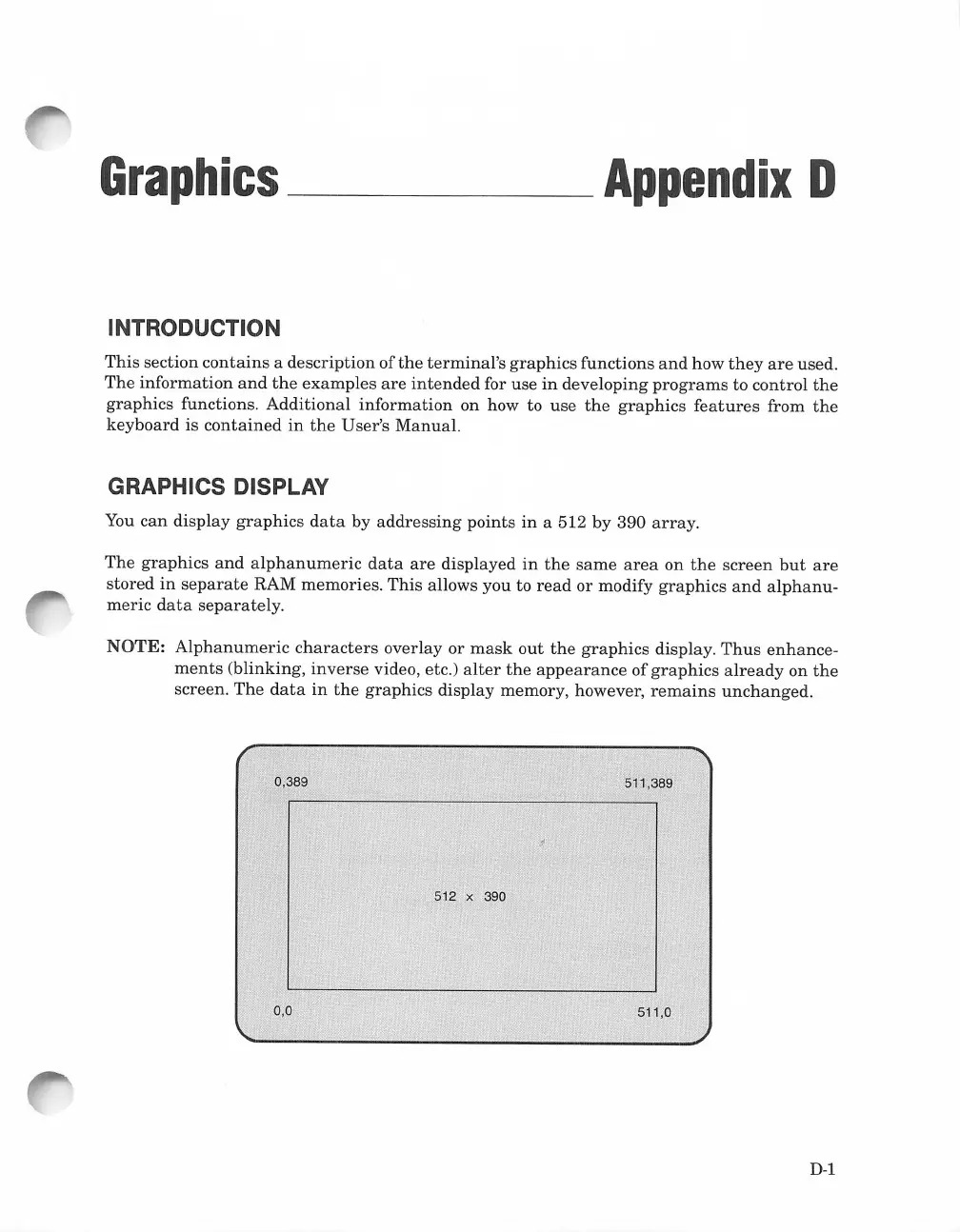
GRAPHICS DISPLAY
You
can
display
graphics
data
by
addressing
points
in
a 512 by 390
array.
The
graphics
and
alphanumeric
data
are
displayed
in
the
same
area
on
the
screen
but
are
stored
in
separate
RAM memories.
This
allows you to
read
or
modify
graphics
and
alphanu-
meric
data
separately.
NOTE:
Alphanumeric
characters
overlay
or
mask
out
the
graphics
display.
Thus
enhance-
ments
(blinking,
inverse
video, etc.)
alter
the
appearance
of
graphics
already
on
the
screen.
The
data
in
the
graphics
display memory, however,
remains
unchanged.
0,389
0.0
512 x 390
511.389
511.0
D-1

Table of Contents

Related product manuals