EasyManua.ls Logo

HP 262SA - Page 197

HP 262SA
390 pages
Print Icon
To Next Page IconTo Next Page
To Previous Page IconTo Previous Page
Loading...
Block Data Transfer
The
first
key
definition
sent
is
the
one on
the
line on which
the
cursor
is
located.
In
Block
Page
mode,
all
of
the
function key definitions, from
the
cursor
row to
the
end
of
the
menu,
are
transmitted.
Then,
the
cursor
is
positioned on
the
blank
line
following
the
last
function
key
definition.
In
Character
or
Block Line mode, only one key definition
is
transmitted,
but
the
cursor
is
always
moved to
the
start
of
the
next
key definition,
regardless
of
the
state
of
Auto
Linfeed
mode. Block
terminators
in
the
definition
string
are
treated
the
same
as
any
other
character.
Non-displaying
terminators
are
ignored.
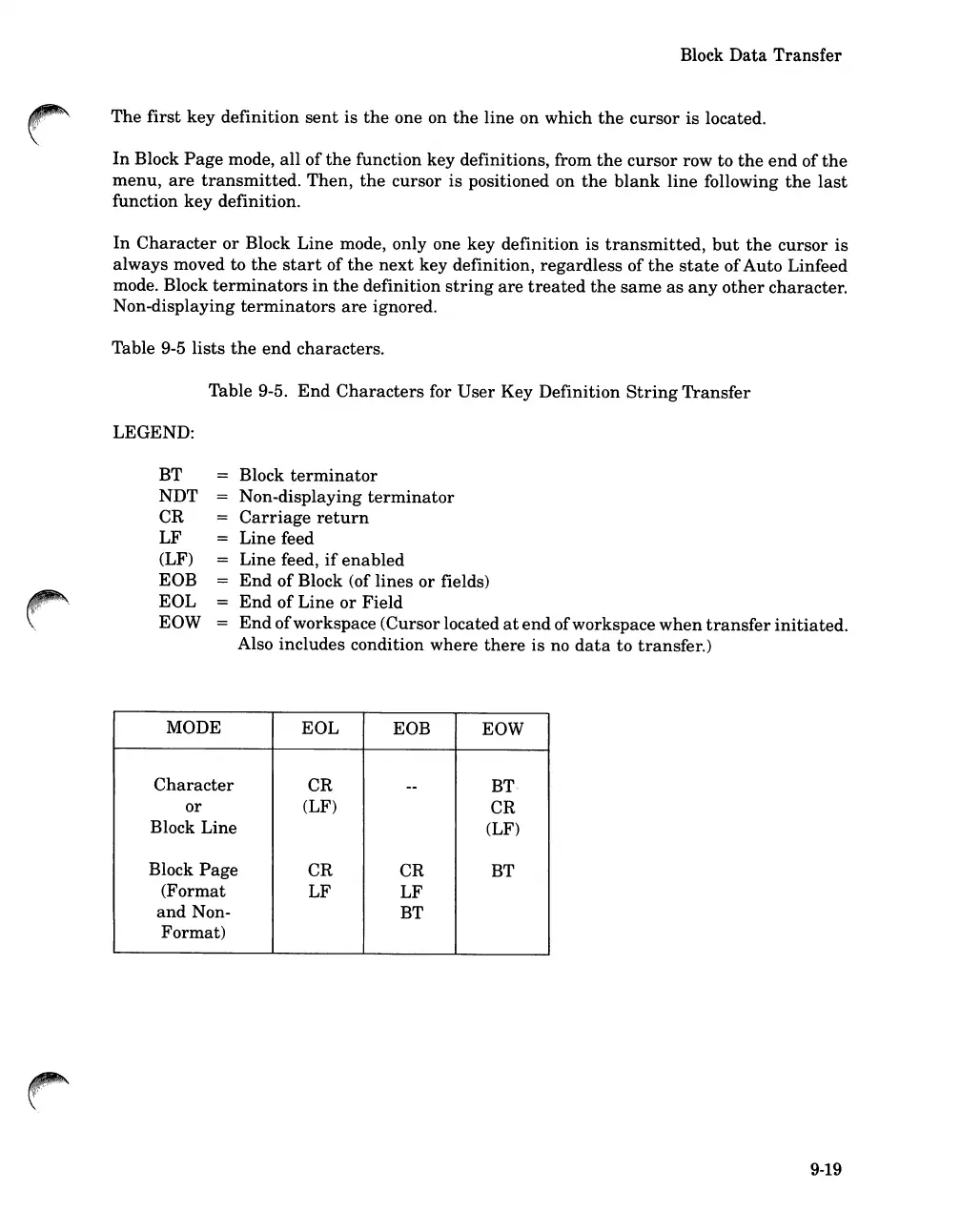
Table 9-5
lists
the
end
characters.
Table 9-5.
End
Characters
for
User
Key Definition
String
Transfer
LEGEND:
BT
NDT
CR
LF
(LF)
EOB
EOL
EOW
Block
terminator
Non-displaying
terminator
Carriage
return
Line feed
Line feed,
if
enabled
End
of
Block (of
lines
or
fields)
End
of
Line
or
Field
End
of
workspace (Cursor located
at
end
ofworkspace
when
transfer
initiated.
Also includes condition where
there
is
no
data
to transfer.)
MODE
EOL
EOB EOW
Character
CR
--
BT·
or
(LF)
CR
Block Line
(LF)
Block
Page
CR
CR
BT
(Format
LF
LF
and
Non-
BT
Format)
9-19

Table of Contents

Related product manuals