EasyManua.ls Logo

HP 262SA - Page 288

HP 262SA
390 pages
Print Icon
To Next Page IconTo Next Page
To Previous Page IconTo Previous Page
Loading...
Graphics
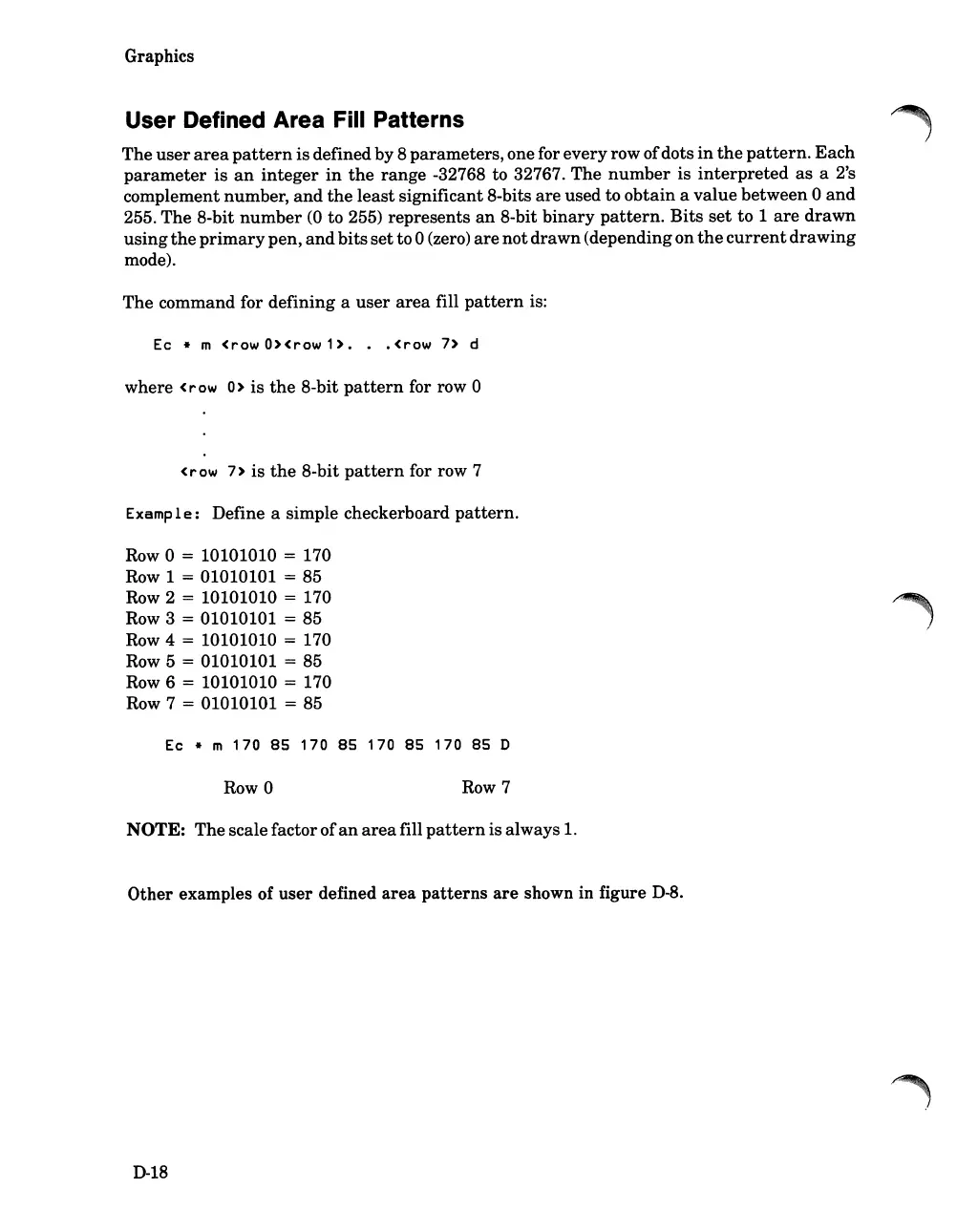
User Defined Area Fill Patterns
The
user
area
pattern
is
defined by 8
parameters,
one for
every
row
of
dots
in
the
pattern.
Each
parameter
is
an
integer
in
the
range
-32768 to 32767.
The
number
is
interpreted
as
a 2's
complement number,
and
the
least
significant 8-bits
are
used to
obtain
a
value
between
0
and
255.
The
8-bit
number
(0
to 255)
represents
an
8-bit
binary
pattern.
Bits
set
to
1
are
drawn
using
the
primary
pen,
and
bits
set
to0 (zero)
are
not
drawn
(depending
on
the
current
drawing
mode).
The
command for
defining
a
user
area
fill
pattern
is:
Ec * m
(row
O>(row
1>.
(row
7> d
where
(row
0>
is
the
8-bit
pattern
for row 0
(r
ow
7>
is
the
8-bit
pattern
for row 7
Examp1
e:
Define a simple checkerboard
pattern.
Row 0 = 10101010 = 170
Row 1
= 01010101 = 85
Row 2
= 10101010 = 170
Row 3
= 01010101 = 85
Row 4 = 10101010 = 170
Row 5
= 01010101 = 85
Row 6
= 10101010 = 170
Row 7
= 01010101 = 85
Ec * m
170
85
170
85
170
85
170
85
D
Row 0
Row 7
NOTE:
The
scalefactor
of
an
area
fill
pattern
is
always 1.
Other
examples of
user
defined
area
patterns
are
shown in figure
D-8.
D-18

Table of Contents

Related product manuals