EasyManua.ls Logo

HP 262SA - Page 302

HP 262SA
390 pages
Print Icon
To Next Page IconTo Next Page
To Previous Page IconTo Previous Page
Loading...
Graphics
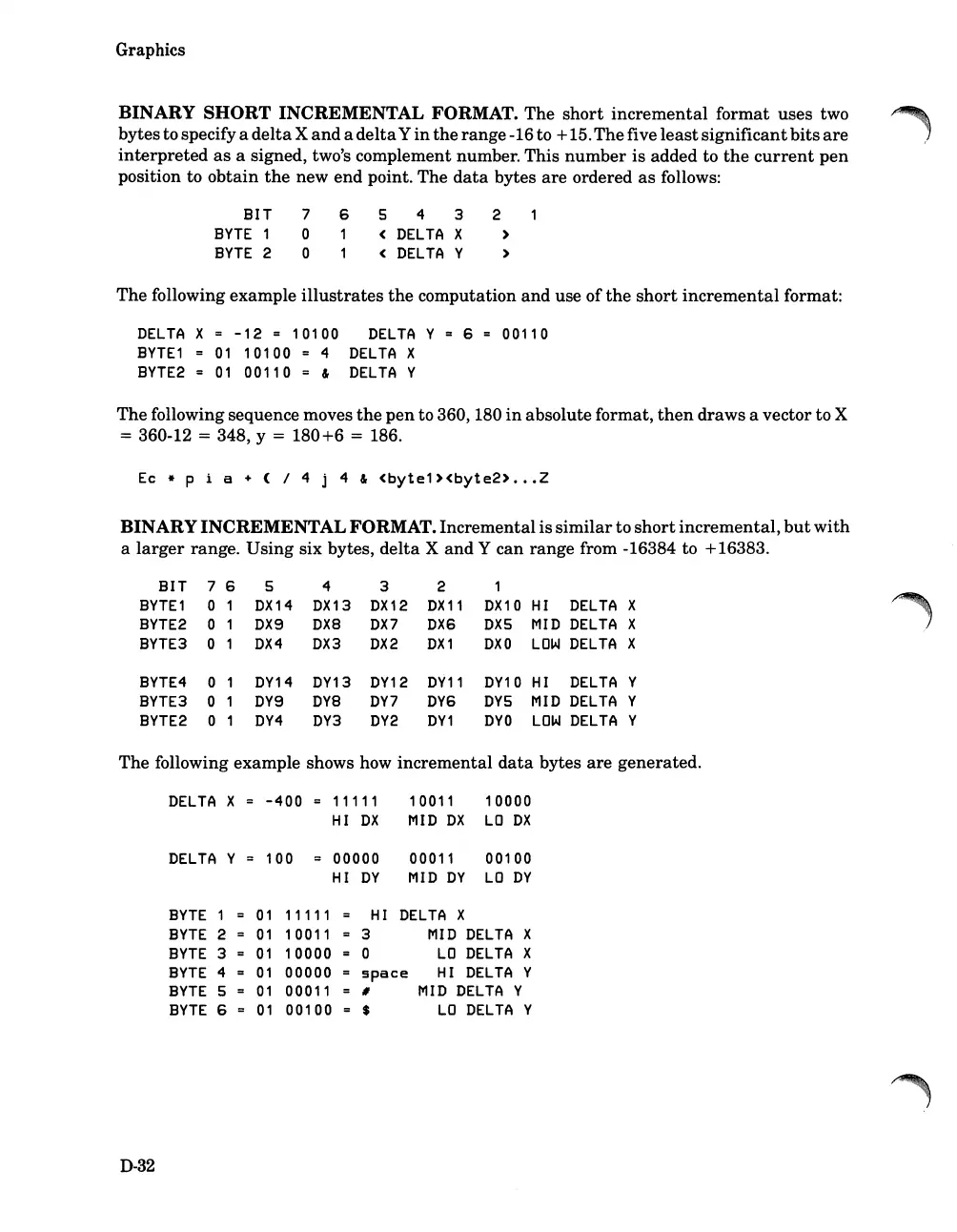
BINARY
SHORT
INCREMENTAL FORMAT. The
short
incremental
format uses two
bytesto specify a
delta
X
and
a
delta
Y
in
the
range-16 to +15.Thefive
least
significant
bits
are
interpreted
as
a signed, two's complement number. This
number
is
added to
the
current
pen
position to
obtain
the
new
end
point. The
data
bytes
are
ordered
as
follows:
BIT
BYTE
1
BYTE
2
7 6
o 1
o 1
5 4 3 2
(
DELTA
X )
(
DELTA
Y )
The
following example
illustrates
the
computation
and
use of
the
short
incremental
format:
DELTA
X =
-12
= 10100
DELTA
Y = 6 = 00110
BYTE1
01
10100 4
DELTA
X
BYTE2
01
00110 = &
DELTA
Y
The following sequence moves
the
pen
to 360, 180
in
absolute format,
then
draws a vector to X
= 360-12 = 348, y =
180+6
= 186.
Ec
*
pia
+ (
/4
j 4 &
(byte1)(byte2)
...
Z
BINARYINCREMENTAL FORMAT. Incrementalis
similar
to
short
incremental,
but
with
a
larger
range.
Using
six bytes,
delta
X
and
Y can range from -16384 to +16383.
BIT 7 6
5
4 3
2 1
BYTE1
0 1
DX14
DX13
DX12
DX
11
DX10
HI
DELTA
X
BYTE2
0 1
DX9
DXa
DX7
DX6
DX5
MID
DELTA
X
BYTE3
0
1
DX4 DX3
DX2
DX1
DXO
LOW
DELTA
X
BYTE4
0
DY14
DY13
DY12
DY11
DY10
HI
DELTA
Y
BYTE3
0
DY9
Dya
DY7
DY6
DYS
MID
DELTA
Y
BYTE2
0
DY4
DY3
DY2
DY1
DYO
LOW
DELTA
Y
The following example shows how incremental
data
bytes
are
generated.
DELTA
X = -400 = 11111
1
0011
10000
HI
DX
MID
DX
LO
DX
DELTA
Y
100 00000
00011
00100
HI
DY
MID
DY
LO
DY
BYTE
1
01
11111
HI
DELTA
X
BYTE
2
01
1
0011
3
MID
DELTA
X
BYTE
3
01
10000
0
LO
DELTA
X
BYTE
4
01
00000
space
HI
DELTA
Y
BYTE
5
01
00011
#
MID
DELTA
Y
BYTE
6
01
00100
$
LO
DELTA
Y
D-32

Table of Contents

Related product manuals