EasyManua.ls Logo

HP 262SA - Page 313

HP 262SA
390 pages
Print Icon
To Next Page IconTo Next Page
To Previous Page IconTo Previous Page
Loading...
Graphics
When
centering
or
right
justification
is
used,
the
text
strings
are
buffered (stored)
until
all
of
the
characters
in
the
string
have
been received. The
string
end
is
detected by a CR
or
LF. The
string
is
not
displayed
until
the
CRorLF
is
received.This
may
be confusing
when
entering
text
from
the
keyboard.
The
maximum
length
of a
string
when
center
or
right
justifying
is
73
characters (not including
the
CR(LF)).
In
all
cases,
data
written
beyond
the
edge
of
the
screen
is
lost. There
is
no
automatic
RETURN
when
the
screen
boundary
is
reached.
TURNING
GRAPHICS
TEXT
ON
AND
OFF. Graphics
text
mode
can
be
turned
on or off
from a program. These two commands use
the
Ec
* d sequence
but
are
discussed
here
under
graphics
text
for completeness.
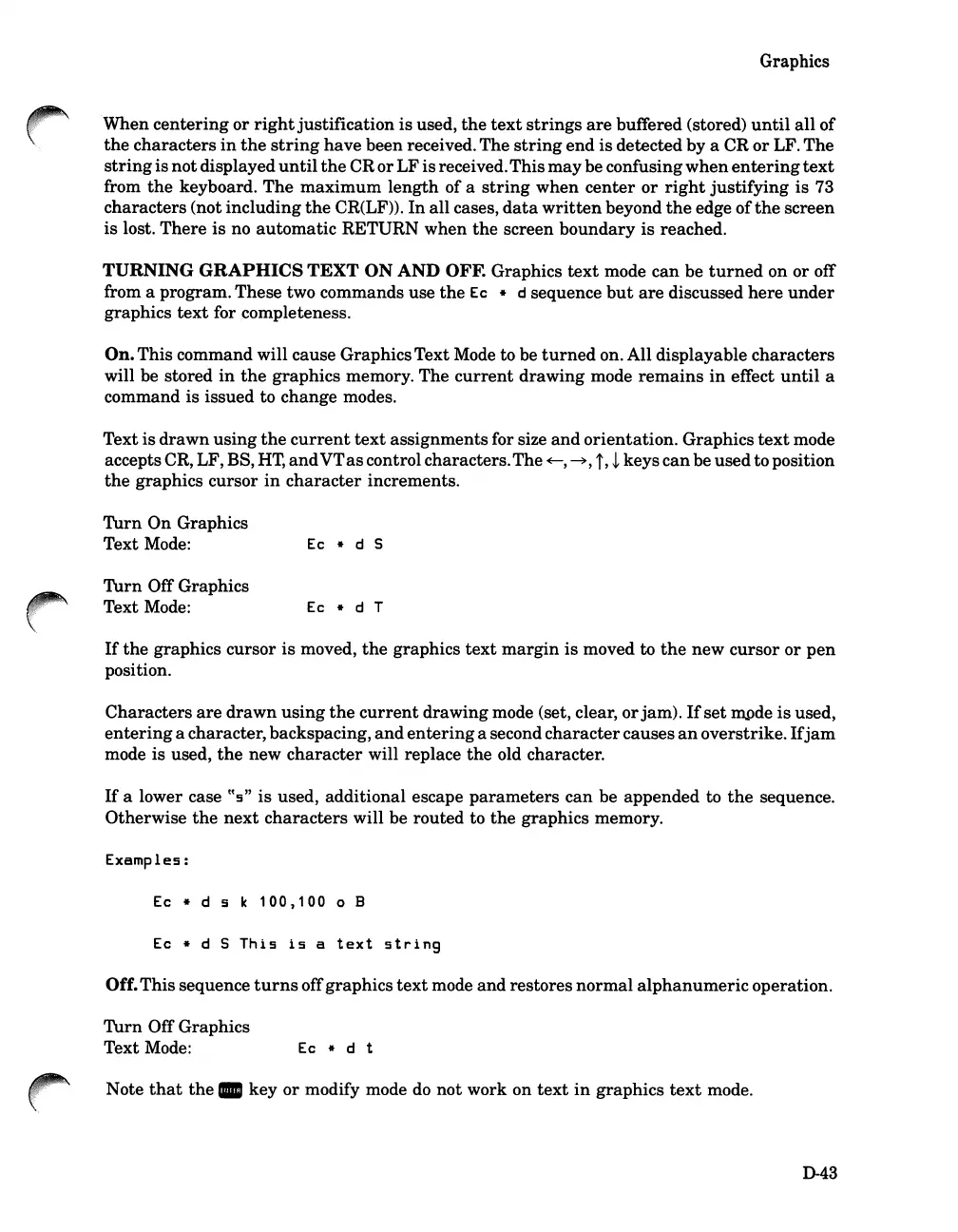
On.This command will cause GraphicsText Mode to be
turned
on. All displayable
characters
will be stored
in
the
graphics memory. The
current
drawing mode
remains
in
effect
until
a
command
is
issued to change modes.
Text is
drawn
using
the
current
text
assignments for size
and
orientation. Graphics
text
mode
accepts CR, LF, BS,
HT,
and
VT
as
control characters.The
~,
~,
i,
~
keys
can
be usedto position
the
graphics cursor
in
character
increments.
Turn
On
Graphics
Text Mode:
Turn
Off Graphics
Text Mode:
Ec
* d 5
Ec * d T
If
the
graphics cursor
is
moved,
the
graphics
text
margin
is
moved to
the
new
cursor
or
pen
position.
Characters
are
drawn
using
the
current
drawing mode (set, clear,
or
jam).
If
set
m...ode
is
used,
entering
a character,backspacing,
and
entering
a second
character
causes
an
overstrike.
If
jam
mode is used,
the
new
character
will replace
the
old character.
If
a lower case
tt
s
"
is
used, additional escape
parameters
can
be appended to
the
sequence.
Otherwise
the
next
characters
will be routed to
the
graphics memory.
Examples:
Ec * d 5 k
100,100
0 B
Ec
* d 5
This
is
a
text
string
Off.This sequence
turns
offgraphics
text
mode
and
restores
normal
alphanumeric
operation.
Turn
Off Graphics
Text Mode:
Ec
* d t
Note
that
the.
key or modify mode
do
not work on
text
in
graphics
text
mode.
D-43

Table of Contents

Related product manuals