EasyManua.ls Logo

HP 262SA - Page 329

HP 262SA
390 pages
Print Icon
To Next Page IconTo Next Page
To Previous Page IconTo Previous Page
Loading...
The
terminal
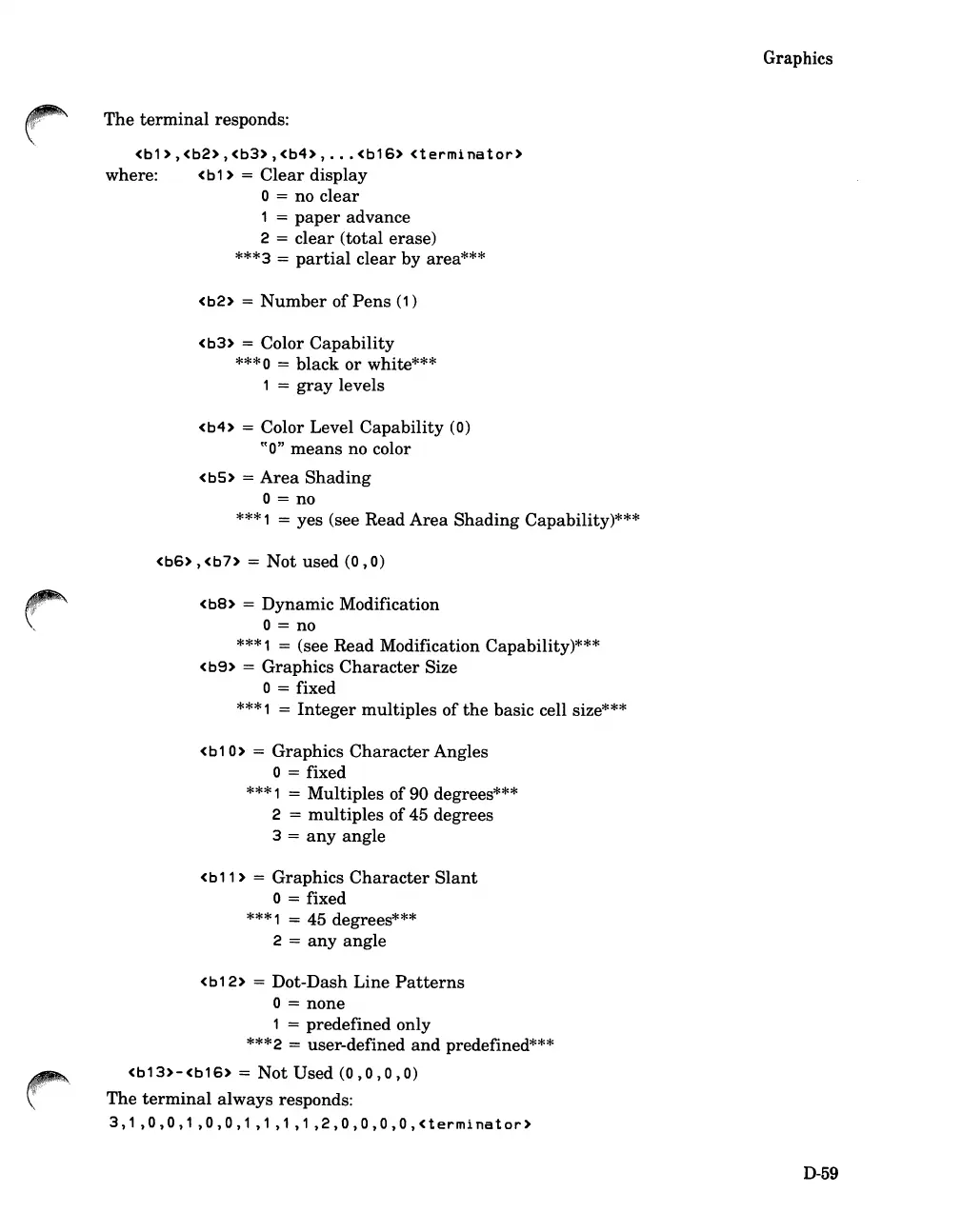
responds:
<b1>,<b2>,<b3>,<b4>,
...
<b16>
<terminator>
where:
<b1>
=
Clear
display
o = no
clear
1 =
paper
advance
2
=
clear
(total erase)
***3
=
partial
clear
by area***
<b2>
=
Number
of
Pens
(1)
<b3>
= Color
Capability
***0 =
black
or
white***
1
=
gray
levels
<b4>
= Color Level
Capability
(0)
((
0"
means
no color
<bS>
=
Area
Shading
o = no
***1
= yes (see Read
Area
Shading
Capability)***
<b6>,
<b7>
=
Not
used
(0,0)
<b8>
=
Dynamic
Modification
o = no
***
1 = (see Read Modification Capability)***
<b9>
=
Graphics
Character
Size
o= fixed
***
1 =
Integer
multiples
of
the
basic cell size***
<b1
0>
=
Graphics
Character
Angles
o = fixed
***
1 = Multiples of 90 degrees***
2
=
multiples
of 45 degrees
3
=
any
angle
<b11> =
Graphics
Character
Slant
o = fixed
***
1 = 45 degrees***
2
=
any
angle
<b12>
= Dot-Dash Line
Patterns
o =
none
1 = predefined only
***2
= user-defined
and
predefined***
<b1
3>
- <b1
6>
=
Not
Used
(0
, 0 , 0, 0)
The
terminal
always
responds:
3,
1
,0,0,
1
,0,0
,1, 1 , 1, 1
,2,0
,0 ,0 ,0
, <t ermi
na
tor>
Graphics
D-59

Table of Contents

Related product manuals