990400 Rev C 2010 May 1
Tools
10-11
Import Study
To add patient studies to the database, follow the procedure below.
Do not use Windows Explorer to copy studies to the database.
Manually copying a study to the database using a method other than
the one described below will require a potentially time-consuming
rescan operation.
Import Study can be used to import a patient study created on an
iCATVision system from an outside source, such as from a CD or
network, into the database. The study is validated prior to being
copied to ensure compatibility with Vision.
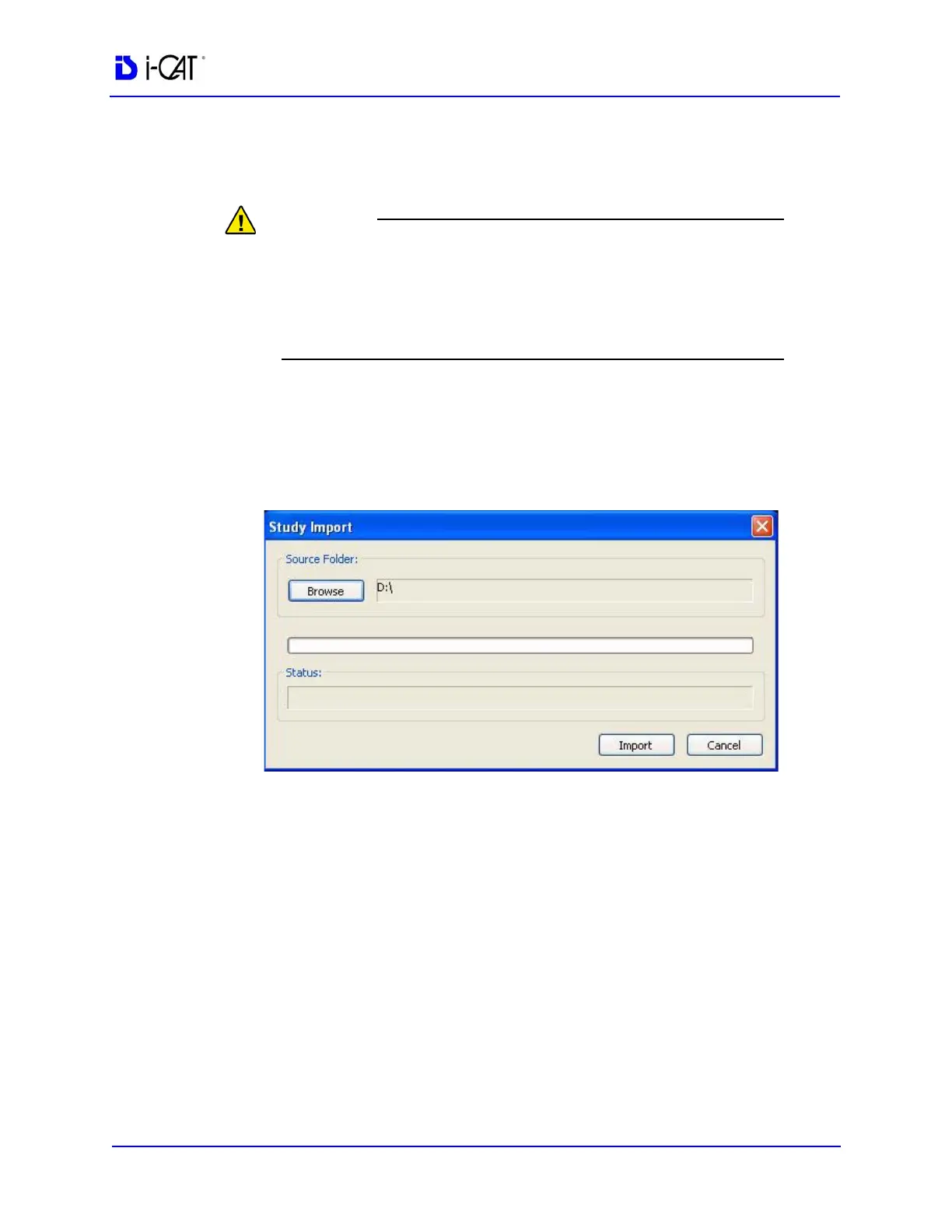
1. Select Tools > Import Study.
2. Click Browse and navigate to the location for the DICOM study
to be imported.
3. Click Import. The Status bar shows the progress of the import
and the status text shows the status of the current operation.



 To Next Page