17-19 Operators’ Manual
990400 Rev C 2010 May 1
9-18
To remove the airway information from the View, right click the
airway view and select Untag Airways.
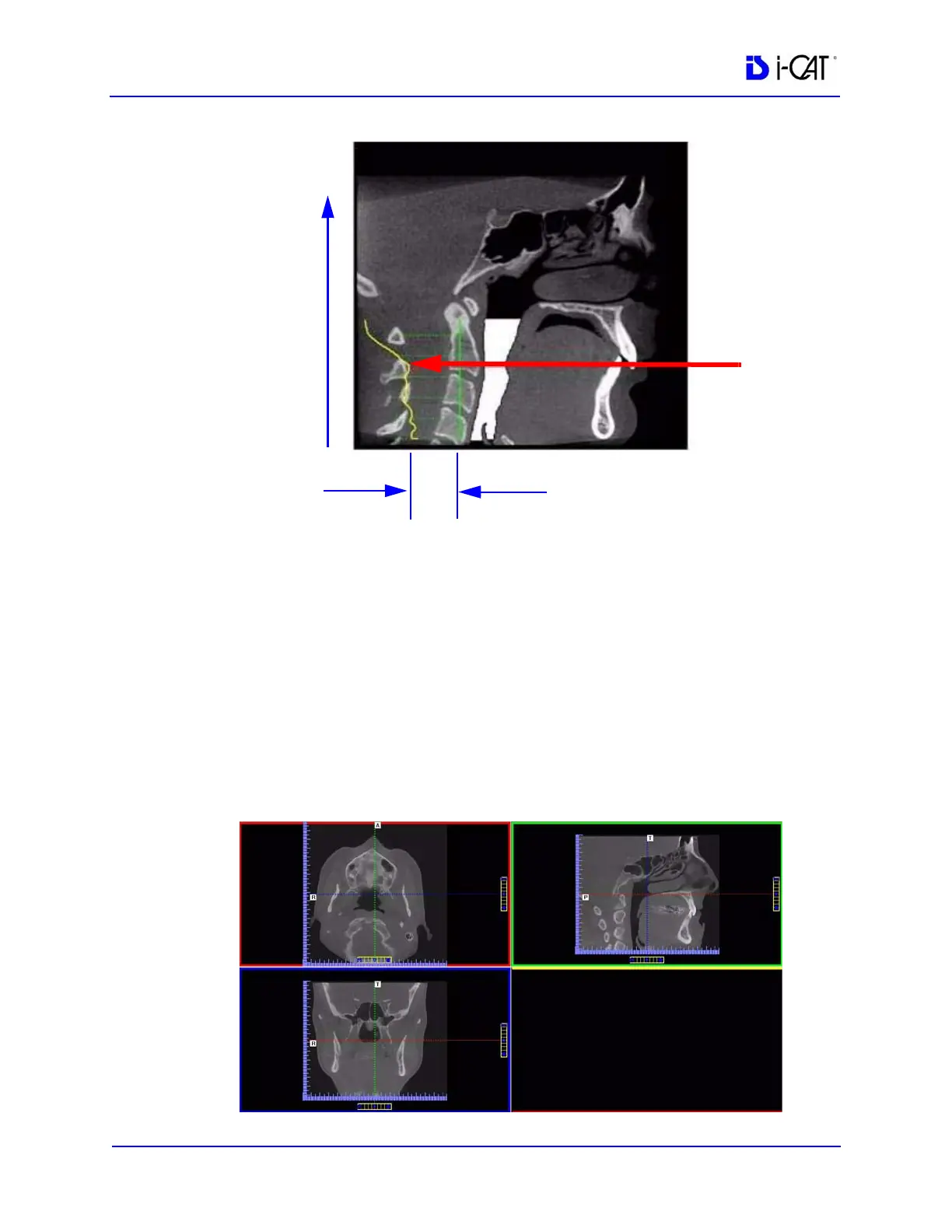
If Tag Airways is reselected after certain image manipulations have
occurred, a dialog is displayed. Click OK in the dialog, then in the
Mid Sagittal image, click the airway below the flap. The airway tag
is displayed.
MPR Screen
Double-clicking the Coronal View on the Preview Screen displays
the MPR Screen.



 To Next Page