17-19 Operators’ Manual
990400 Rev C 2010 May 1
12-4
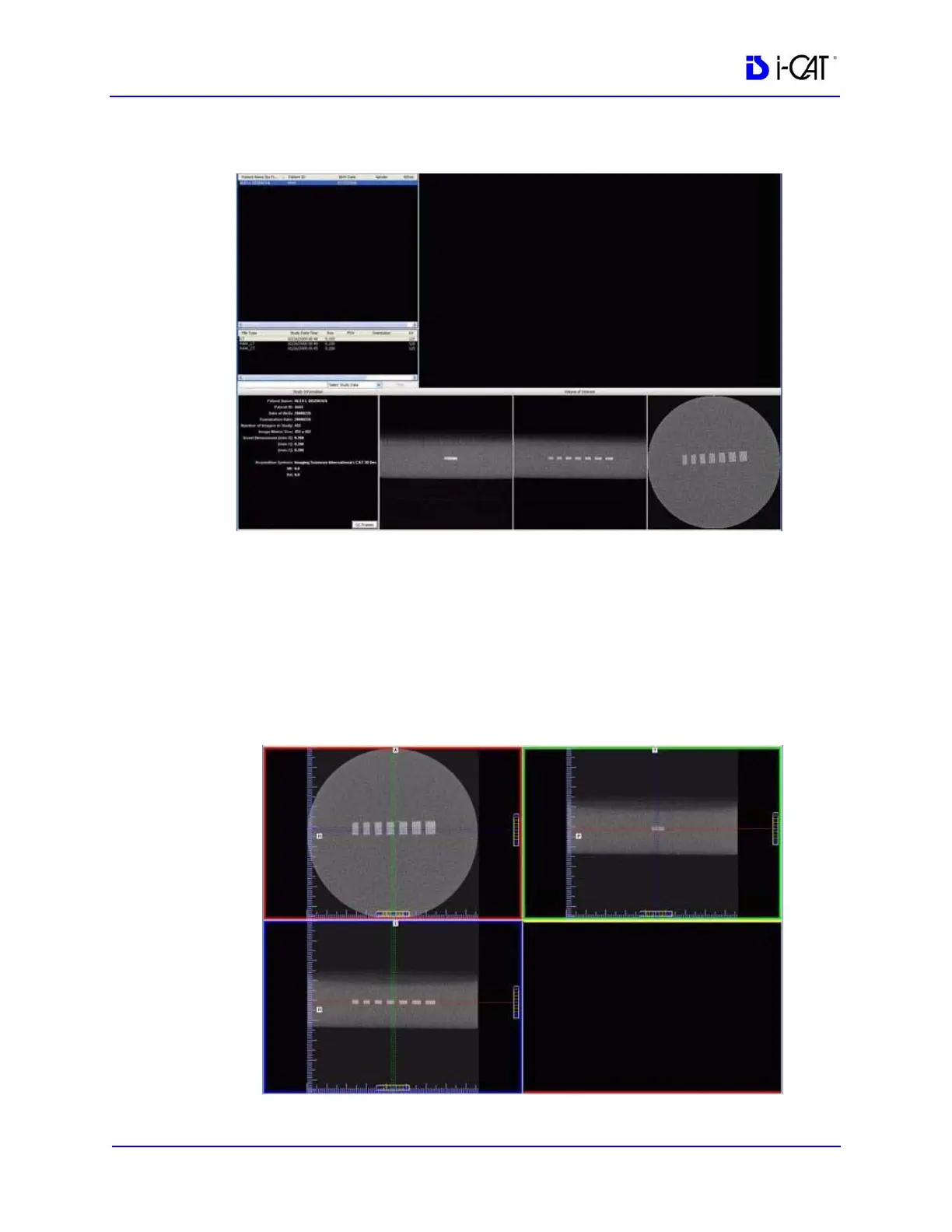
17. The following preview screen is displayed.
Line Pair Evaluation
18. Access the QA Test images for evaluation by double clicking
Coronal View (bottom image, 2
nd
from the right).
19. The image below is displayed. In the upper right corner view,
slide the Vertical and Horizontal lines to the Line Pairs centers
as shown below.



 To Next Page