990400 Rev C 2010 May 1
8-1
Chapter
8
Reconstruction of Anatomy
Preview Screen
Once Patient data is acquired or data for a Patient is loaded, the
software immediately reconstructs the Patient anatomy images.
(User modified Patient data, referred to as a Workup, can also be
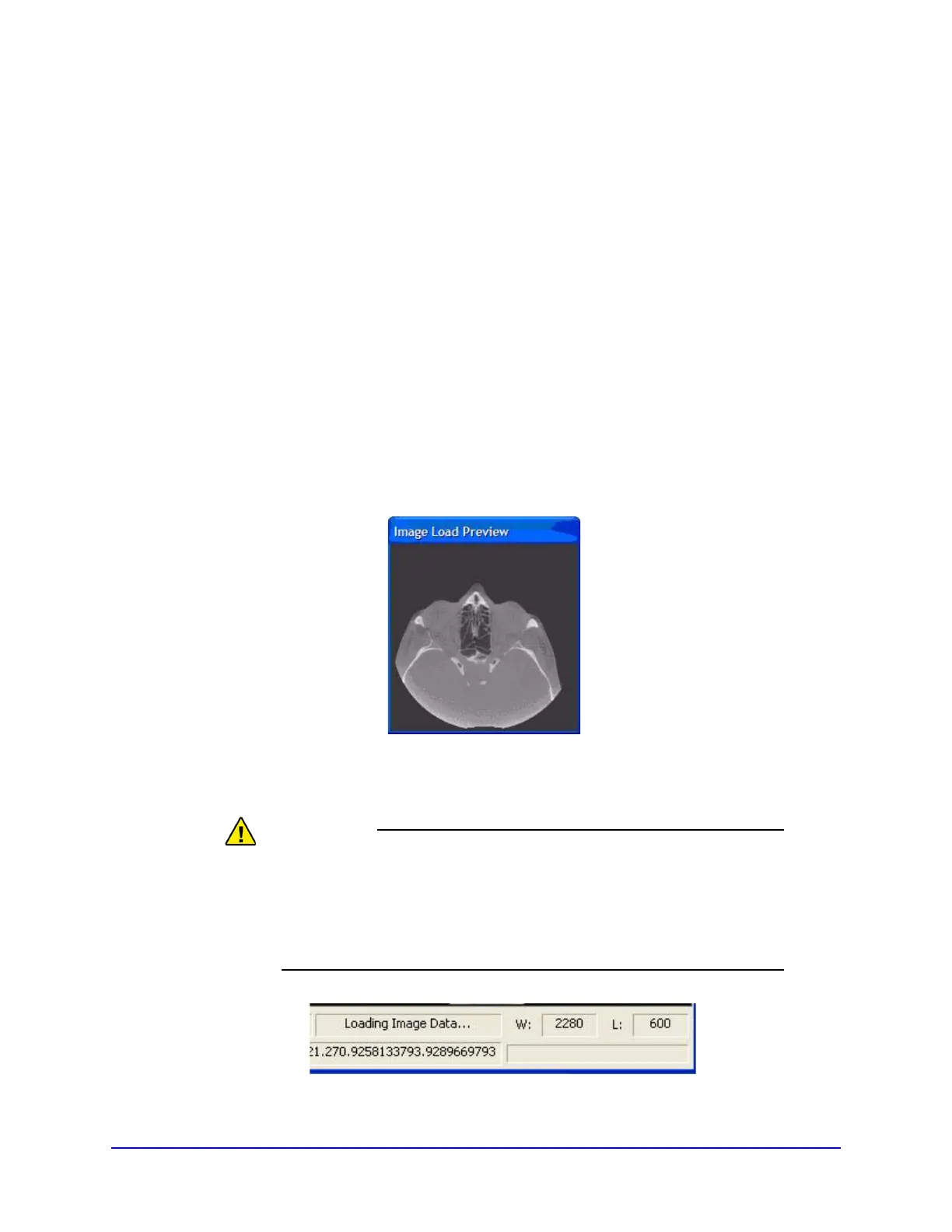
loaded to the preview screen. While data loading is occurring, a
preview window appears in the center of the screen.
At the bottom right side of the reconstruction window, the status of
the data loading is displayed.
DO NOT do anything in a Patient study until the status bar located
at the bottom right of the window indicates that the Patient data is
fully loaded. Wait until the status bar reads “Image Data in
Memory” prior to performing any tasks. Otherwise, data loss may
occur.



 To Next Page