17-19 Operators’ Manual
990400 Rev C 2010 May 1
5-8
Delete a Patient
To delete an existing Patient:
NOTE: Deleting a Patient does not delete any of the Patient’s scan
data.
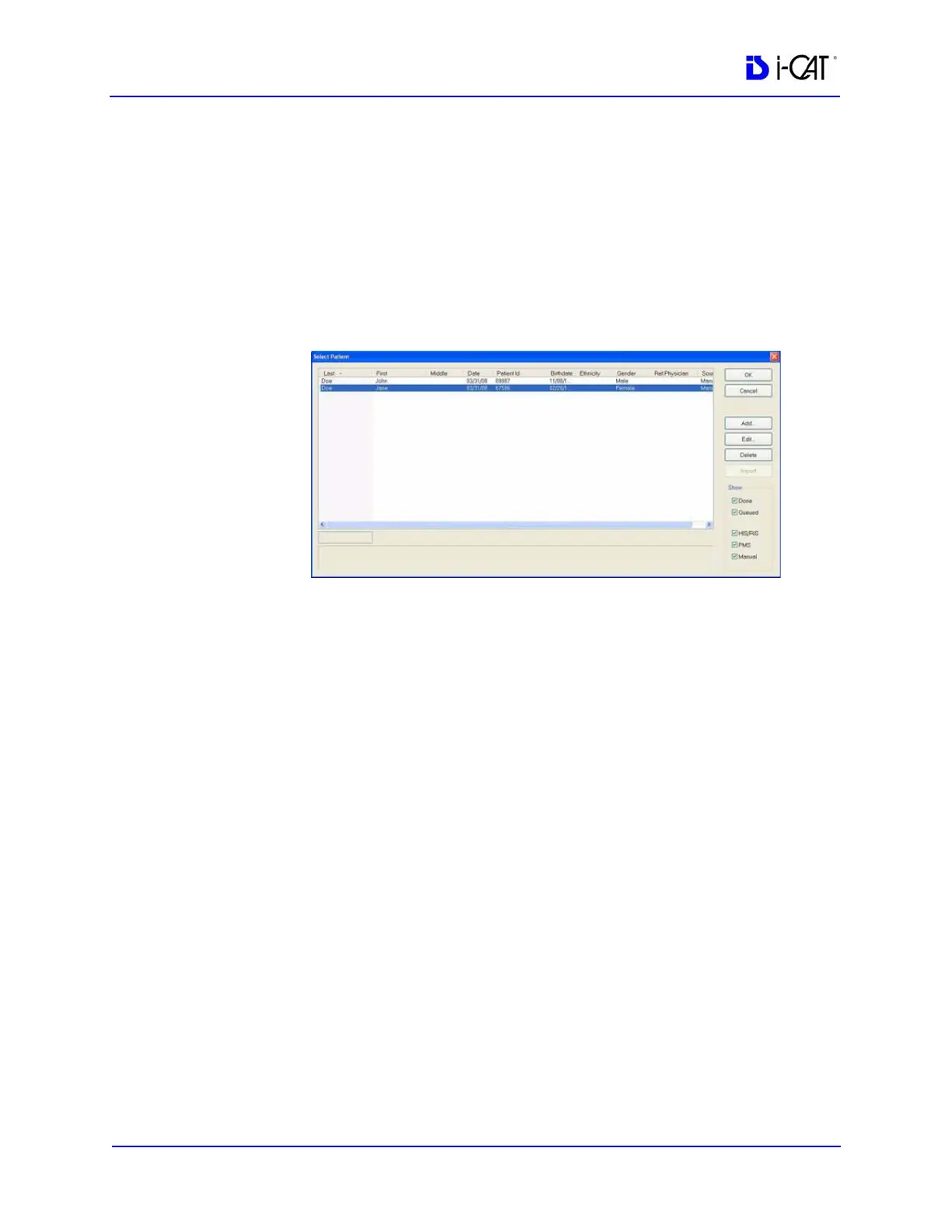
1. From the Main menu, select File > New Patient.
2. Click (highlight) the Patient to delete and click Delete.
3. Click Yes to confirm deletion of Patient from database.
4. Click Cancel to close dialog box.



 To Next Page