990400 Rev C 2010 May 1
Calibration
11-3
Collimators Calibration
It is recommended to perform the Collimators Calibration once a
week to ensure optimal image quality. This calibration is also
necessary if a mechanical adjustment is made to the Beam Limiter
or if image quality has degraded. The Collimator Calibration runs in
both Portrait and Landscape positions and takes less than 3 minutes
to complete.
The FOV Collimation tool is for German regulatory compliance
only. Do NOT use this tool unless you are qualified to do so.
NOTE: A Panel calibration must be performed prior to a Collimators
calibration.
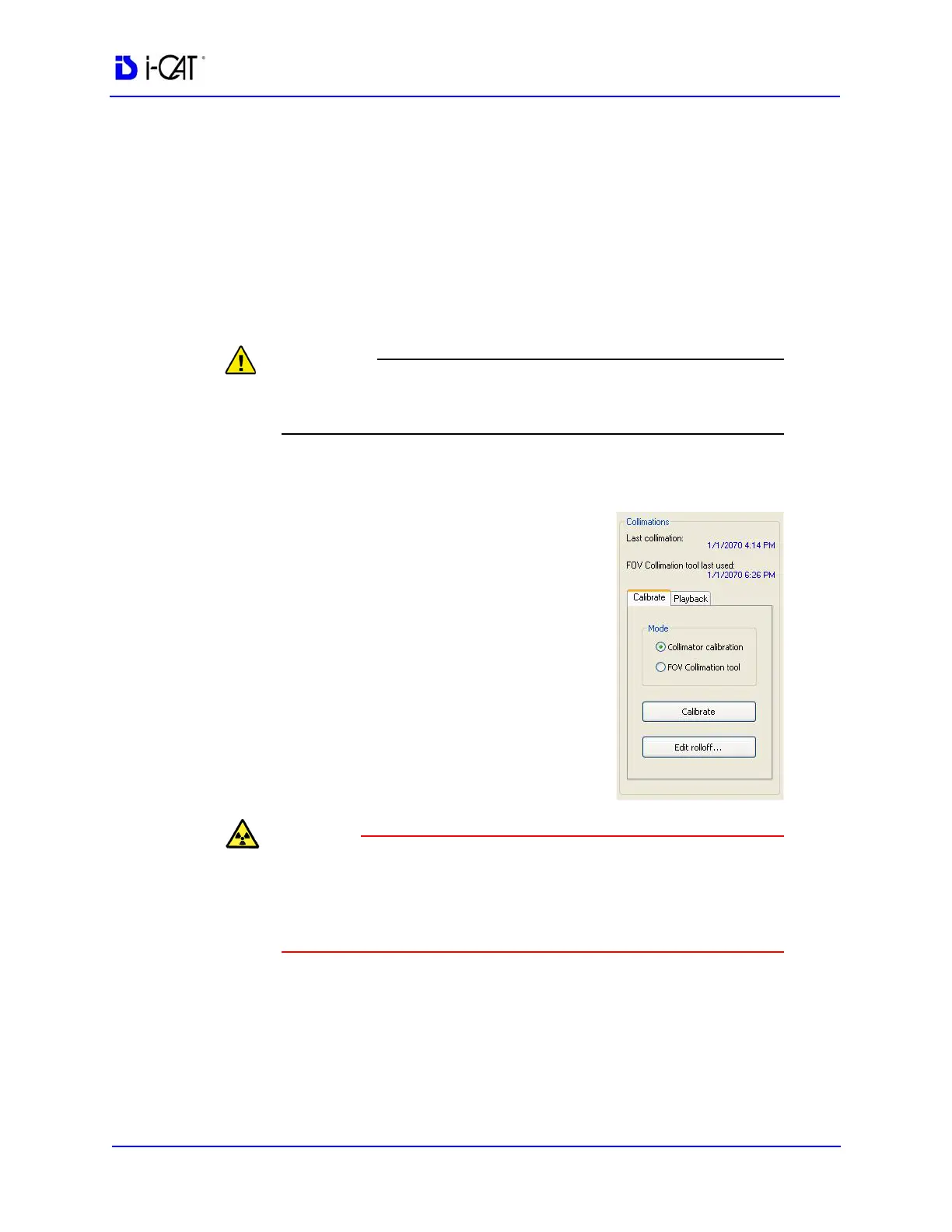
7. In the Collimations field, ensure
Collimator calibration is selected on
the Calibrate tab.
8. Click the Calibrate button in the
Collimations field.
A window is displayed: “Starting
Collimator Calibration Remove all
objects from the field of view and click
OK to start X-ray exposure.”
The X-ray device may be dangerous to the Patient and operator if
you do not observe and follow the operating instructions. Do not
operate this system unless you have received training to perform a
procedure.
9. Click OK to start the X-ray exposure.



 To Next Page