990400 Rev C 2010 May 1
Networking Support Setup
15-3
Install Sweeper Service
1. Double-click the SweeperSetup icon in the Program
Files\Imaging Sciences International\iCAT Software folder to
execute the program. A setup wizard is displayed.
2. Click Next on all wizard screens to install the Sweeper service.
3. When complete, click Close on the Installation Complete screen.
Configure Sweeper Service
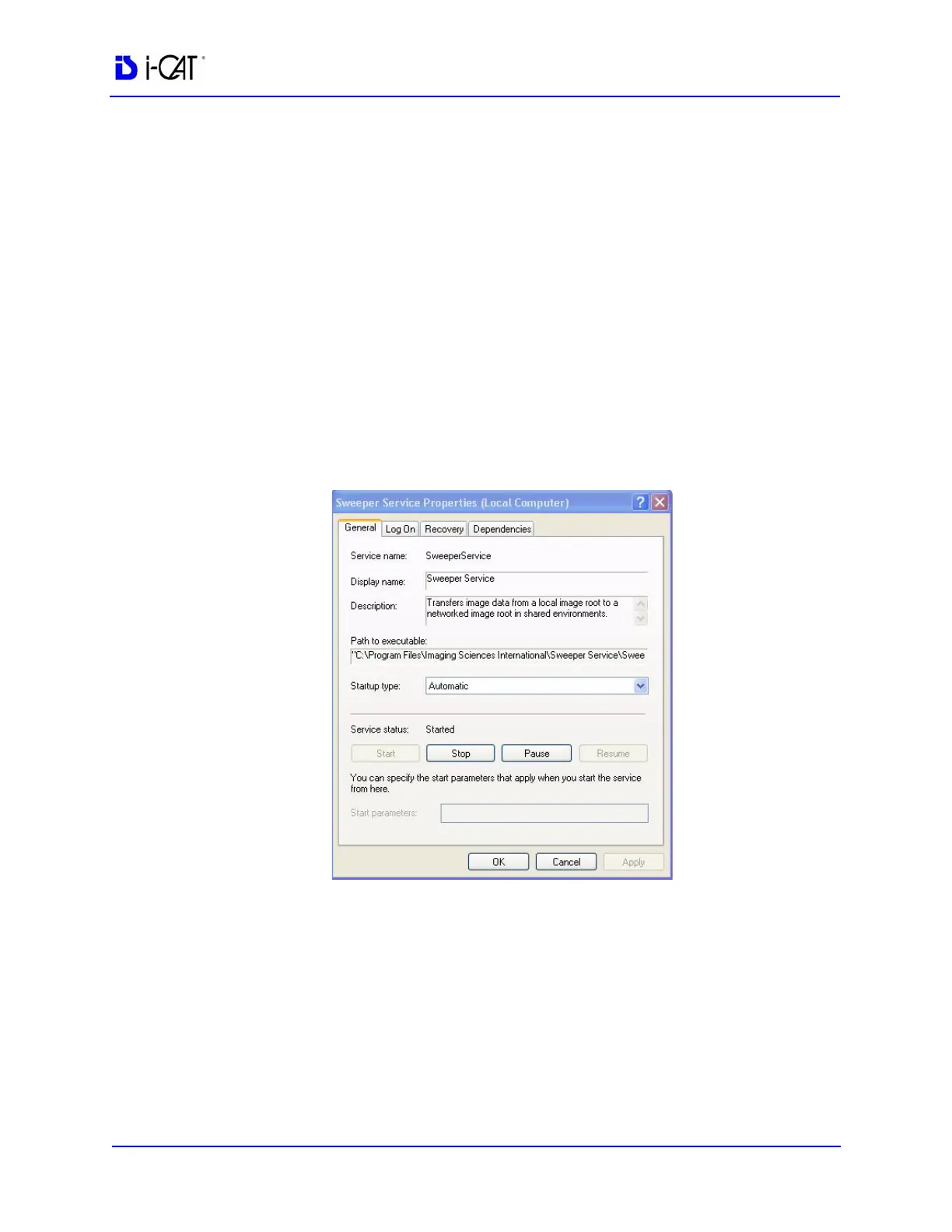
1. Access Control Panel > Administrative Tools > Services and
double-click Sweeper Service.
2. On General tab, confirm Startup type is set to Automatic.
3. Click Log On tab:
a. Click This account radio button.
b. Enter and confirm an account and a password.
NOTE: Be sure to use the same account that was used to log on to the
computer.
c. Click OK.



 To Next Page