17-19 Operators’ Manual
990400 Rev C 2010 May 1
9-16
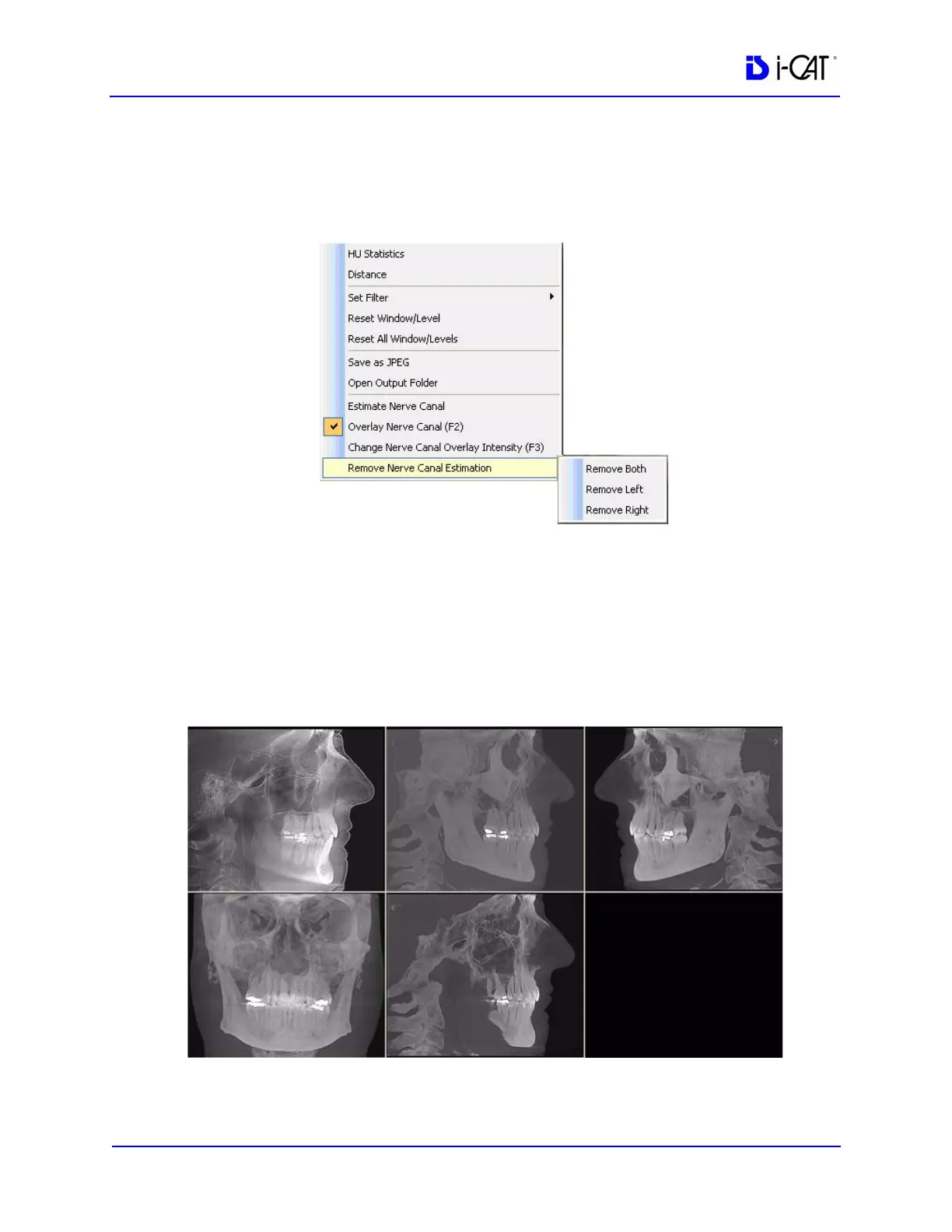
Remove a Nerve Canal Estimation
1. Right click, select Remove Nerve Canal Estimation and
choose one of the three options on the drop-down, depending on
the estimation to be removed.
2. On the dialog, click Yes to remove the nerve canal estimate.
Ceph Screen
Double-clicking the Sagittal View on the Preview Screen displays
the Ceph Screen.



 To Next Page