17-19 Operators’ Manual
990400 Rev C 2010 May 1
10-10
Erase CD-RW
This Erase CD option can only be used if using re-writable CDs.
1. From the top Main menu, select Tools > Create Export CD.
The CD Burner window is displayed (shown above).
2. Click Erase CD-RW.
3. Click Yes when prompted to erase data on CD.
Output to Folder
The DICOM Export Destination Folder can be changed using this
procedure. For reference, the alternate path to change this folder is
Tools > Setup which is described at the start of this section.
1. From the top Main menu, select Tools > Create Export CD.
The CD Burner window is displayed (shown above “To create a
DICOM CD”.)
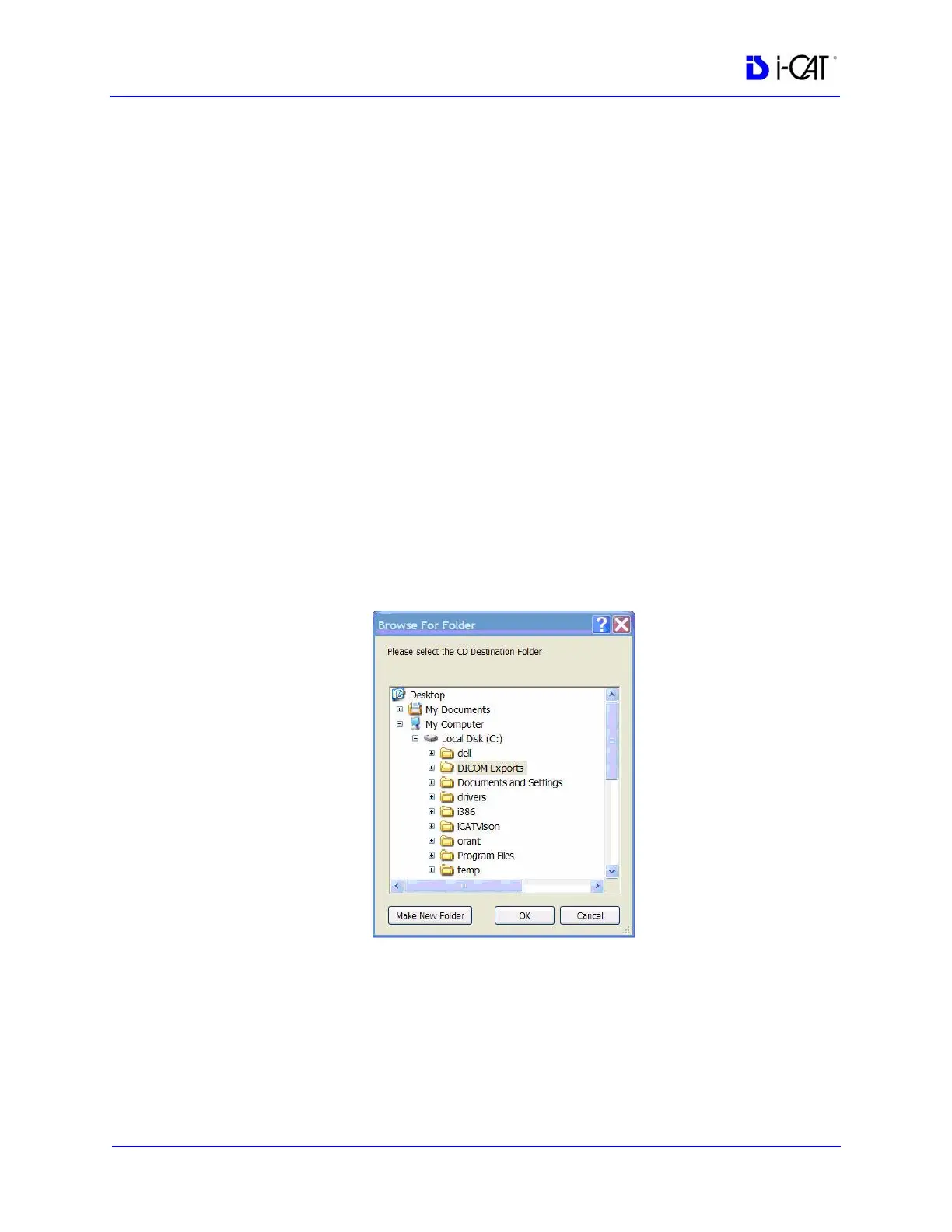
2. Select Output to Folder. A Browse For Folder is displayed.
3. Choose a path for the DICOM Export Destination Folder.
If required, click Make New Folder.
4. Click OK.



 To Next Page