990400 Rev C 2010 May 1
Tools
10-3
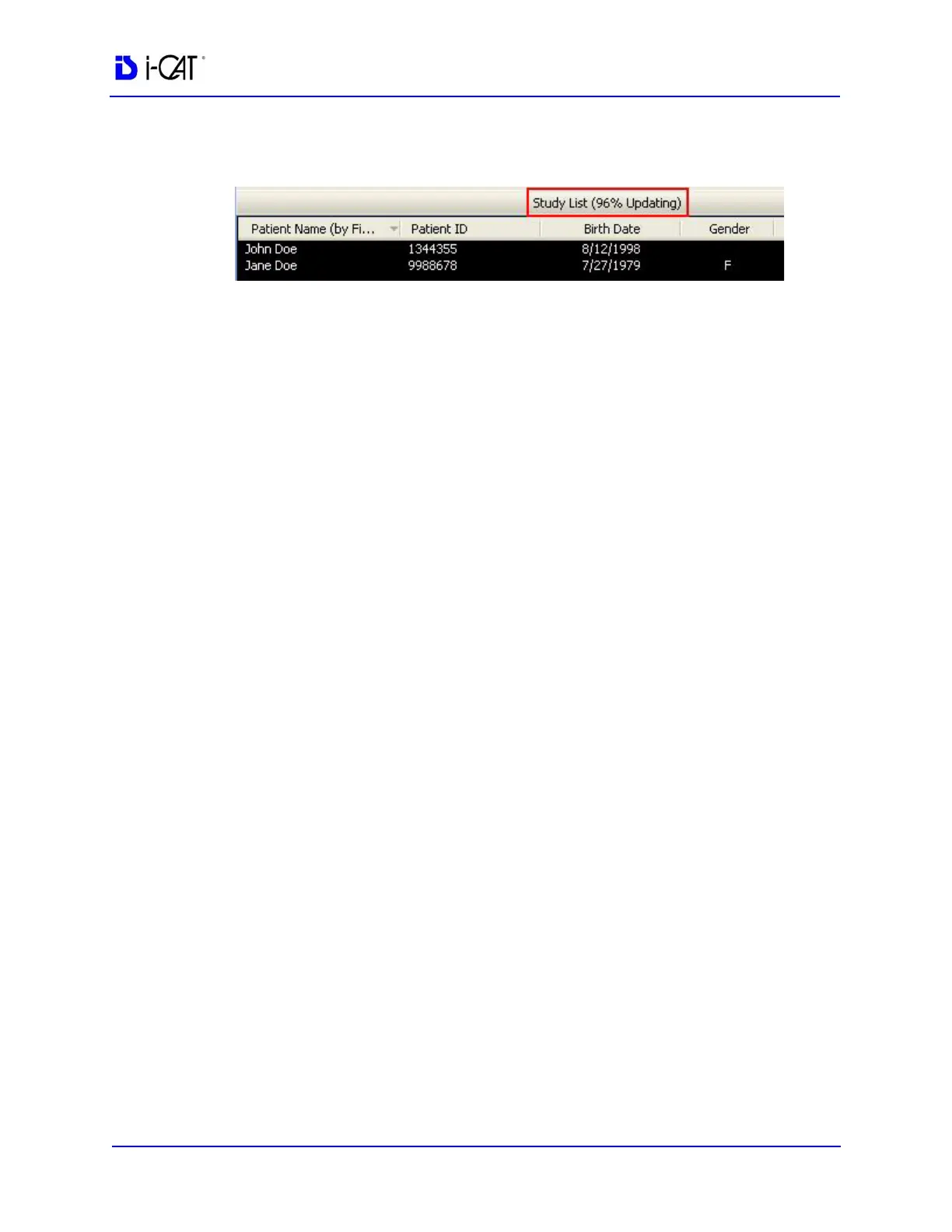
3. The rescan progress is displayed at the top of the Study List.
Add Rotated Volume
The Add rotated volume as a new study when exported checkbox
is used to export a rotated volume study as a new study. See Export
a Rotated CT study
for more information. This checkbox must also be
selected if rotated studies are to be sent automatically as part of the
Auto Send feature. See PACS for information on setting up Auto
Send.
PACS
To enable the DICOM Auto Send feature, select the Auto Send New
Study to Server checkbox. This option is only active on a VisionQ
system, not in standalone Vision.
DICOM Character Set for New Files
This procedure describes how to select the character set to be used
in your DICOM files. The character sets that are supported by your
DICOM system are dependent on the 3rd party software and
DICOM PACS servers that are part of your configuration. Check
your DICOM Conformance Statement for the character sets that are
supported.
NOTE: The selected DICOM character set is only applicable for new
data that is entered after the selection is made. You can not change
the character set of existing files.
1. Select the desired DICOM character set.
• Latin Alphabet No. 1 (ISO_IR_100)
• Unicode in UTF_8 (ISO-IR 192)



 To Next Page