17-19 Operators’ Manual
990400 Rev C 2010 May 1
8-10
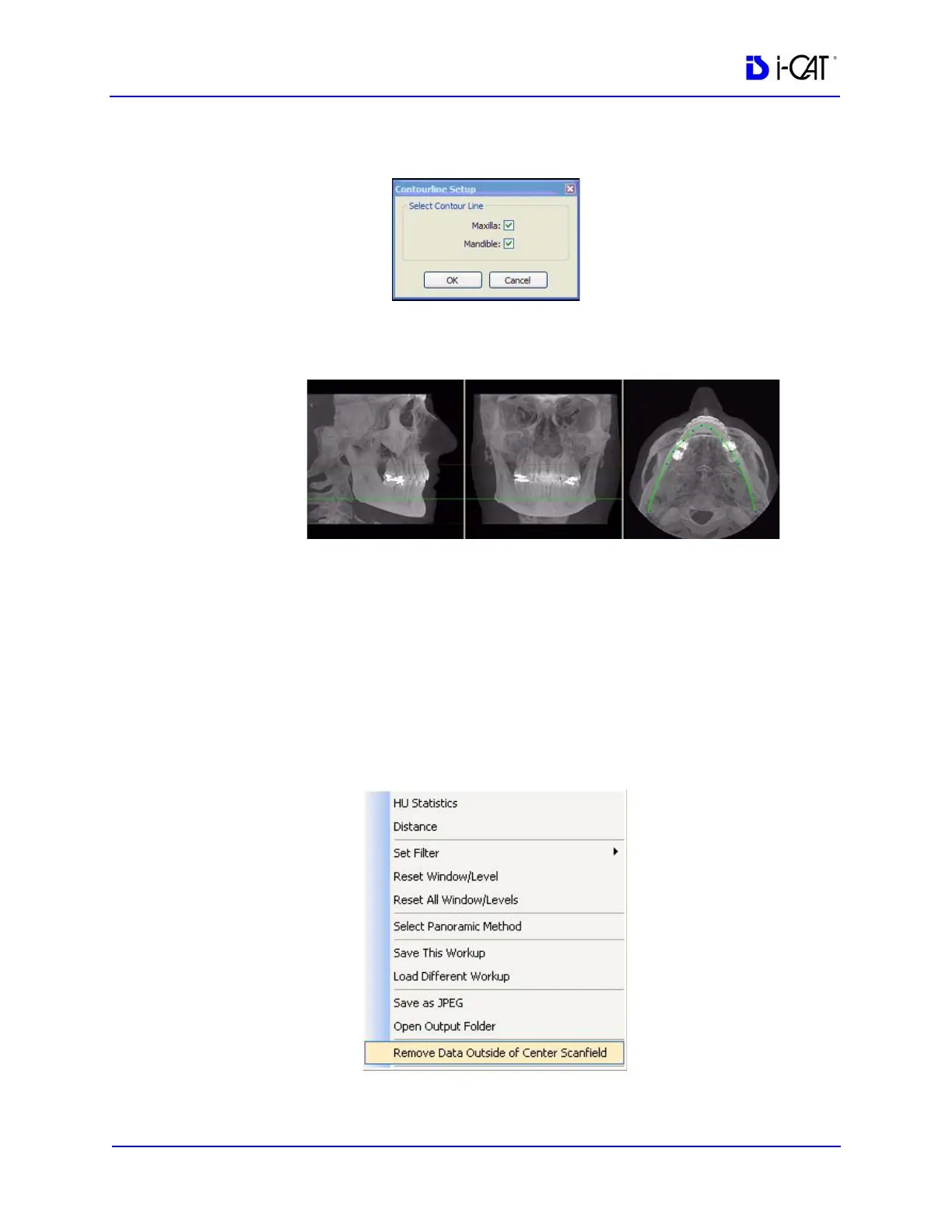
3. Click check boxes to add desired contourlines.
4. Click OK. The dialog box closes and the selected settings are
used for the Sagittal, Coronal, and Axial views.
Removing Circumference Artifacts
Circumference Artifacts are displayed in the Preview Screen as
horizontal lines in the Coronal and Sagittal views and a white partial
circle around the Axial View.
This artifact can be removed from the dataset by right clicking the
Preview Screen and selecting Remove Data Outside of Center
Scanfield. The data is recalculated without the artifact.



 To Next Page