17-19 Operators’ Manual
990400 Rev C 2010 May 1
10-12
Reporting
Patient reports are generated by inserting patient images into a single
or multiple page document. Patient information and text notes can
also be inserted as required. Once these reports are created and
saved, they are readily available for printing and distribution. Patient
reports can also be accessed for editing.
From the top menu bar, select Tools > Create Report to display the
following three report options:
• Run Report
• Create New Report
• Modify Existing Report
• Exit
Run Report
This feature enables the user to access a sample report to modify and
and save as a new patient report.
1. Click (highlight) a patient from the Study List. Allow time for
the Patient Image to load.
2. From the Main menu, select Tools > Create Report.
3. Click Run Report from the box.
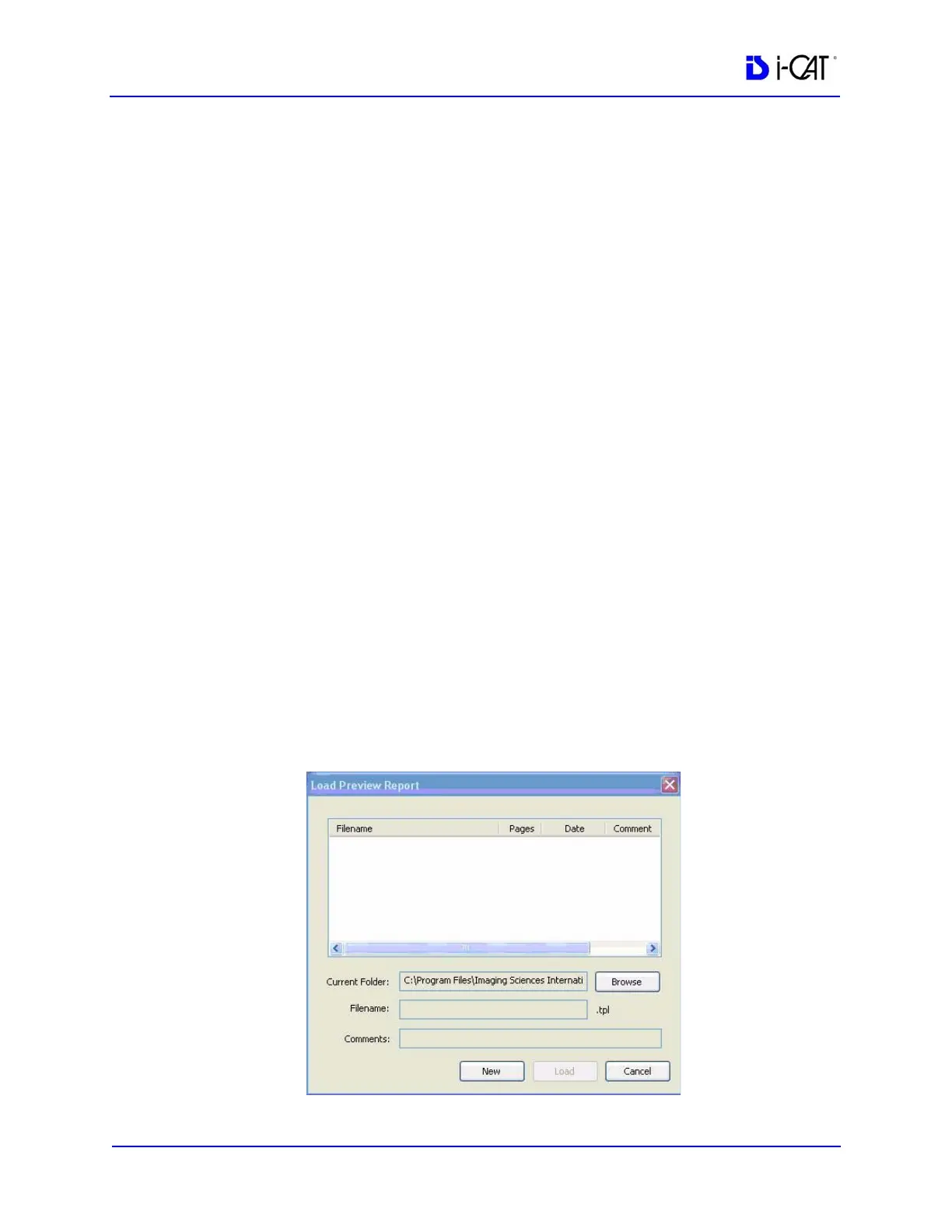
4. Use the Browse button to locate a report to Run.



 To Next Page