990400 Rev C 2010 May 1
Quality Assurance
12-9
QA Water Phantom Test
The Water Phantom Test is a noise level and uniformity test. The
HU measurements are taken at five different regions within the
Water volume. It is important that the Water Phantom provided is
used for these tests.
1. Remove Chin Cup and insert Phantom Platform.
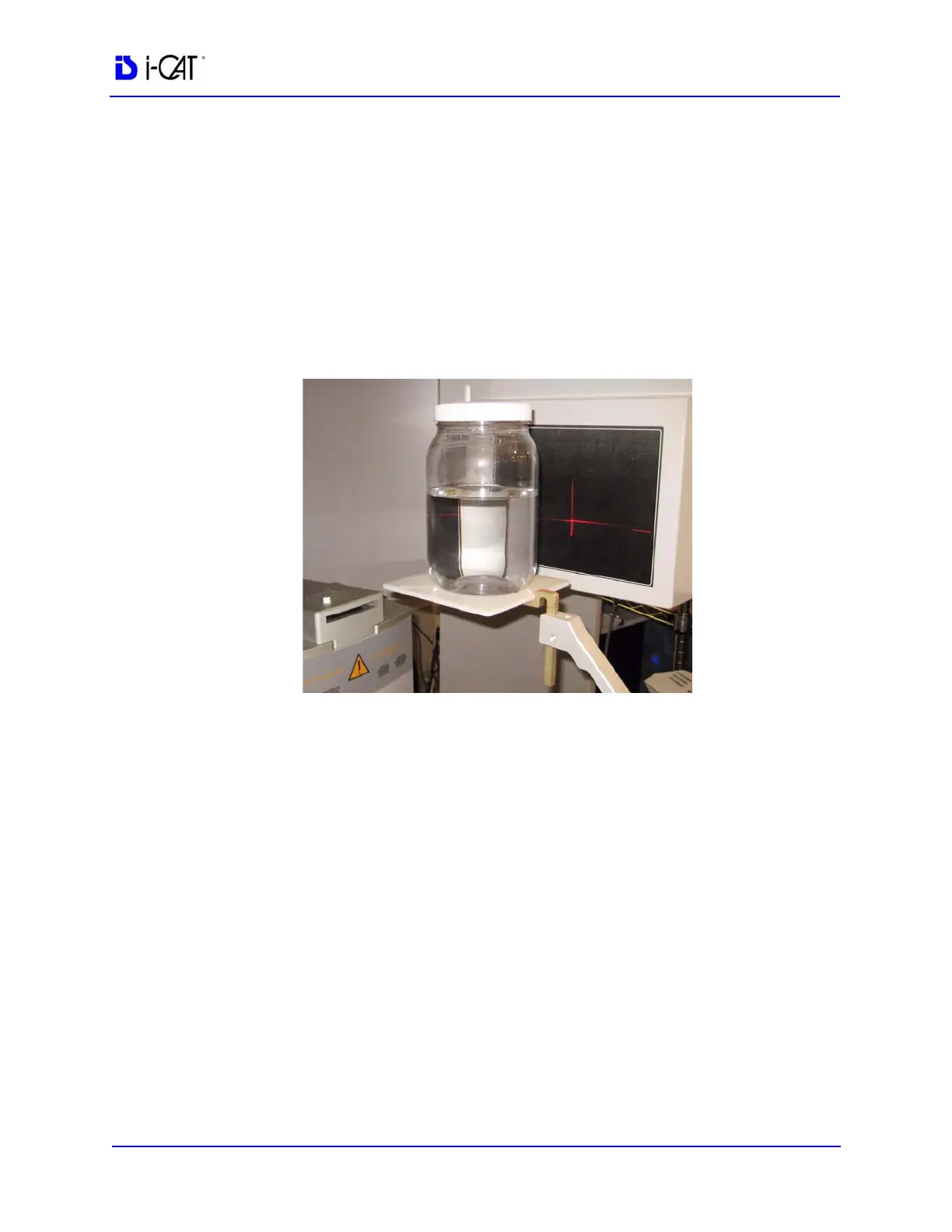
2. Half-fill Phantom with distilled water and carefully place on
platform.
3. Using the Alignment Lasers, center the water bath with the
horizontal laser across the center of the water depth.
NOTE: If the Tru-Pan feature is enabled on your system, you may
want to change the default panoramic method to Manual Arch
Settings or None before beginning acquisition of phantom images.
The Tru-Pan feature is not designed to be used with phantom
images. See Changing the Panoramic Method.
4. Start test by selecting File > New Patient from the Main menu.
5. From the Select Patient screen, click Add.
In the Patient Name field, enter Water Calibration in the First
field and Noise Test in the Patient ID field. Click OK.
6. On the Select Patient screen, click OK. The Acquisition window
is displayed.
7. From the Volume tab in the Acquisition window, select the
following:



 To Next Page