990400 Rev C 2010 May 1
Reconstruction of Anatomy
8-5
Panoramic View (Tru-Pan Feature Set as Default)
When the Tru-Pan feature has been enabled on your system, studies
are automatically computed and displayed in the Panoramic View.
Tru-Pan uses a set of algorithms to automatically construct the
Panoramic View and increase image quality. Tru-Pan uses the
variable inner and outer jaw arch boundaries for image construction,
with the primary goal being to eliminate the depression of the middle
jaw portion of the image.
Images constructed using the Tru-Pan feature:
• Pronounce the front middle region of jaw dentition clearly.
• Show the sinus floor structures and the condyles clearer and
show the major jaw structures more accurately. The jaw
volume is rendered in more detail compared to other
techniques.
• Eliminate the need to adjust the contourlines of the arch
curve for the 3D panoramic image.
Using the Tru-Pan Feature
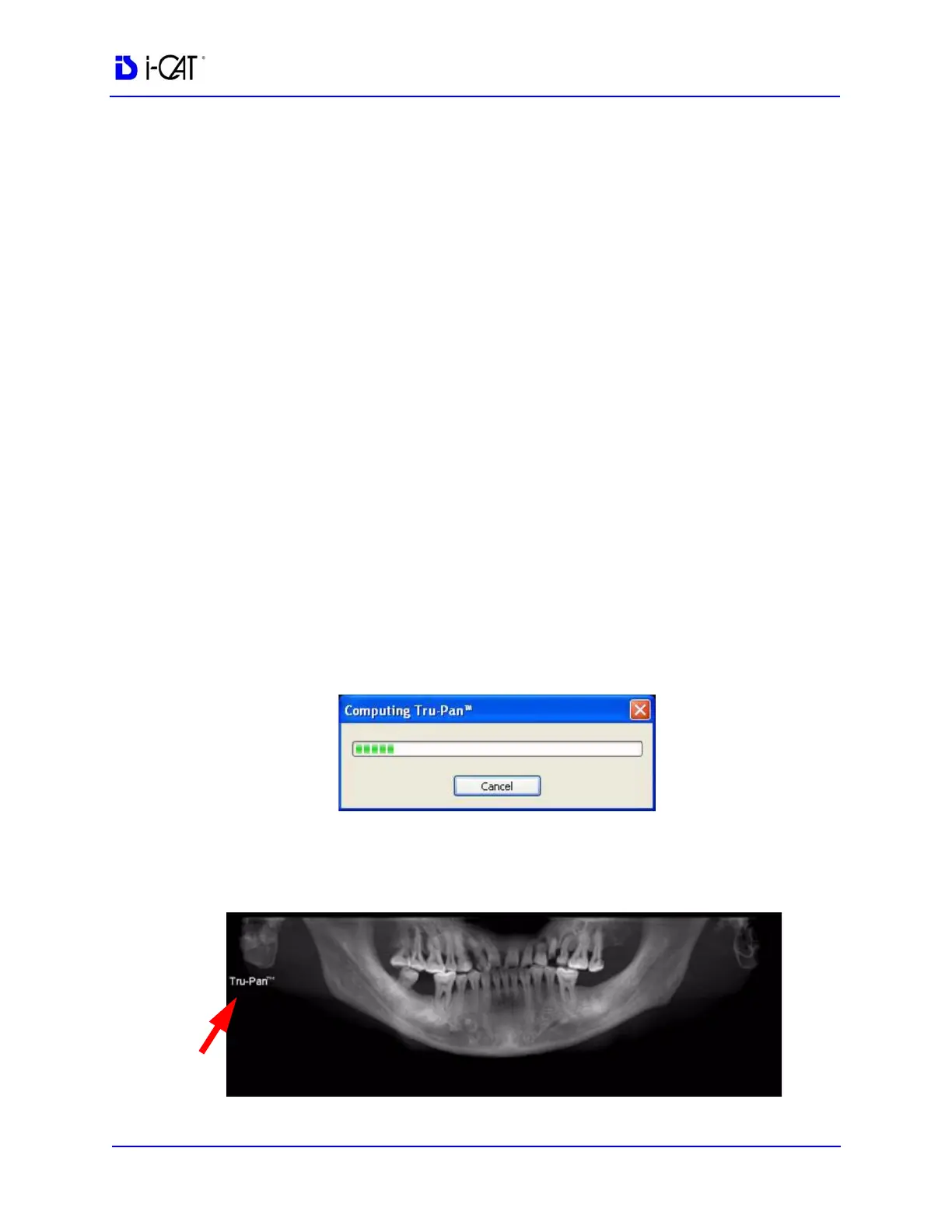
After selecting a study from the Study List, the Tru-Pan dialog is
displayed while the image is rendering.
It may take up to 2 1/2 minutes for the Tru-Pan image to compute,
depending on the resolution of the study. Tru-Pan images are
displayed with a Tru-Pan tag on the Panoramic View.



 To Next Page