990400 Rev C 2010 May 1
Three Dimensional Volume Rendering (3DVR)
B-3
W/L (Window/Level)
W/L is a tool to adjust Grayscales (Brightness / Contrast).
To adjust Brightness/Contrast:
1. Click W/L Radio button.
2. Drag cursor Left/Right to adjust Contrast and Up/Down for
Brightness.
The W/L values are displayed at the top of screen.
ROI (Region of Interest)
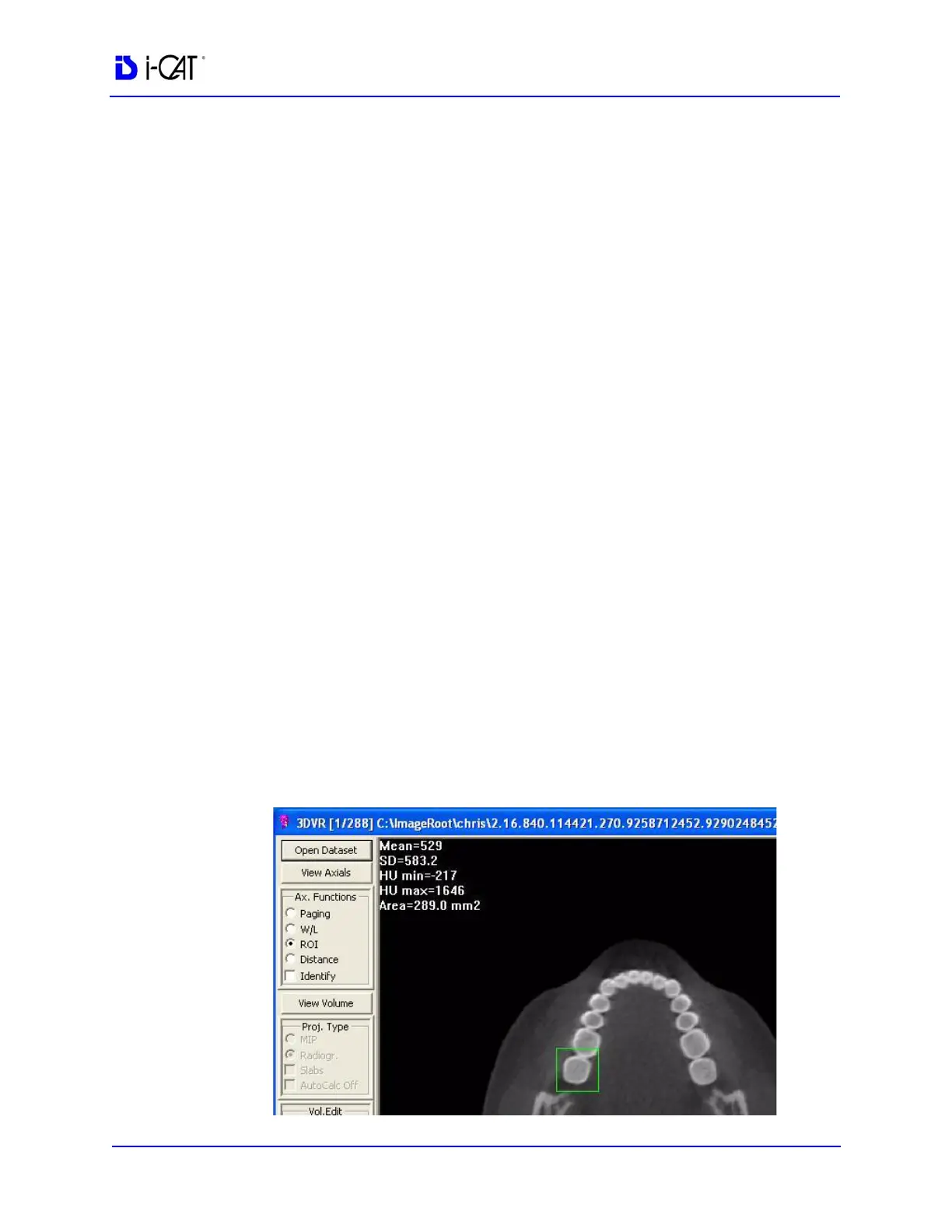
ROI is a tool used for determining Hounsfield Units.
To activate the ROI tool:
1. Click ROI Radio button.
2. Drag cursor to create a box around region of interest. Release the
mouse button to move box, then click again to complete the box.
Calculated items are displayed (upper left corner.) The displayed
values are:
• Mean
• SD (Standard Deviation)
• HU min (minimum Hounsfield Units)
• HU max (maximum Hounsfield Units)
• Area



 To Next Page