990400 Rev C 2010 May 1
iCATVision & iCATTransfer
A-3
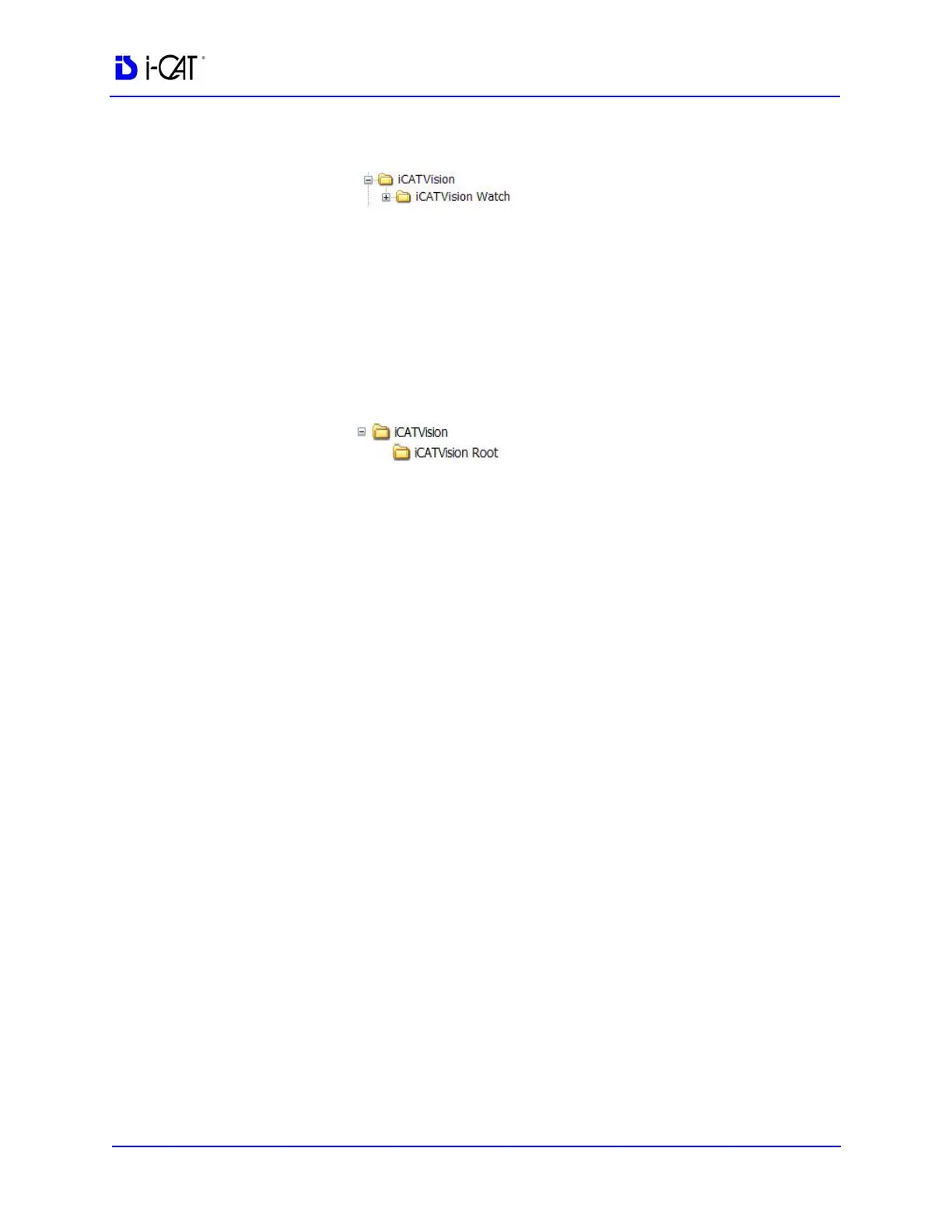
File structure on iCAT
®
Acquisition Computer:
C:\
NOTE: It is not recommended to have the Watch folder located on a
server because it would slow down the Network speed.
3. On the server or central storage location, create another folder
named iCATVision.
4. Under this iCAT Vision folder create a sub folder named
iCATVision Root
File structure on server/central storage location:
C:\
If a server/central storage location is not available, then create
the iCATVision Root directory on the iCAT
®
Acquisition
Computer’s C: drive under the iCAT Vision Folder.
Create a new Folder
1. Open the folder where the new folder is to reside.
2. Right click and select New > Folder.
3. Type the name for the new folder.
Install iCATVision
1. Unzip the iCATVision.zip file to the iCAT Vision folder, it
unzips to iCATVision.exe.
2. Double click the .exe file to execute the program.
A shortcut can be created for this program onto the desktop.
To unzip a file:
Right-click file and click Extract on the shortcut menu.
To create a shortcut:
Right click file and select Send to > Desktop (create shortcut).



 To Next Page