990400 Rev C 2010 May 1
7-1
Chapter
7
Acquisitioning (Scanning)
Volume Scans
Once Patient data is entered and the Patient is properly positioned,
acquisitioning can begin.
NOTE: Refer to the Patient Positioning and Protocols chapter for
detailed information about patient positioning.
1. From the Main menu select File > New Patient.
2. In the Select Patient Pane, highlight patient and click OK or just
double-click the patient to be scanned.
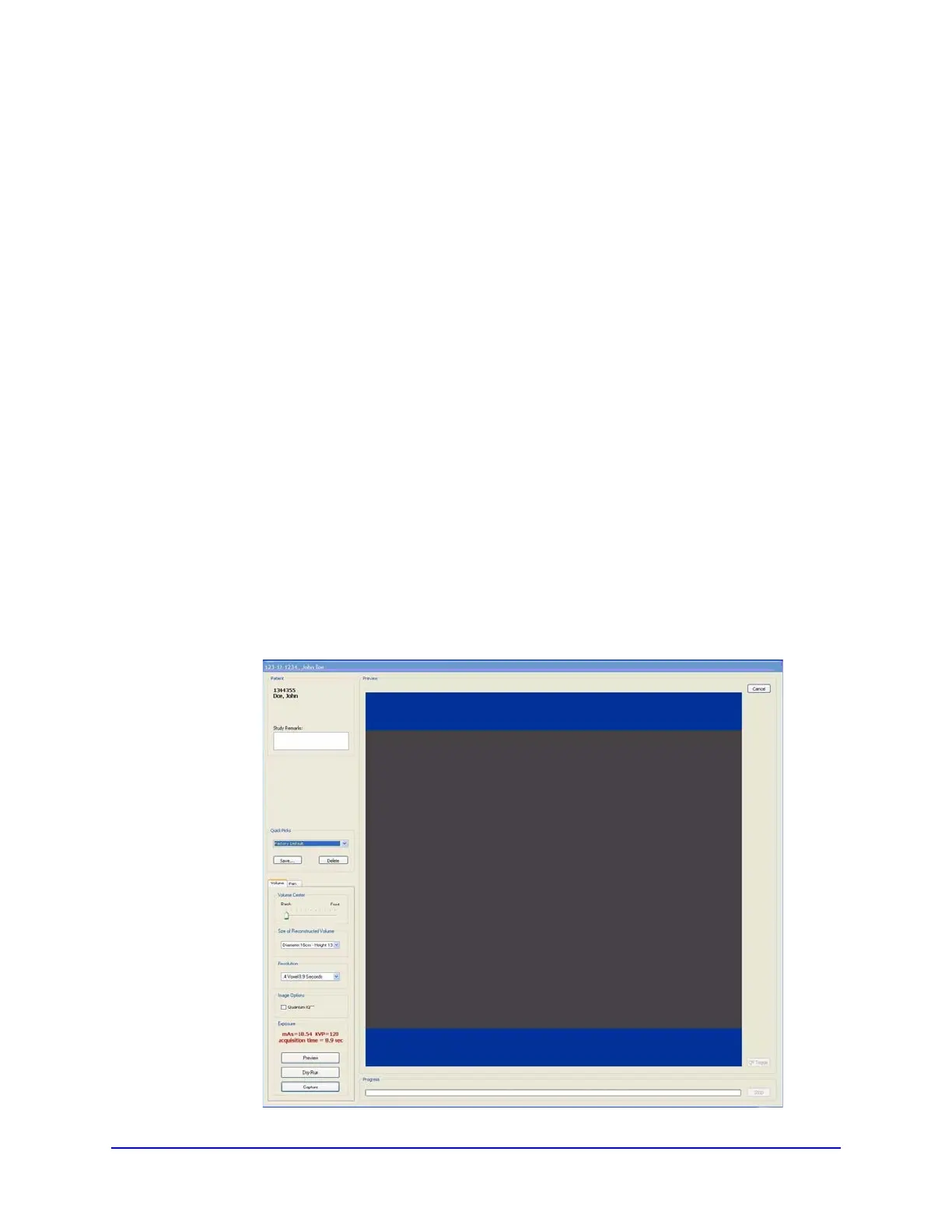
The Acquire window is displayed.
3. If desired, enter any remarks in the Study Remarks text field.



 To Next Page