990400 Rev C 2010 May 1
Managing Patient Data
5-5
2. Click Yes to confirm deletion of Patient Dataset, including all
scans and workups. A second confirmation dialog is displayed.
3. Click Yes to confirm deletion.
Add New Patient
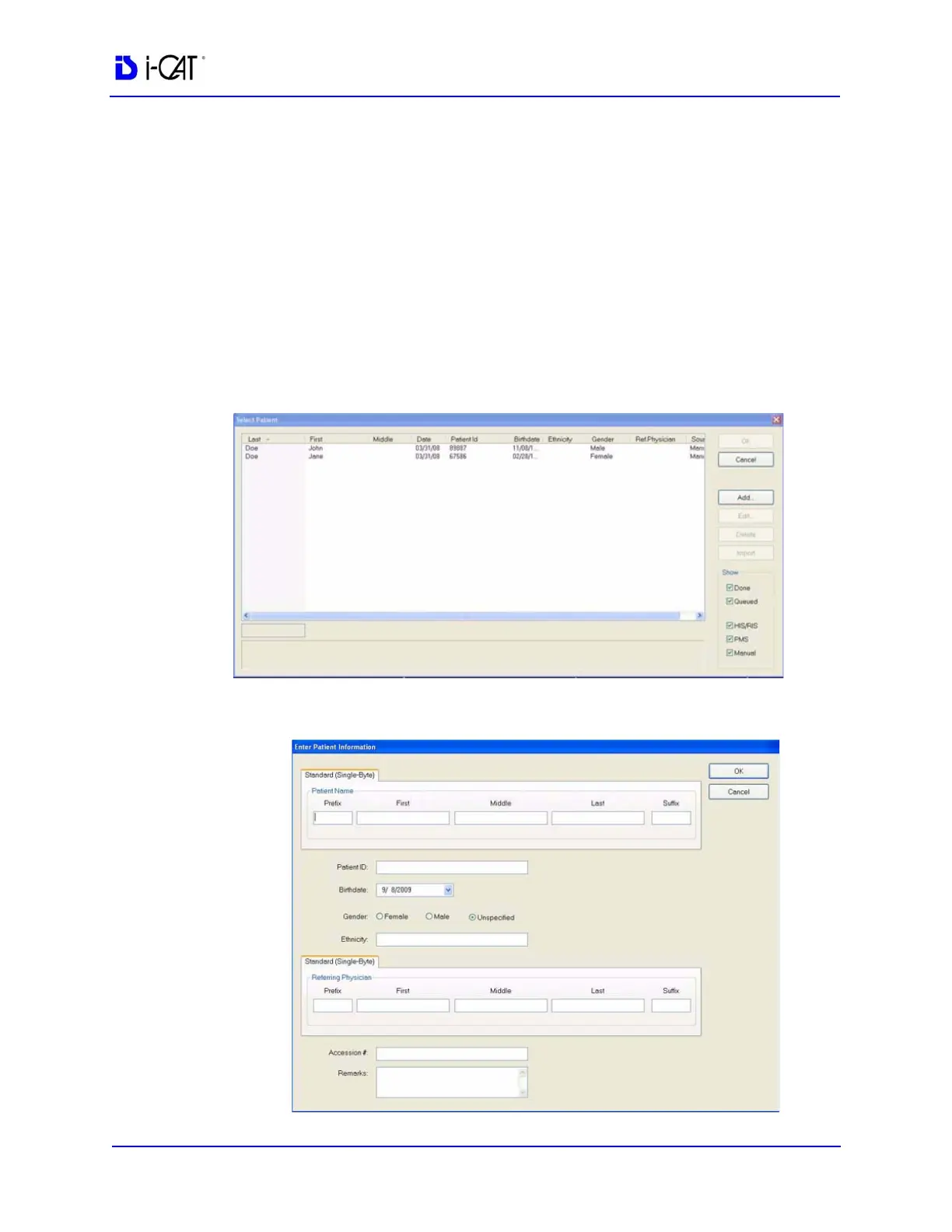
To add a new Patient
1. From the Main menu, select File > New Patient or right click an
existing image from Patient Study list and select Acquire New
Scan.
2. Click Add . . . button.



 To Next Page