17-19 Operators’ Manual
990400 Rev C 2010 May 1
16-16
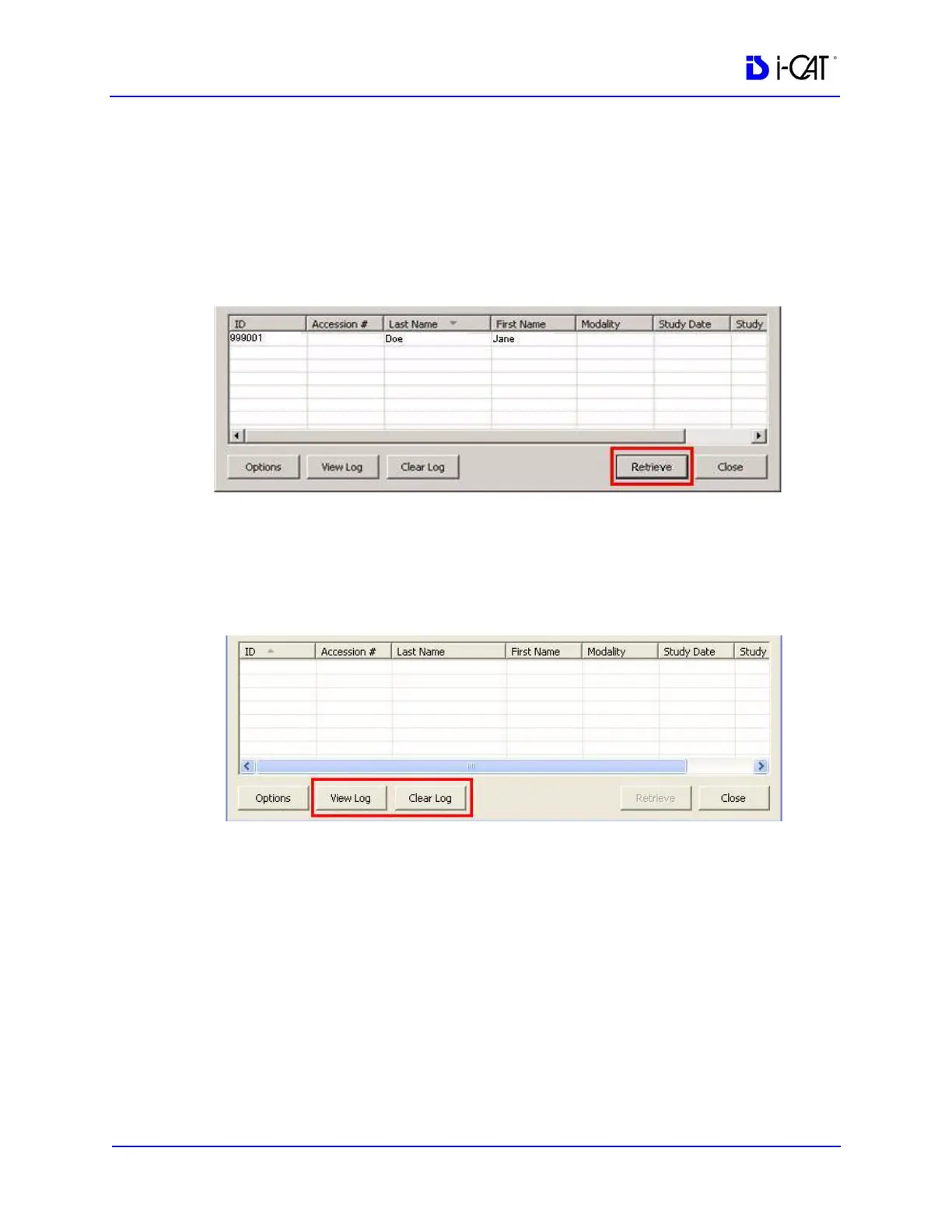
4. To retrieve images for a study:
a. Select a study from the list.
b. Click Retrieve. The images for the selected study are
retrieved from the remote server and copied to the local
computer in the folder that was specified during setup,
usually ImageRoot.
c. The study is displayed on the Study List in Vision.
5. If desired, click View Log to review the transactions that were
completed or check for failures. To clear the log, click Clear
Log.
Status Messages
The following list defines the status messages that may be displayed
on the DICOM Query/Retrieve Module screen.
Invalid retrieval IP address. Please select new one
The IP number selected in an option box is no longer valid. Open the
options dialog and select a new one from the list.
Cannot use wildcard character with patient ID
A wildcard character is not allowed to be used for querying a patient
ID.



 To Next Page