17-19 Operators’ Manual
990400 Rev C 2010 May 1
8-18
Distance
The system software allows making distance (linear) measurements
for all image views.
To make a linear (distance) measurement:
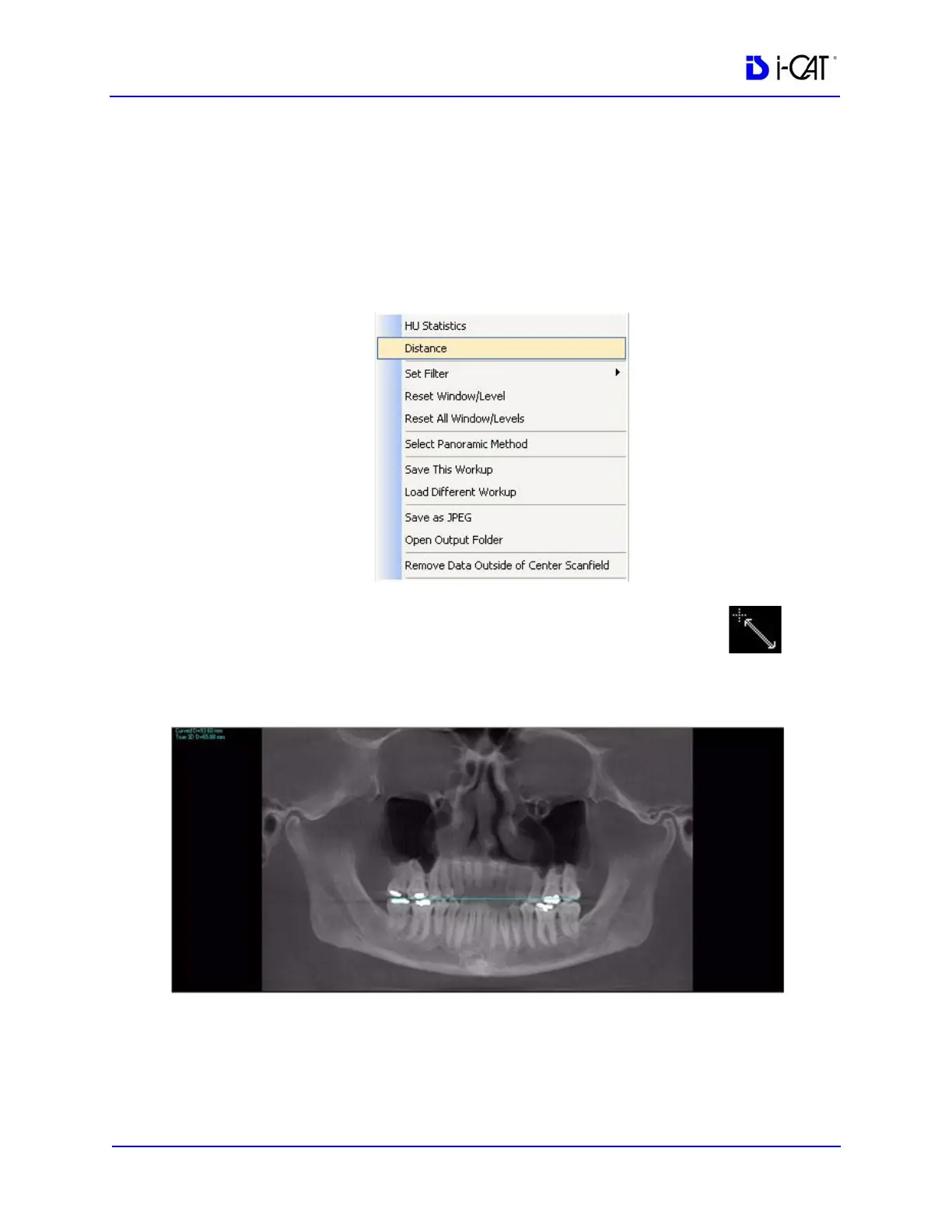
1. To make a measurement, right click image and select Distance.
The menu closes and the cursor changes to the distance
measurement symbol.
2. Click, drag, and click to define the measurement.
Measurement statistics appear in the upper left corner of the
image.



 To Next Page