17-19 Operators’ Manual
990400 Rev C 2010 May 1
5-6
NOTE: The Enter Patient Information screen may have additional
tabs for entering names in Standard (Single Byte), Ideographic, or
Phonetic characters. For setup instructions, see DICOM Character
Set for New Files
.
3. Enter Patient data in the corresponding fields as applicable.
• A unique Patient ID must be added, such as a Patient file
number or social security number.
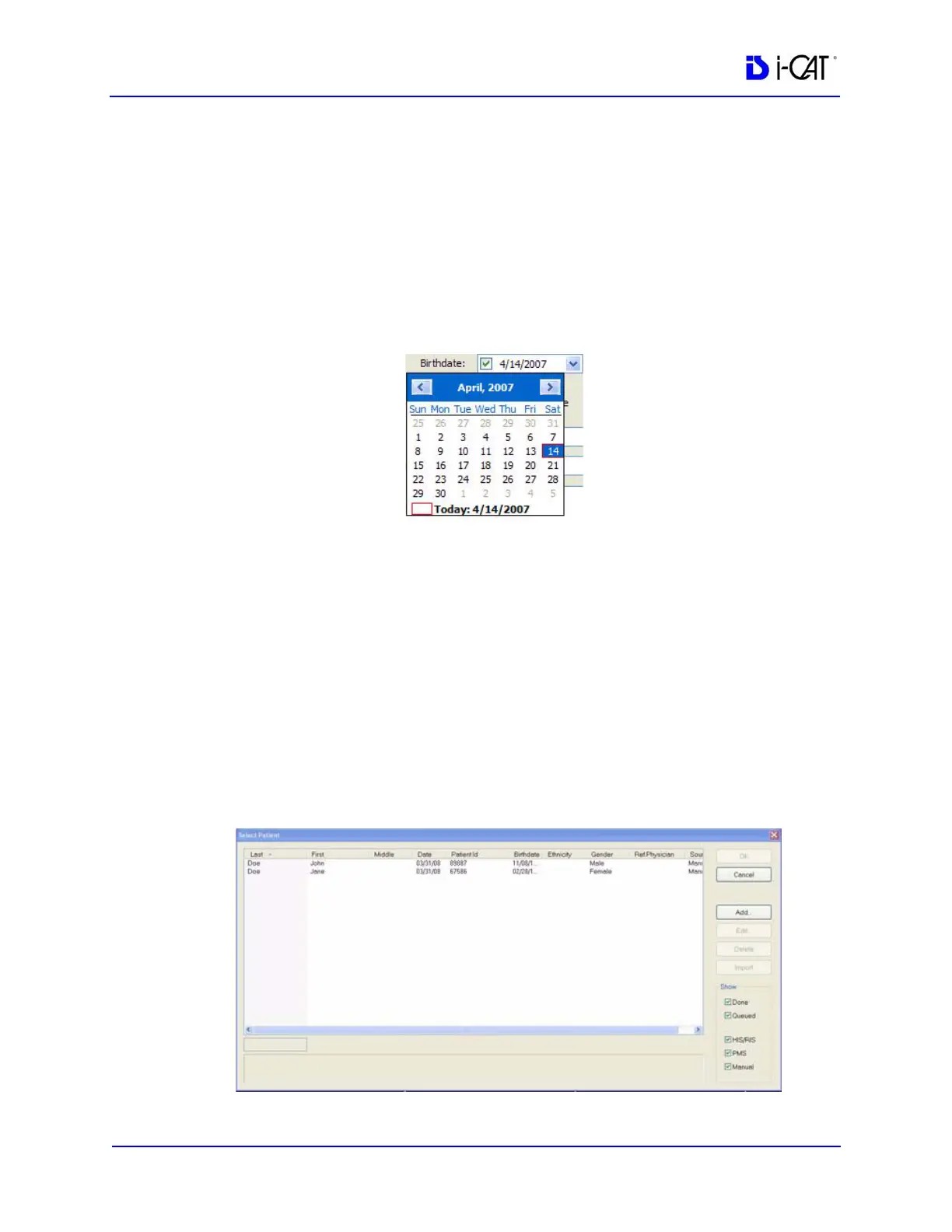
• Click the Birthdate drop-down to display the calendar tool.
Although dates may be manually entered, it is recommended that the
calendar tool be used in order to avoid data entry errors.
4. Click OK to add Patient data.
5. Click Cancel to close the dialog box or click OK to access the
acquisition screen to start the patient scan.
Edit Patient Details
To edit Patient details:
1. From the Main menu, select File > New Patient.



 To Next Page