17-19 Operators’ Manual
990400 Rev C 2010 May 1
15-4
Migrate from Standalone to Server
NOTE:
•
Perform this procedure only if upgrading or migrating from
an existing standalone setup.
• If the existing network setup shares a portion of the local
disk of the VisionQ computer, it is still considered
standalone and this procedure should be followed.
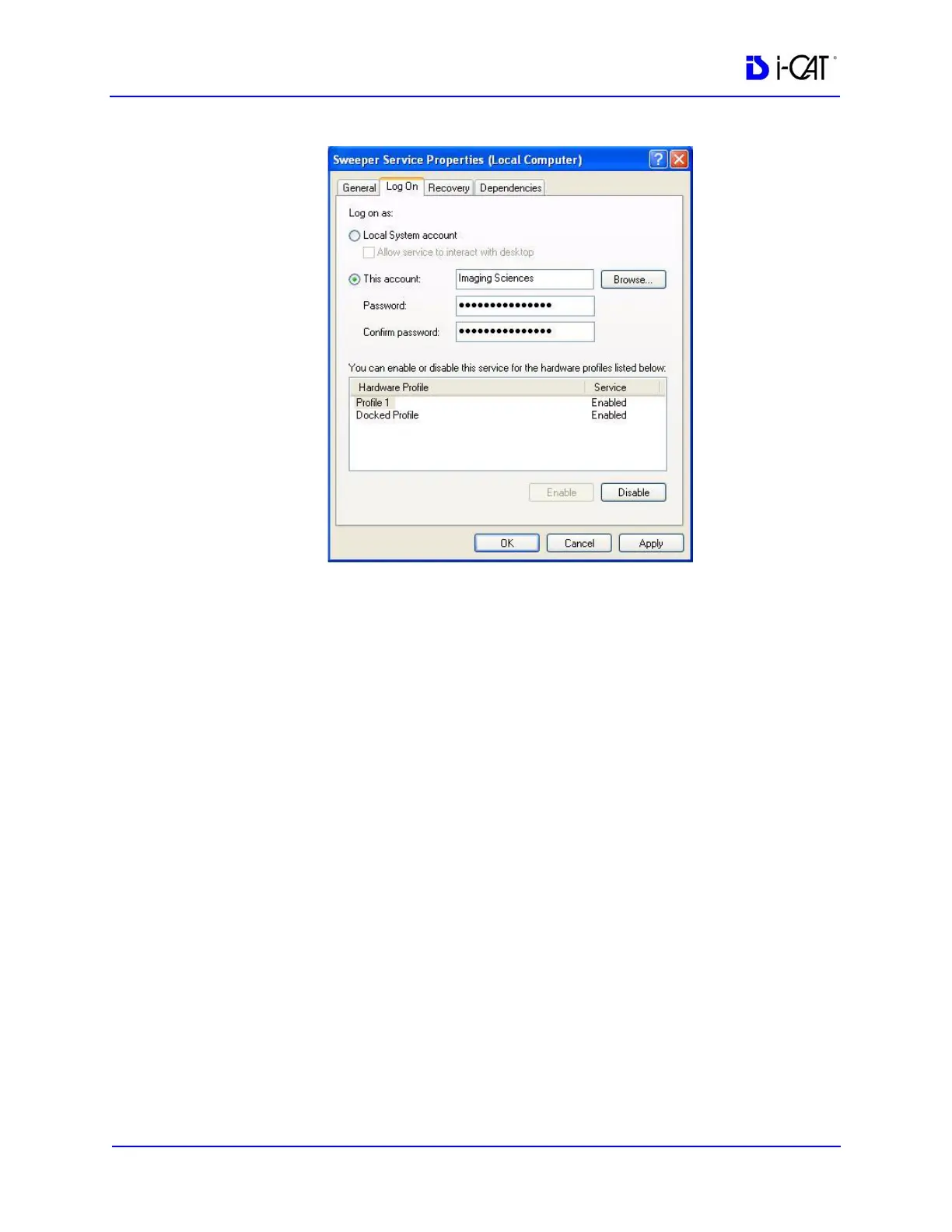
1. Using the Sweeper controller, stop the Sweeper service if it is
running or paused.
2. Start VisionQ and reconstruct any scans that have not yet been
reconstructed.
a. Make a note of the standalone Image Root Folder name
using Tools > Setup. (It is probably C:\DATAFRAMES.)
Do not change the name at this time.
b. Exit VisionQ.
3. Using Windows Explorer, navigate to the Image Root Folder
and delete any files named proj0000.raw, proj0001.raw, ...,
proj2000.raw.



 To Next Page