17-19 Operators’ Manual
990400 Rev C 2010 May 1
5-4
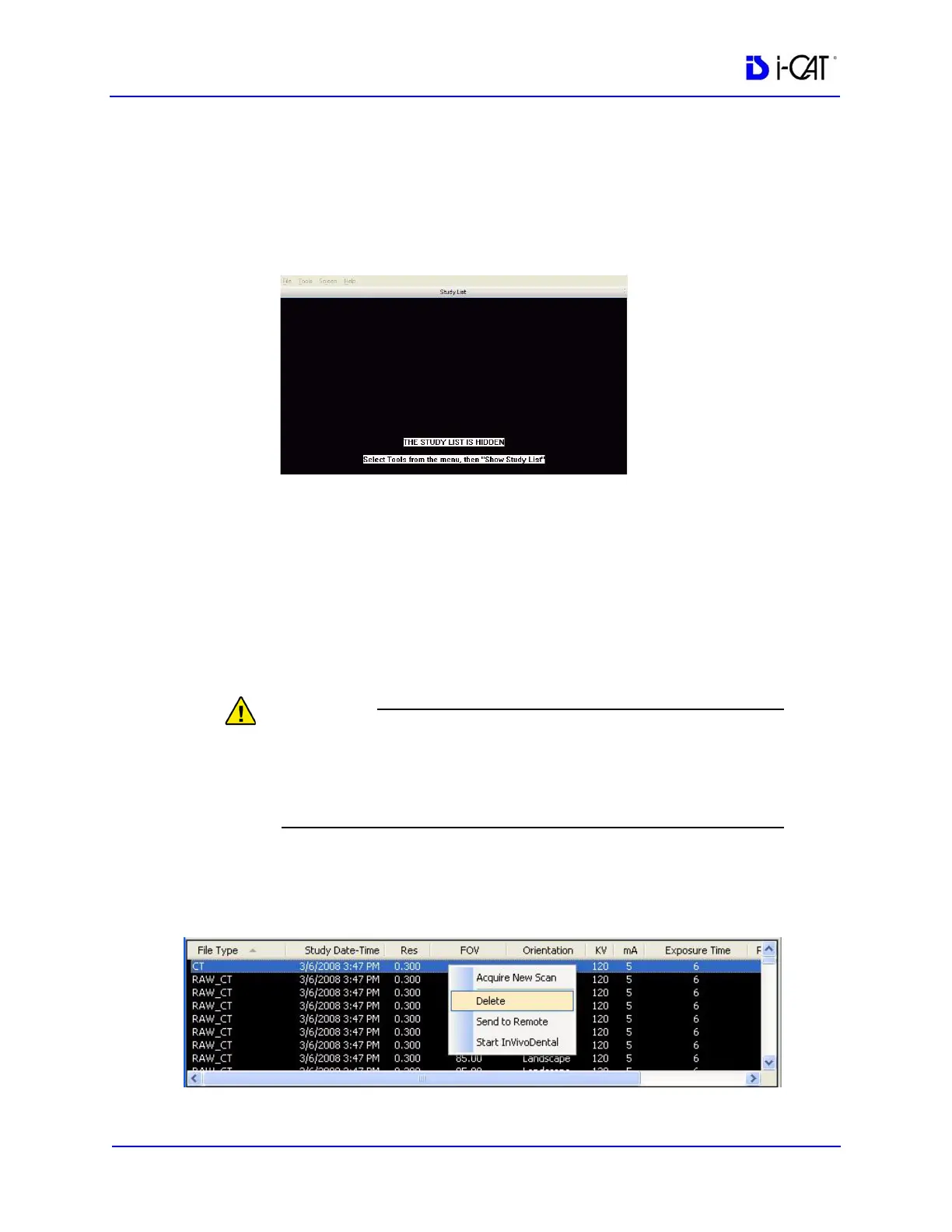
Hide/Display Study List
The Study List can be hidden by selecting Tools > Hide Study List
from the Main menu. When hidden, the Study List appears as shown
below.
To display the Study List, select Tools > Show Study List from the
Main menu.
Delete Patient Scans
To delete a patient dataset, follow the procedure below. This
procedure does NOT delete raw studies.
Do not use Windows Explorer to select and delete studies,
Manually deleting a study using a method other than the one
described below will require a potentially time-consuming rescan
operation.
To delete a Patient dataset:
1. With a Patient selected in the Study List, right-click on the scan
to be deleted and select Delete.



 To Next Page