990400 Rev C 2010 May 1
Tools
10-5
be displayed in Vision, select Ideographic in the Person’s Name
Display Priority window, and click Increase to move it to the
top of the list. If you later want to view the Phonetic name, set
Phonetic to the highest priority. Latin Alphabet names will
always appear as single byte entries, even if Standard (Single
Byte) is set as the lowest priority.
4. To save selections, click OK. A dialog is displayed informing
that Vision must be restarted for changes to take effect.
5. Click OK on the dialog. Vision will close.
6. Restart Vision and continue operations.
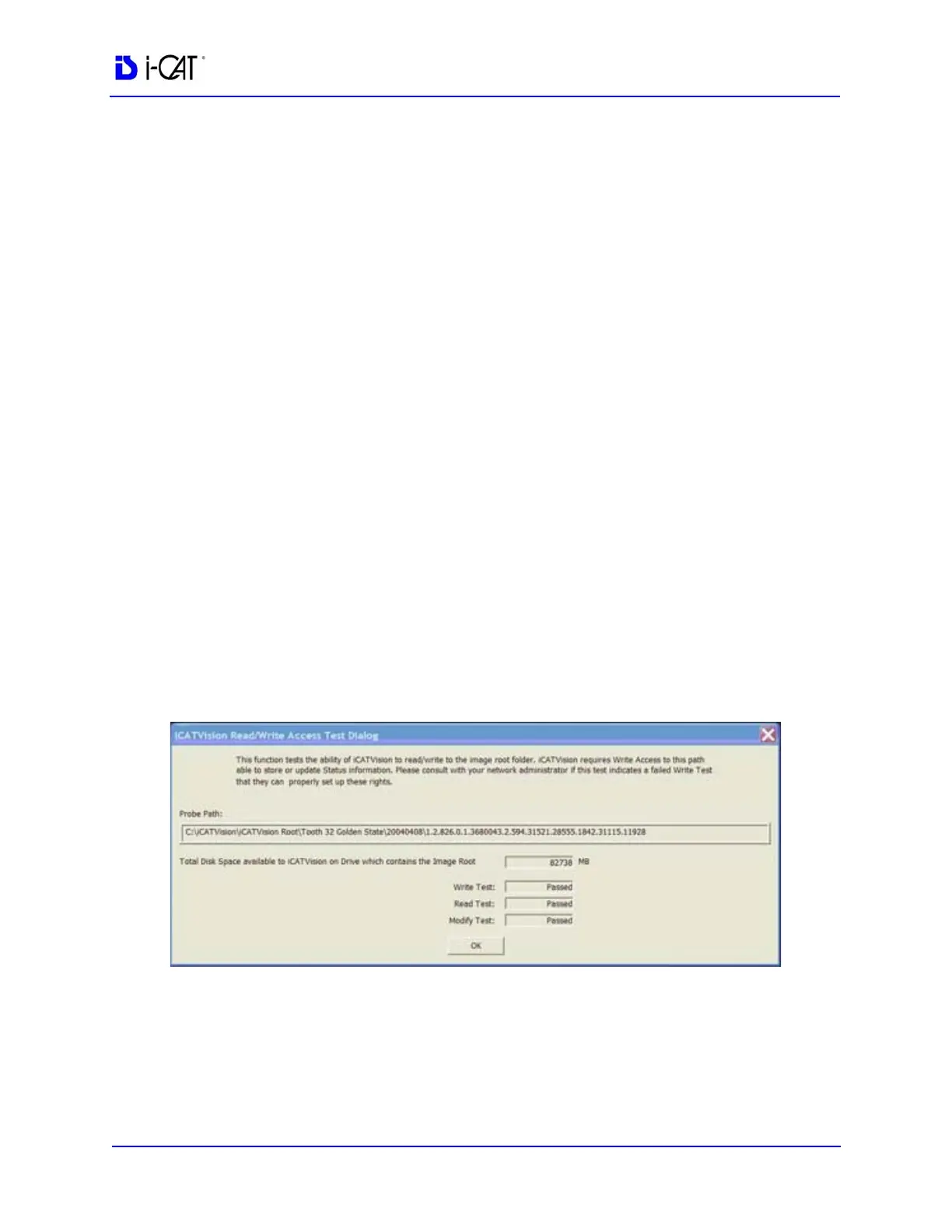
Check Read/Write Access to Image Database
This function tests the ability of Vision to read/write to the image
root folder. Vision requires Write Access to this path to store or
update Status information. Also displayed is the total disk space that
is available in the Image Root directory.
Please consult with your Network Administrator if this test indicates
a failure.
1. From Main menu, select Tools > Check Read/Write Access to
Image Database
The Read/Write Access Test Dialog window is displayed.
2. Ensure that all tests have passed. Click OK to close.



 To Next Page