17-19 Operators’ Manual
990400 Rev C 2010 May 1
B-14
Rotate 3D Image
To Rotate the 3D image, both the Pan and Zoom functions must be
disabled (unchecked). Drag the cursor on the 3D image in the
desired rotation direction.
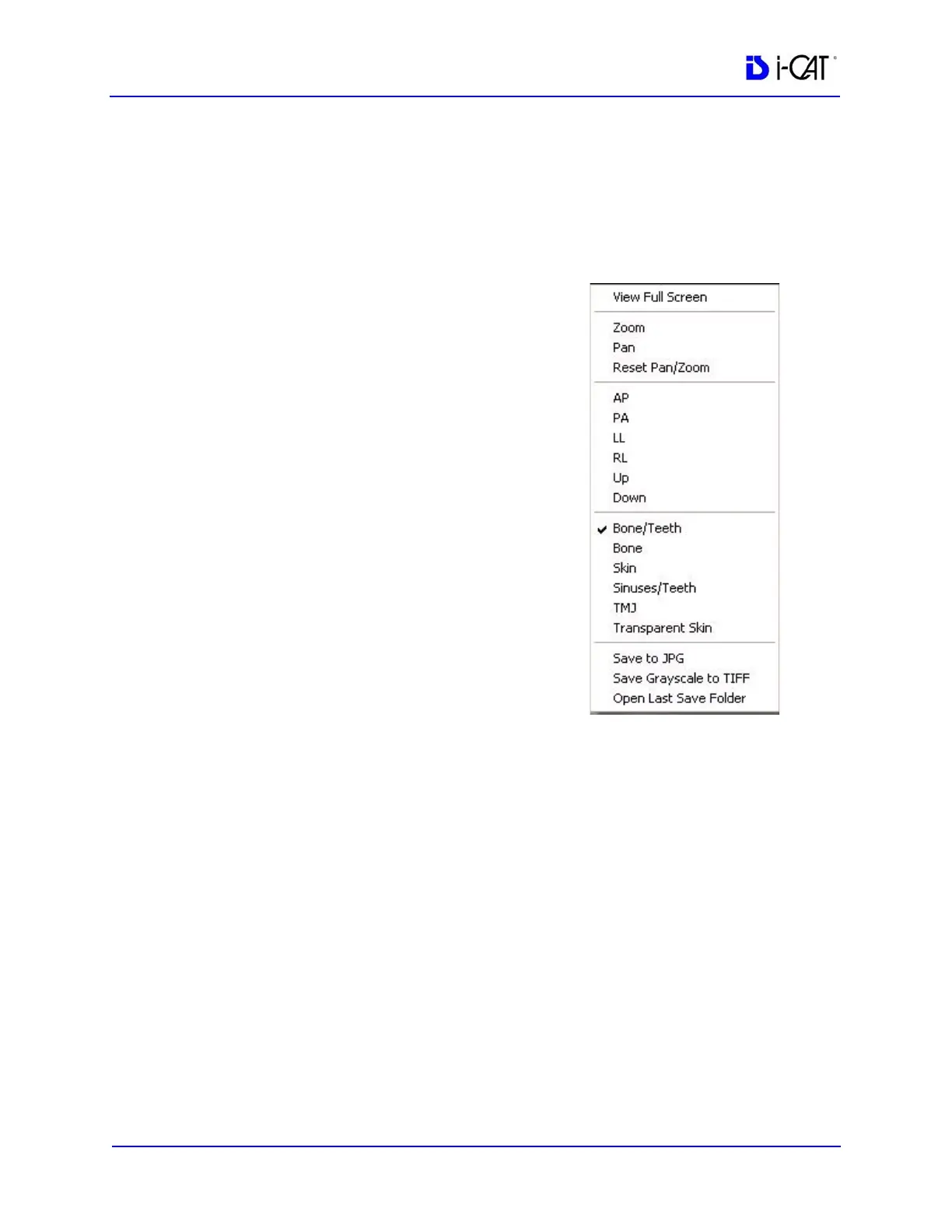
Pop Up Menu
Pop Up Menu contains the same VR
Functions and also some additional
functions. To access the Pop Up Menu,
right click the 3D image.
Save to JPG
Saves full color 3D image in current
working folder (adds .jpg extension).
The current working folder is the folder
opened from the Open Dataset.
Save Grayscale to TIFF
Saves 3D image in current working
folder (adds .tiff extension). The current
working folder is the folder opened from
the Open Dataset.
Open Working Folder
Opens the file structure where the JPG and TIFF picture files are
saved. The current working folder can be changed.



 To Next Page