17-19 Operators’ Manual
990400 Rev C 2010 May 1
B-6
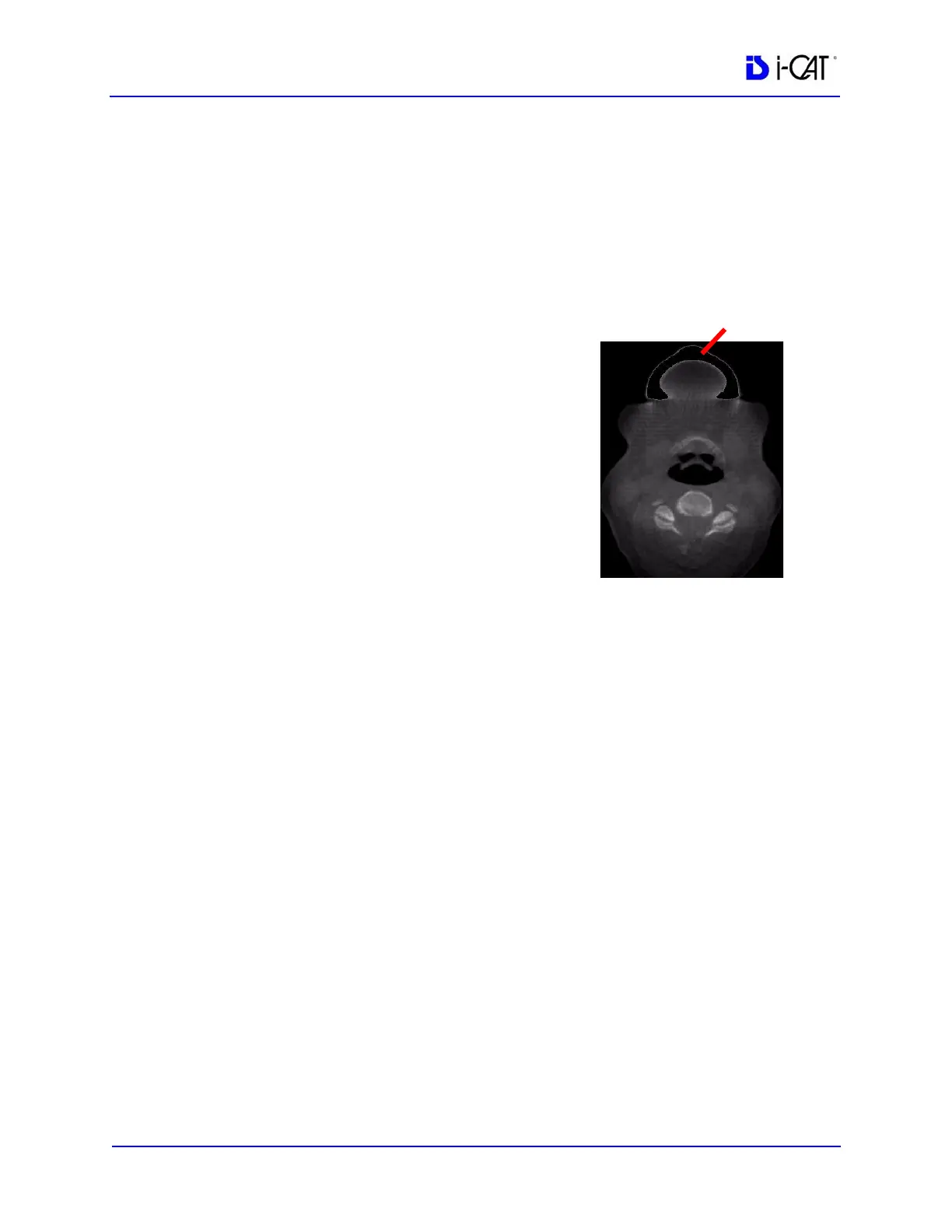
Remove Object
To remove a piece of anatomy from image:
1. Click the Remove Object box to enable (checkmark).
2. Then click the object of interest highlighted in blue.
3. Close 3DVR Setup window by
clicking X (upper right corner of
window).
4. Scroll through the Axial views to
verify that the object is removed from
the image (was white, now black).
NOTE: Please be aware that any adjoining
anatomy or material will also be removed,
if there is continuity, or “leakage”. This
includes any adjoining tissue in the rest of
the volume that is not necessarily visible
in this particular axial view.
Hounsfield Unit Calibration Offset
Before proceeding to the View Volume functions, first enter a
calculated offset into the General Setup for Hounsfield Units. The
value that is required is based on the ROI function.
1. Enable the Paging button.
2. Scroll to the tongue area in the axial view which is just above the
maxillary crowns. (look for a region that has relatively even
grayscales).
3. At this location, enable the ROI function.



 To Next Page