990400 Rev C 2010 May 1
Three Dimensional Volume Rendering (3DVR)
B-5
2. Drag cursor on 3D image to rotate.
Display the slice range of interest:
3. On the Axial screen, drag the cursor either UP or DOWN to
scroll through the axial slices.
Dragging the cursor upward scrolls towards the top of the skull
and ragging downward scrolls towards the bottom of the skull.
or
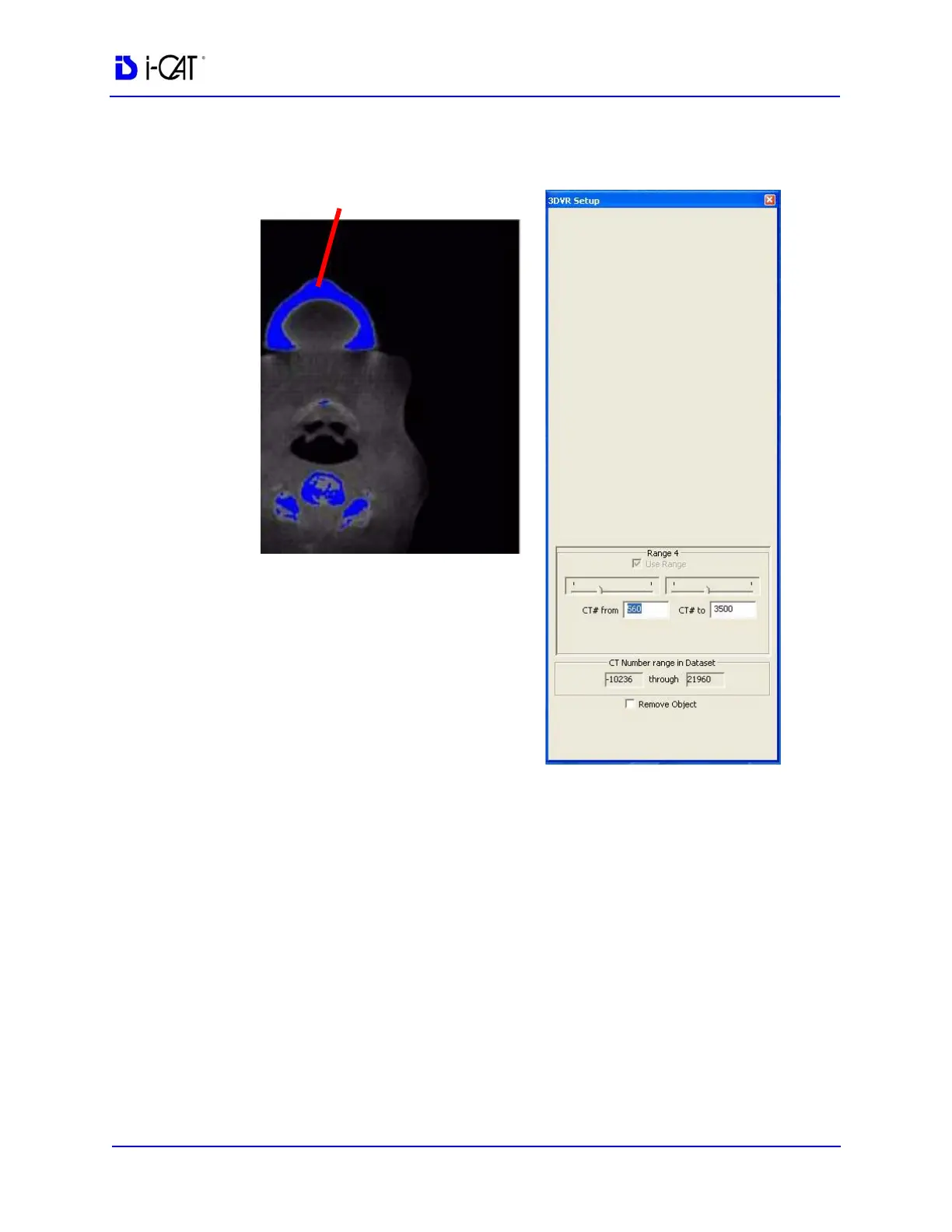
On the 3DVR Setup screen, select a Range (1 to 4). Ranges are
adjusted by using the slide bars or type a new range number in
the box.



 To Next Page