17-19 Operators’ Manual
990400 Rev C 2010 May 1
16-12
RSQM
The Remote Service Query/Retrieve Module (RSQM) enables CT
or iPAN (DX) images to be requested and retrieved from a remote
system, such as a Picture Archive and Communications System
(PACS) using DICOM service protocols (C-FIND and C-MOVE).
The retrieved images can then be viewed and manipulated in the
Vision Standalone application.
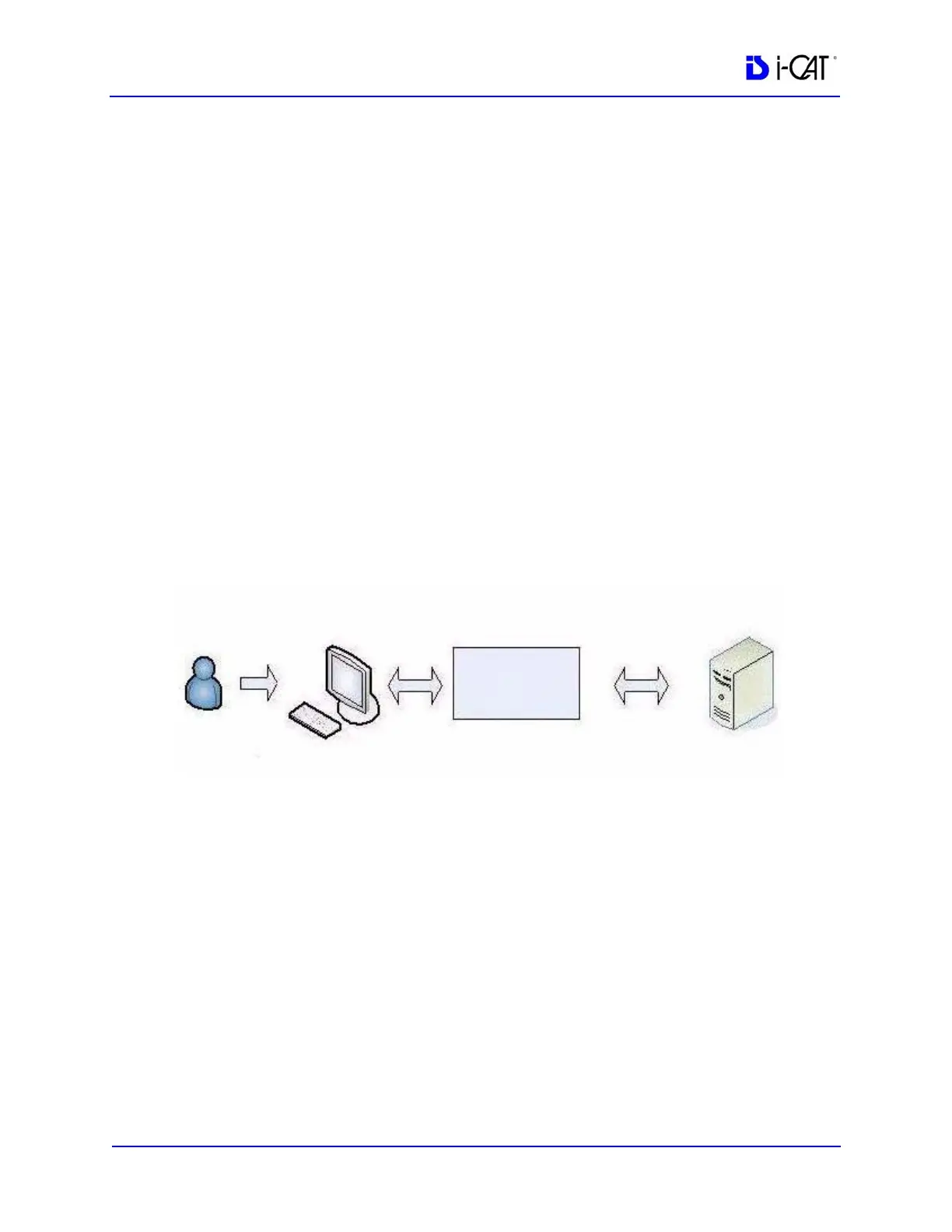
When the user issues a Query command in RSQM, all studies
scanned on the remote system that meet the search criteria are
returned. After a study is located, the user can retrieve the images for
the study from the remote server. The remote server transfers the
images to the user’s local computer, where they are stored. It is
recommended that the storage location be set to the same root folder
as the Vision viewer.
RSQM Installation and Setup
1. Place the RSQM.exe in the desired location. It is recommended
to place it with the iCATVision.exe, but is not required.
RSQM
Vision
Studies meeting
criteria are returned
Study images are returned
to user’s local computer
Remote
Server
“Query”
command issued
“Retrieve”
command issued



 To Next Page