990400 Rev C 2010 May 1
Quality Assurance
12-13
Uniformity Test
21. Use the Noise Level Test dataset (previous procedure), if not
available, perform steps 1 to 13.
If using the Noise Level Test, right click the HU data (upper
right corner of image) and select Remove all measurements.
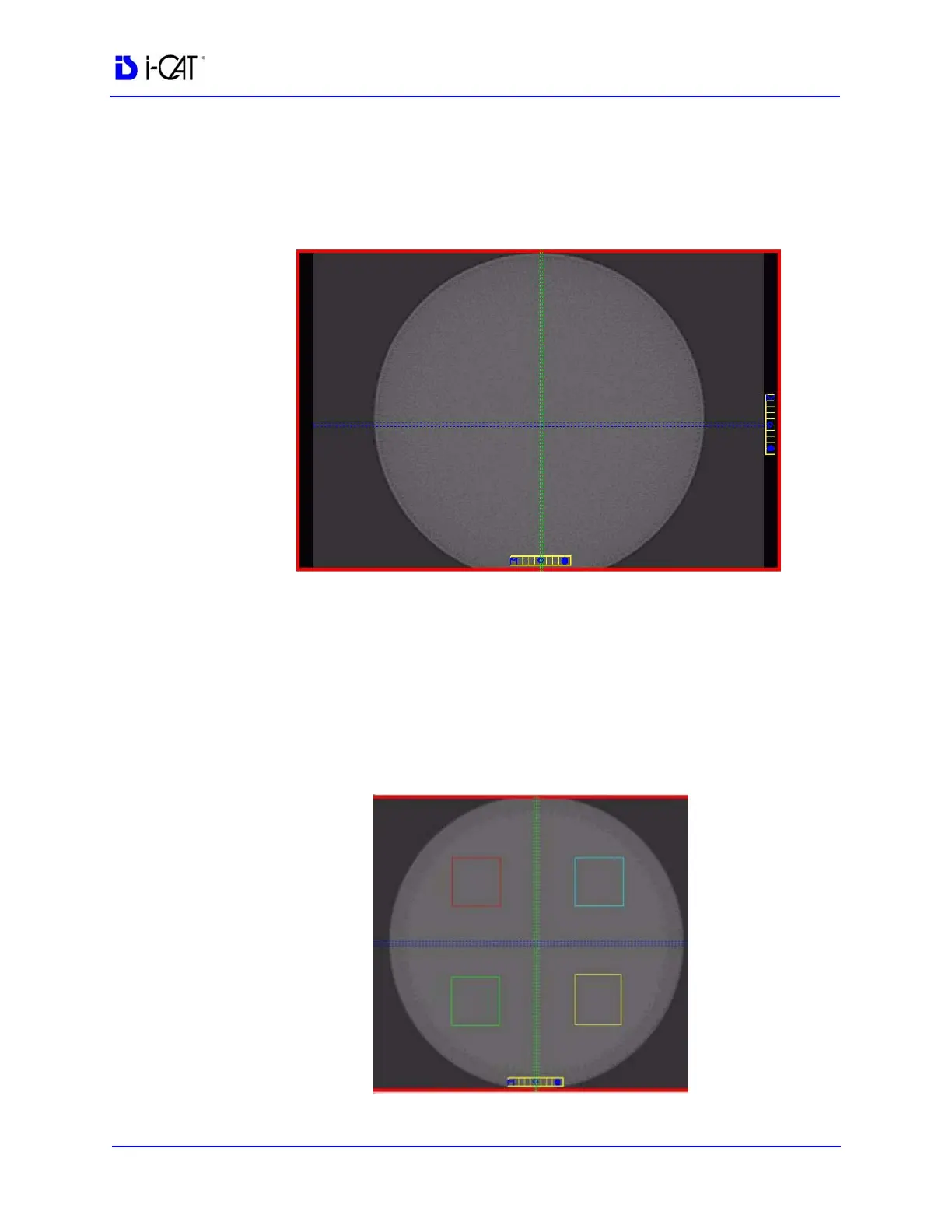
22. Right click the image and select HU Statistics from the menu
(also, right click to turn off HU Statistics).
NOTE: Four regions is the number of regions that can be displayed
at one time. Creating another region (fifth) will overwrite the first.
The HU Area (box size) should be approximately 400.0 mm
2
.



 To Next Page