990400 Rev C 2010 May 1
Reconstruction of Anatomy
8-15
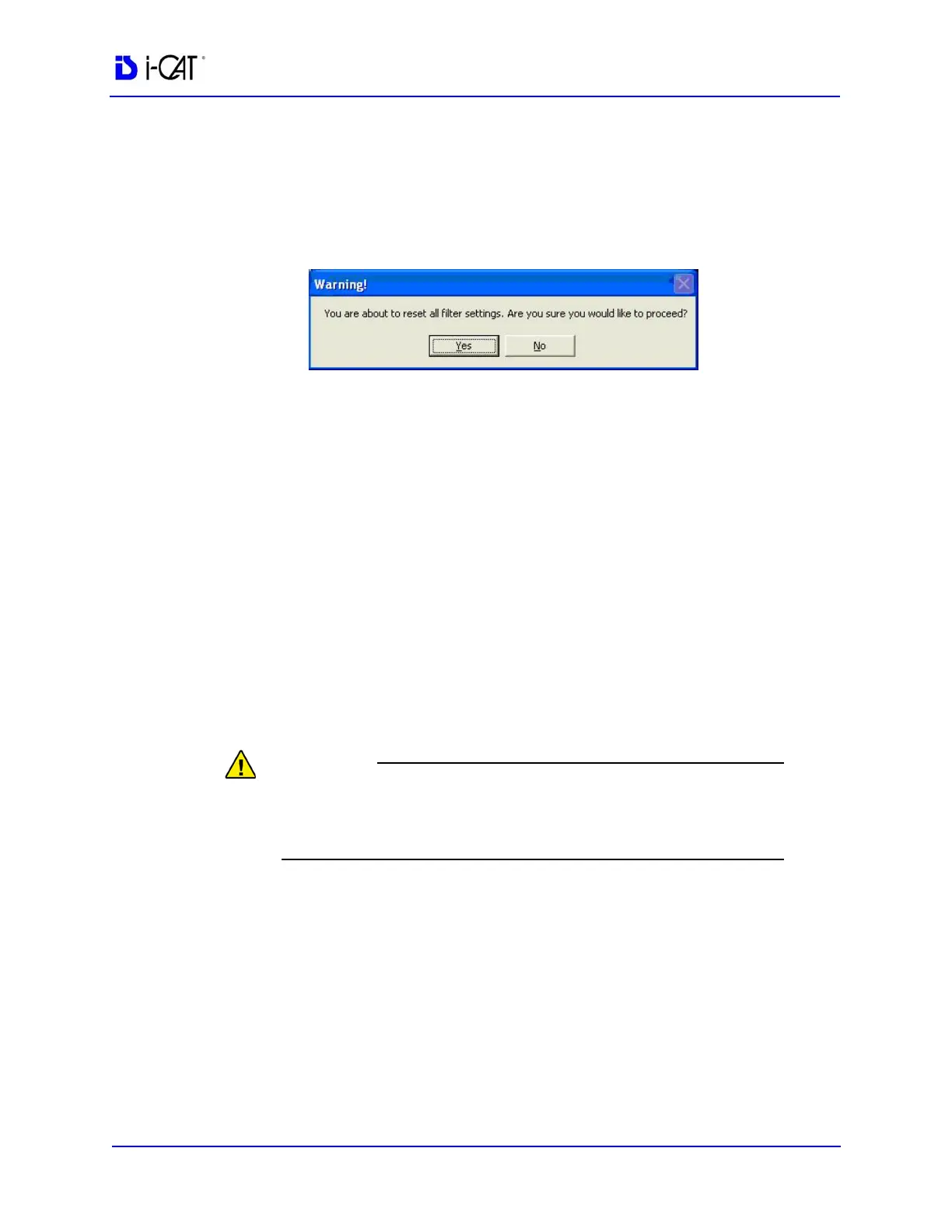
Resetting all Filters to the Default Values
To reset filters to the default values:
1. From the Main menu, select Tools > Filter Settings > Reset To
Default.
2. Click Yes. The dialog box closes and all filter settings are set to
the default.
Taking Measurements
Hounsfield Units
The system software allows making measurements in Hounsfield
Units (Shape Region) for all image views. These measurements
calculate and display the average (Mean) grayscale level of the area
enclosed from -1000 to 3000 (where 0 equals the density of water).
The Standard Deviation is also calculated, where the smaller the
number, the closer each shade of gray is in density to the others in
the enclosed area.
Do not use this feature with images acquired using the Landscape
8cm H x 8cm D protocol, as Hounsfield unit measurements may be
inaccurate.



 To Next Page