17-19 Operators’ Manual
990400 Rev C 2010 May 1
8-16
1. To make an HU measurement,
right click image and select HU
Statistics.
The menu closes and the cursor
changes to the hu measurement
symbol.
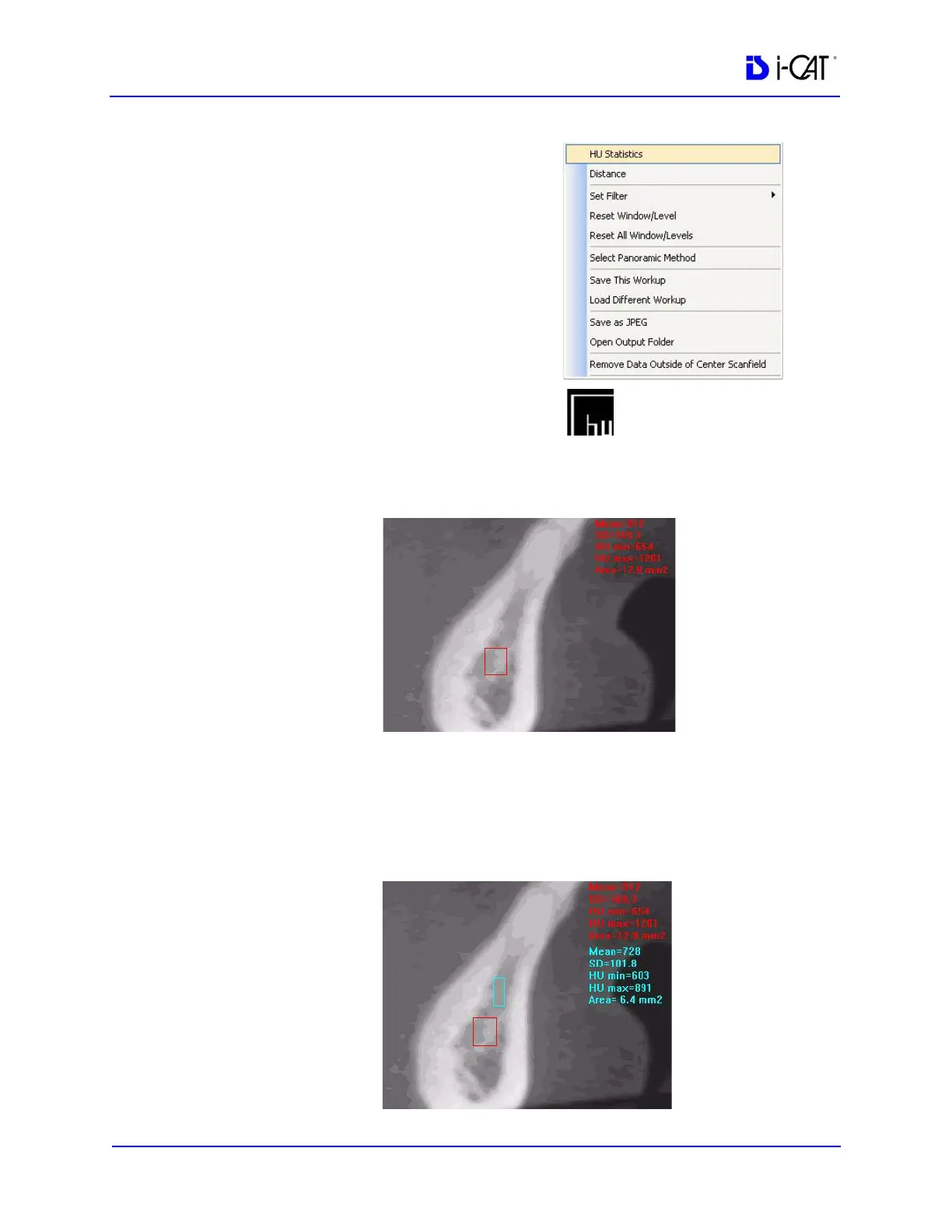
2. Click, drag, and click to define an area. Measurement statistics
appear in the upper right corner of the image.
3. Repeat steps 2 and 3 to take additional measurements. A
maximum of four HU measurements can be taken at a time in a
normal view and two in a cross section view. Additional
measurements are displayed in varying colors so that they can be
easily associated with the selected image area.



 To Next Page